

Firefox Send
Firefox Send screenshots (6)

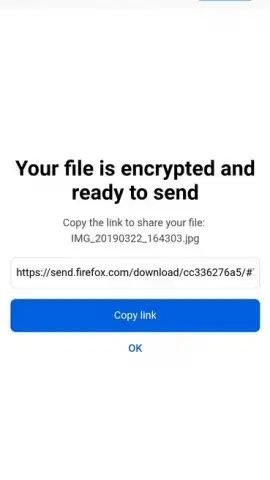
Description Firefox Send
Imagine needing to share a large video file with a colleague, but your email service blocks it. You consider using a public cloud drive, but the file contains sensitive data. You need a tool that is both powerful and private.
Core Functionality
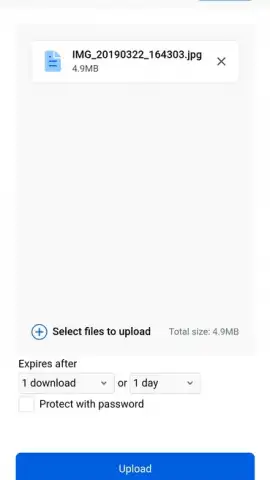
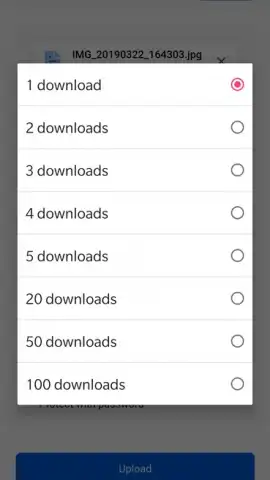
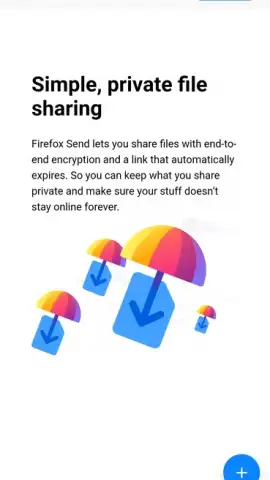
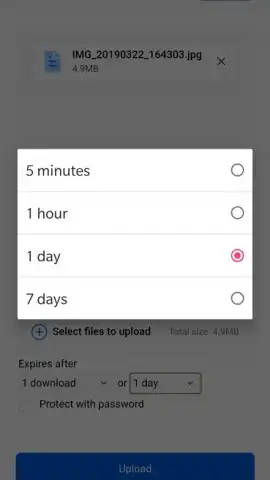
Firefox Send provides a secure, ephemeral file-sharing service directly from your device. It allows you to upload any file—from documents and presentations to high-resolution images and videos—and generate a shareable link. The defining feature is user-controlled expiration: you set the link to automatically expire after a specific number of downloads or a set period of time, up to 7 days. All transfers are protected by end-to-end encryption, ensuring only the intended recipient with the link can access the file. The service operates via a clean, web-based interface, requiring no account creation for sending, which facilitates quick and anonymous sharing.
Key Operational Advantages
The application prioritizes user privacy and simplicity. The encryption process occurs locally on your device before upload, meaning Mozilla servers never have access to the unencrypted content. This design eliminates concerns about third-party data mining or storage of your personal files. The interface is intentionally minimalistic, focusing solely on the task of selecting a file, setting expiration parameters, and obtaining a link. This reduces cognitive load and enables fast, task-oriented use. Performance is optimized for reliability, handling large files without requiring installs or complex configurations on the recipient's side.
Primary Features
- End-to-end encrypted file transfers
- Set link expiration by time/downloads
- No account required to send
We suggest trying Firefox Send for a more controlled and private alternative to standard cloud sharing services.
A network connection is required for uploading and downloading files. This is a free service from Mozilla.


