

fooView - Float Viewer
fooView - Float Viewer screenshots (8)
Description fooView - Float Viewer
What if a single floating button could replace dozens of individual app shortcuts and system gestures?
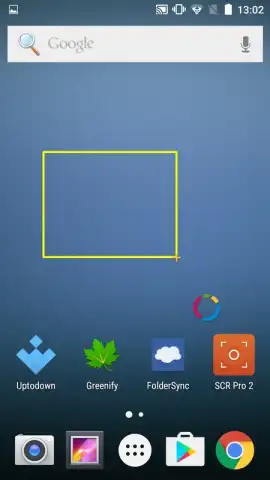
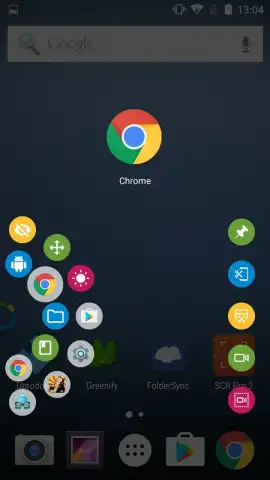
fooView - Float Viewer presents a utility-based approach to Android navigation and file management, consolidating multiple functions into a single, persistent on-screen element. Upon installation, a configurable semi-transparent button anchors to the screen edge. Its primary mechanic involves directional swipe gestures initiated from this button. A short swipe left or right typically emulates the system 'back' command, while a long swipe in the same direction accesses a history or menu. A vertical swipe upwards opens the application's central command hub.
Core Functional Analysis
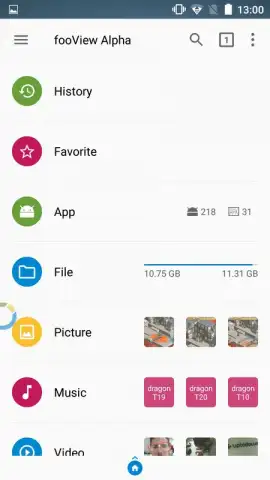
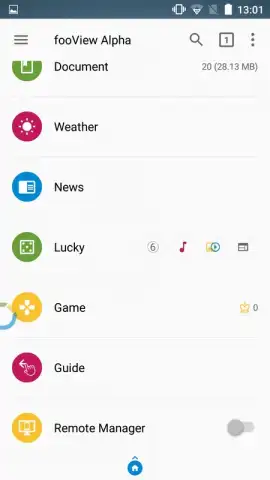
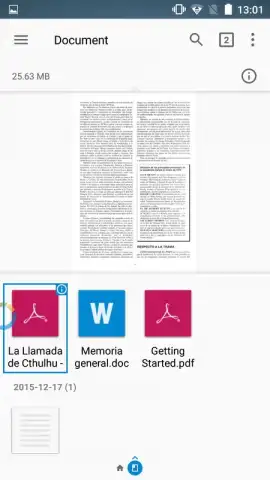
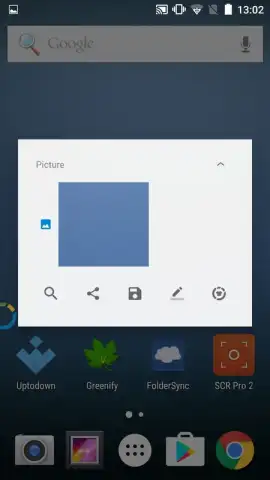
The application operates as a layered accessibility and productivity tool. The floating button serves as a trigger, with gesture distance and direction determining the output action. The main menu, accessed via the upward swipe, functions as a unified file explorer and web portal. It provides direct access to local device storage for media, documents, and videos, while also integrating quick-launch modules for web services like YouTube, Google Search, and weather forecasts. This bypasses the need to open separate dedicated applications for these common tasks.
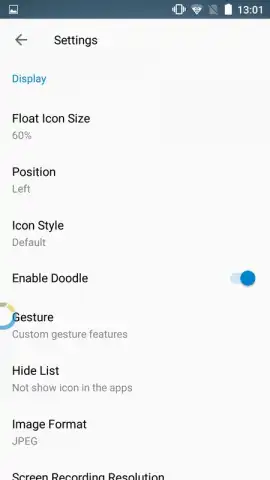
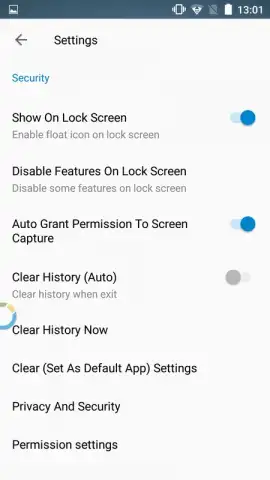
The system is highly configurable; users can adjust the button's size, opacity, and exact screen position through the settings panel. The optional Turbo mode, referenced in the promotional materials, is positioned to unlock advanced features and purportedly removes any advertising elements, shifting the operational model towards a utility-focused experience without interruptions.
Key Operational Features
- Gesture-Based Navigation: Execute system back actions and menu navigation through customizable short and long swipes from a floating button.
- Unified File & Web Dashboard: Access and manage local images, documents, and videos alongside direct web modules for YouTube and search.
- Fully Configurable Interface: Adjust the floating button's visibility, size, and screen placement to suit individual usage patterns and preferences.
We suggest trying fooView - Float Viewer if your daily smartphone use involves frequent switching between file management, web browsing, and system navigation. Consider downloading it to test a consolidated, gesture-driven control scheme.
Download the fooView - Float Viewer mobile app now.
Note: Application requires an internet connection for web-based features. Some advanced functionalities may be accessed via in-app purchases or a premium model.
 GooglePlay


