

Framaroot File Manager
Framaroot File Manager screenshots (7)
Description Framaroot File Manager
The Hidden File System Problem on Android
Most Android file managers operate within a strict sandbox, preventing true control over your device's storage. This limitation means system folders and certain protected directories remain inaccessible, forcing you to work around the operating system's restrictions rather than mastering your own storage. The Framaroot File Manager addresses this core issue by providing the key to full administrative access, transforming a standard utility into a powerful organizational tool.
Features and Functional Analysis
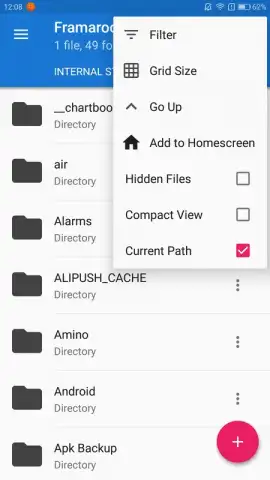
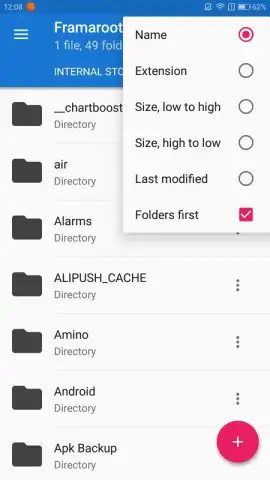
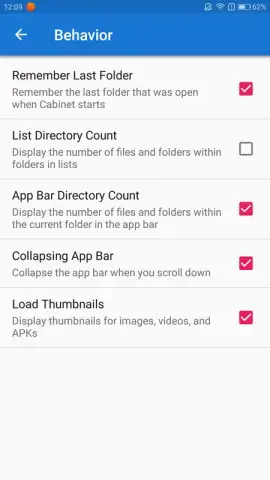
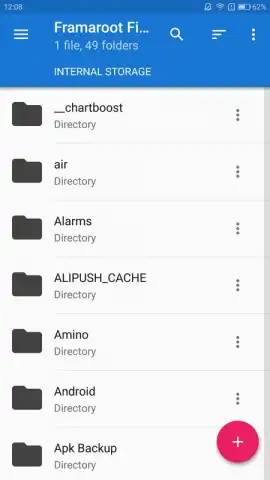
This application functions as a root-level file management system, granting users the permissions needed to navigate and modify directories typically locked by the Android OS. Its primary distinction lies in this elevated access, allowing for operations like deep system folder management and modification of default application storage locations. The interface is deliberately streamlined to mitigate the complexity usually associated with root tools, employing a logical layout that categorizes files by location, name, and type for efficient retrieval.
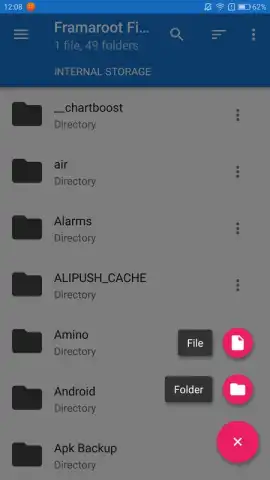
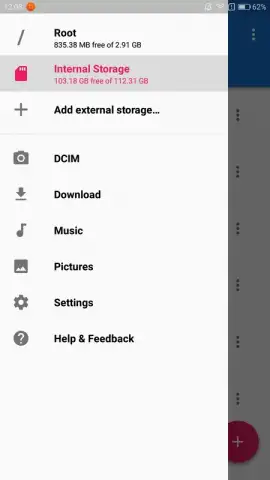
Beyond basic navigation, the manager supports integration of multiple storage volumes. This includes not only standard microSD cards but also the attachment of external storage devices, creating a unified view of all file repositories. File operations are simplified to single-tap actions for moving, copying, or permanent deletion. The application notably operates without advertising interruptions, a significant benefit for a utility that demands user focus during sensitive file operations.
Core Capabilities in Detail
- Unrestricted Root Access: Modify system folders and protected storage locations that are inaccessible to standard file managers.
- Unified Storage Dashboard: Manage internal, microSD, and externally connected storage volumes from a single, consolidated interface.
- Streamlined File Operations: Execute moves, copies, and secure deletions with one-tap commands and an ad-free interface.
Download the Framaroot File Manager now! Take immediate control of your device's entire file system and stop working around artificial limitations.
Disclaimer: This application requires a rooted Android device and a stable internet connection for initial download and potential updates. Use with caution, as root access can affect system stability and security. Be aware of your device's age restrictions and data usage policies. The developer is not responsible for data loss or device issues resulting from improper use.


