

FX File Explorer
FX File Explorer screenshots (8)

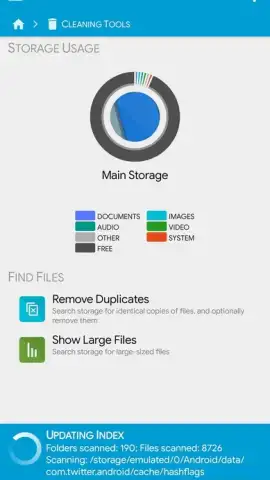

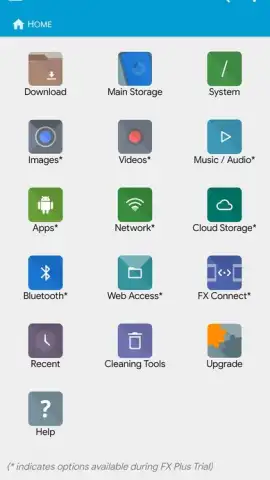
Description FX File Explorer
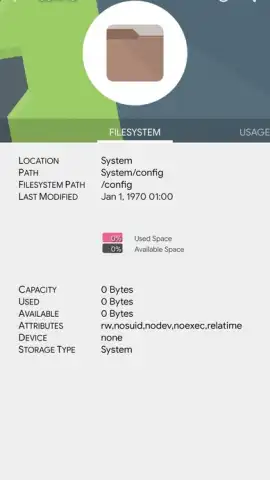
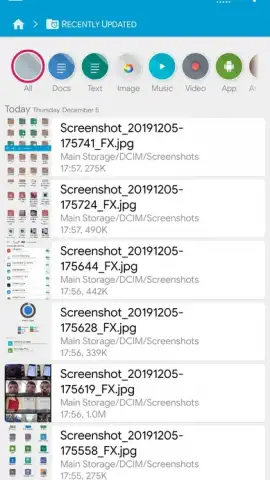
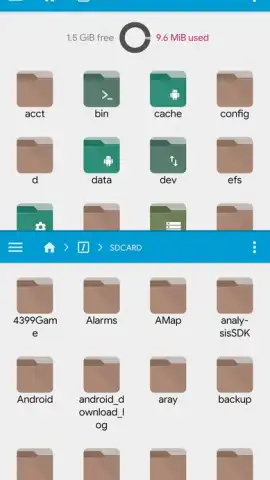
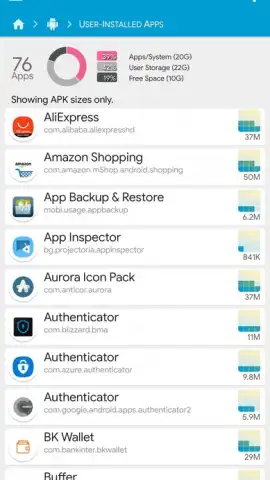
Need a desktop-class file manager for your Android device? FX File Explorer transforms your mobile or tablet into a powerful file management hub, operating on the same intuitive principles as your computer. This tool provides complete command over your device's storage, applications, and network connections, enabling seamless organization, access, and sharing of any file type.
Core Functionality and Advanced Tools
FX File Explorer delivers a comprehensive suite of file operations, mirroring a full desktop experience. Execute standard actions like cut, copy, paste, rename, create, and delete with precision. The application supports deep integration with cloud storage services and local networks, allowing you to upload files to the cloud or transfer them via email directly from the interface. For advanced data handling, it includes a built-in archive utility capable of unpacking compressed files in ZIP, RAR, and 7ZIP formats. The app also facilitates wireless access to your computer's file system over a WiFi connection, creating a unified network storage environment.
Technical Capabilities and Format Support
This explorer provides extensive format compatibility for viewing documents, images, and videos directly within the app, eliminating the need for multiple dedicated viewers. It offers granular control over device connectivity, including the management of mobile data and network states. The Turbo version removes all advertising and unlocks enhanced performance features, providing an unobstructed and efficient workflow tailored for power users who require specialized tools and options for system management.
- Full desktop-style file operations
- Archive extraction and WiFi transfer
- No advertisements in Turbo mode
Gain absolute control over your device's data. Download FX File Explorer now and manage your digital world with desktop power!
Internet required. IAP available.
 GooglePlay


