

Glextor AppManager
Glextor AppManager screenshots (6)
Description Glextor AppManager
Struggling to organize your apps across multiple home screens?
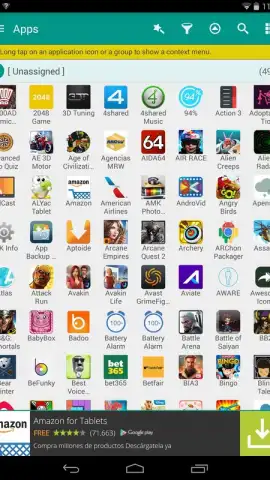
Glextor AppManager transforms your device into a logically structured workspace. This tool automatically sorts your applications into dynamic, customizable folders based on their function and your usage patterns. Move beyond manual organization and experience a home screen that adapts to your workflow, making any app instantly accessible.
Core Functionality for Streamlined Device Management
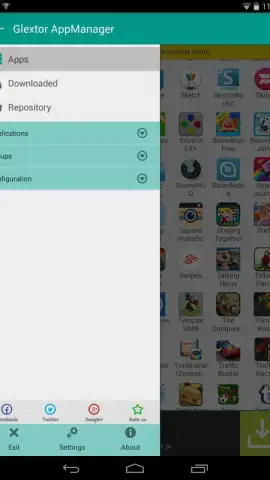
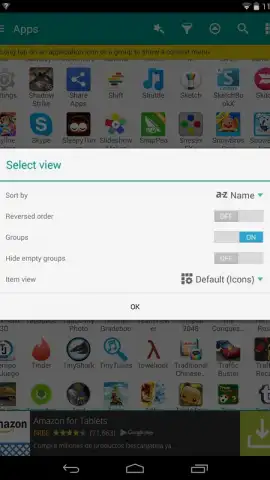
The app employs a smart categorization engine that analyzes your installed applications. It creates and manages folders such as Social, Tools, Games, and Productivity directly on your home screen. You maintain full control with the ability to edit category names, merge folders, and set custom icons. A dedicated widget provides one-tap access to your most-used applications and recently installed items, serving as a central command panel.
Key Advantages of Intelligent Organization
- Dynamic Folder Creation: Automatically generates and updates application groups like Communication, Media, and Utilities based on app functionality.
- Customizable Home Screen Layouts: Create and save multiple home screen profiles for work, travel, or personal use, switching between them instantly.
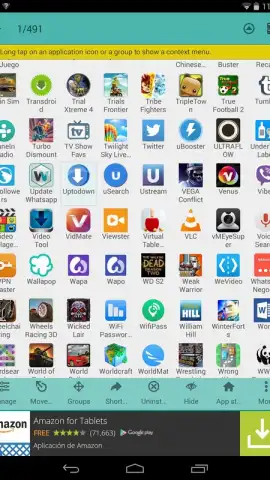
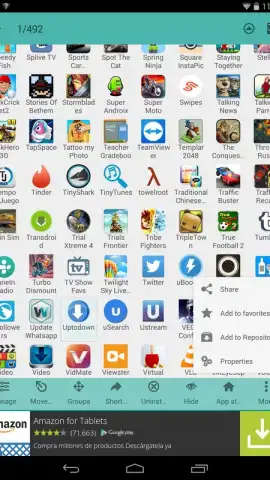
- Integrated Uninstall Manager: Review and batch-remove applications with storage size and last-used data clearly displayed for each item.
- Minimal Resource Footprint: The tool operates efficiently in the background, ensuring system performance and battery life are not impacted.
We suggest trying Glextor AppManager to declutter your device and reduce the time spent searching for applications.
Download mobile app now.
Internet required. IAP available.
 GooglePlay


