

GO Launcher EX
GO Launcher EX screenshots (13)

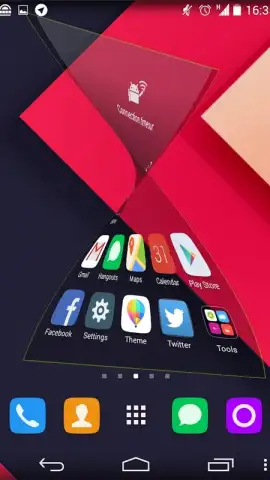
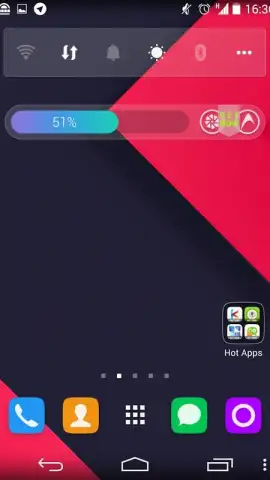
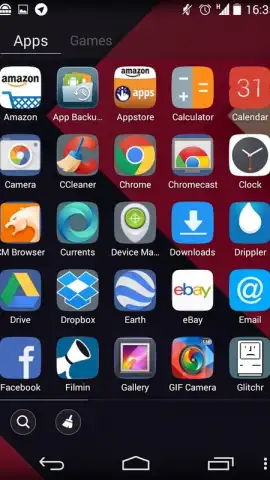
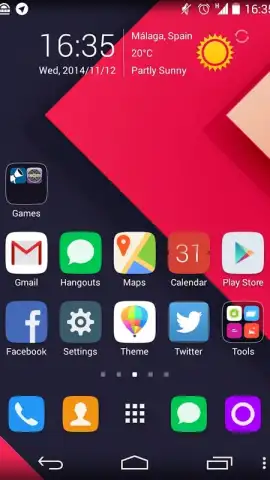
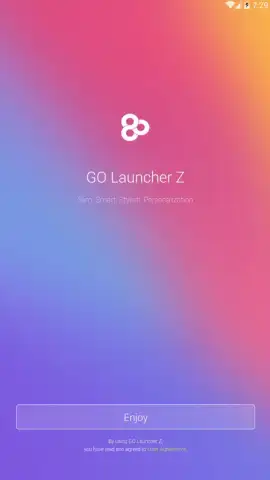
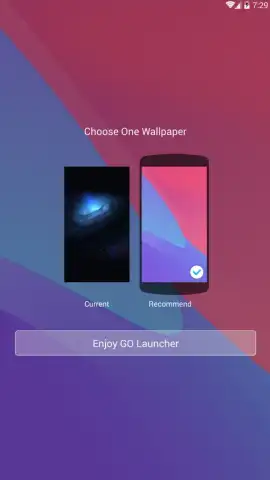
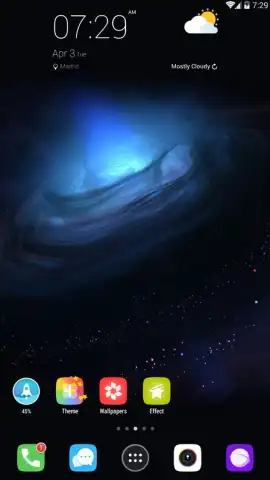
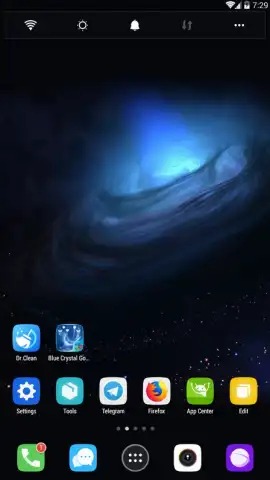
Description GO Launcher EX
The Challenge of Android Customization
Many Android users find the default interface limiting, with rigid icon grids and a lack of visual personality. Achieving a truly unique home screen often requires technical know-how or compromises in functionality. GO Launcher EX addresses this by providing a comprehensive, user-friendly framework for complete system-wide visual and operational overhaul.
Core Functionality and Mechanics
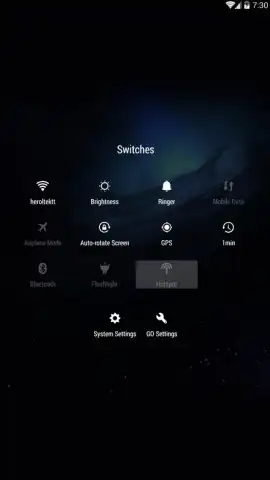
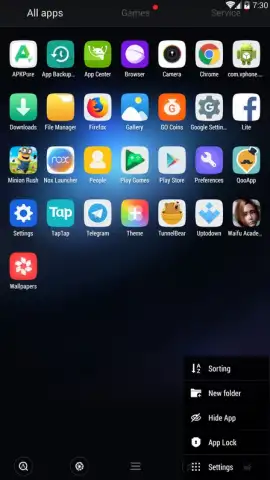
GO Launcher EX operates as a replacement for your device's standard launcher, intercepting and redesigning the core user interface elements. It installs a new layer of software that manages home screens, the app drawer, and transition animations. The application's primary mechanic is the theme engine, which applies coordinated visual packs that change wallpapers, icon sets, fonts, and dock styles simultaneously. A secondary, granular control panel allows for independent adjustment of these elements, including icon size, grid density, and scroll effects. The software also introduces gesture controls, enabling actions like double-tap to sleep or swipe up for the app drawer, which are mapped directly to the home screen canvas.
Detailed Feature Analysis
The launcher's utility is defined by its depth of customization and performance optimization.
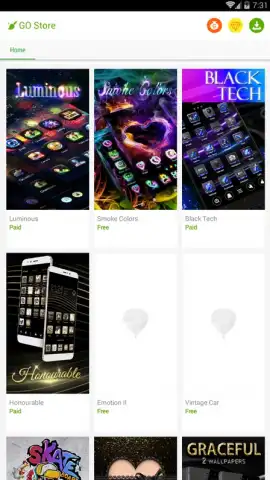
- Dynamic Theme Engine with One-Tap Application: The app provides access to an extensive online repository of theme packages. Applying a full visual overhaul requires a single confirmation, instantly transforming the color scheme, iconography, and system sounds.
- Granular Desktop and Screen Management: Users can configure each home screen panel individually, setting specific wallpapers, icon layouts, and widget placements. This includes advanced arrangements like circular icon menus or vertical scrolling docks, moving beyond standard grids.
- Performance-Tuned Operation with Turbo Mode: An integrated Turbo function aims to streamline the launcher's resource usage. This mode typically disables certain visual effects and background processes to maintain responsiveness, particularly on devices with limited hardware capabilities.
We suggest trying GO Launcher EX if you seek to move beyond the static layout of your default Android interface.
Download GO Launcher EX now to begin restructuring your device's interaction model.
Heads up: you'll need wifi to download themes from the online gallery. Some premium themes and advanced gesture features are extra.
 GooglePlay


