
Google Assistant Go
Google Assistant Go screenshots (5)
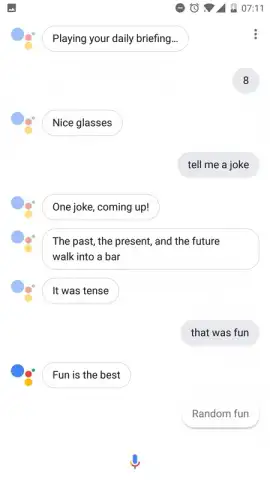
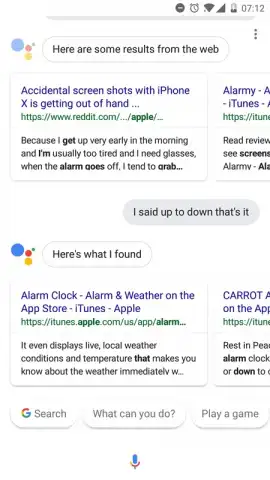
Description Google Assistant Go
Imagine needing to send a message while your hands are full, or setting a reminder the moment you think of it. Google Assistant Go transforms your Android device into a hands‑free command center, activated by a simple tap or the phrase “Ok Google.” This official, lightweight application from Google delivers a streamlined yet powerful virtual assistant experience directly to your home screen.
Core Functionality and User Experience
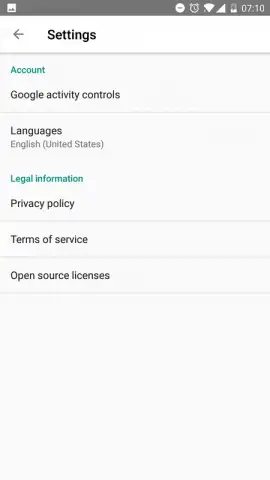
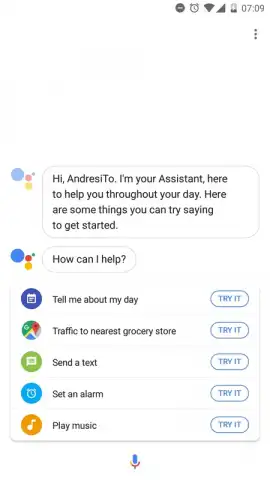
Google Assistant Go is engineered for rapid task execution through intuitive voice commands. Upon launch, either via its app icon or voice trigger, the assistant processes natural language requests to perform a wide array of actions. The interface is designed for clarity, presenting responses and confirmations in a clean, accessible format. A key operational feature is the ability to change the assistant’s language directly within the app’s settings menu, accommodating a more personalized interaction.
Detailed Capabilities and Tools
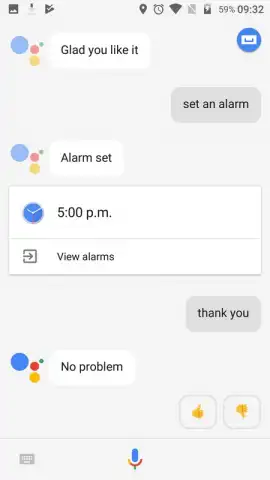
The assistant handles communication tasks efficiently, allowing you to dictate and send emails to any contact or place calls and send messages via integrated services like WhatsApp. For daily management, it can set precise alarms, create detailed reminders with specific times and contexts, and provide immediate weather forecasts for any location. Media control is seamless, enabling voice‑command playback of music from supported apps. Furthermore, the assistant can execute device functions such as activating the camera for a hands‑free selfie. Each function is optimized for speed, aiming to complete requests within seconds.
- Send messages and emails by voice
- Set alarms and create reminders
- Get weather forecasts instantly
- Control music playback hands‑free
We suggest trying Google Assistant Go to experience a more efficient way to manage daily tasks on your Android device. Consider downloading this official tool to add a responsive, voice‑controlled layer of productivity to your phone.
Note: This application requires an internet connection for full functionality. Some features may integrate with third‑party services. The developer may offer in‑app purchases.
 GooglePlay


