
Google Drive
Google Drive screenshots (9)
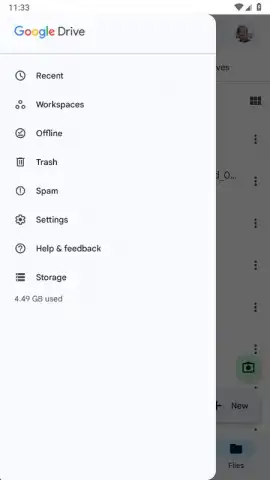
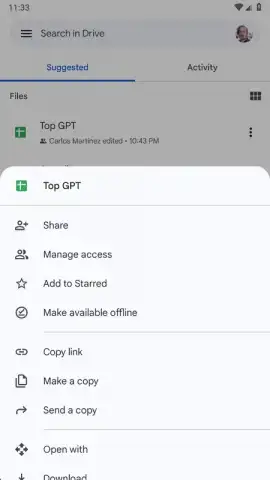
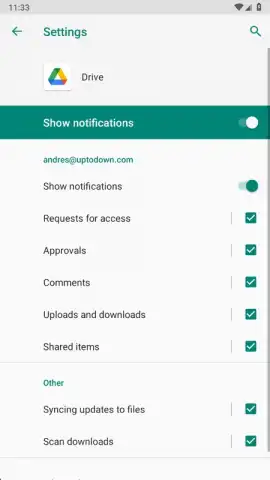
Description Google Drive
Never Lose a File Again: Your Universal Cloud Hub
Tired of digging through your phone, computer, and email to find a single document? Struggling to share large videos or project folders without resorting to clunky, unreliable methods? Google Drive solves these daily frustrations by putting a powerful, unified cloud storage platform directly in your pocket. As the official mobile gateway to Google's ecosystem, this app transforms how you manage, secure, and collaborate on all your digital assets. It seamlessly integrates with the tools you already use, like Gmail and Google Docs, creating a central nervous system for your personal and professional files that is accessible from any device, anywhere.
Core Functionality and User Experience
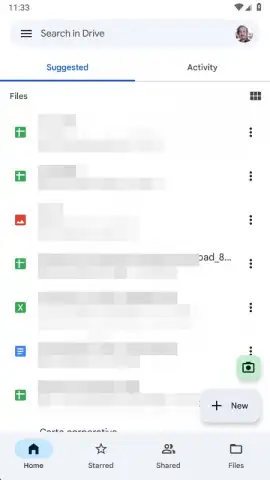
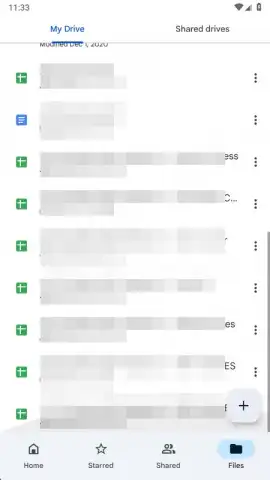
Google Drive operates as an extension of your Google account, requiring a Gmail address for secure, personalized access. Upon login, the app presents a clean, organized interface that syncs instantly with your entire cloud repository. New users will see an empty canvas ready for organization, while existing users gain immediate access to years of accumulated files, photos, and shared collaborations. The platform is part of Google Workspace, meaning it's designed for serious utility without disruptive advertisements, allowing for focused file management. Storage is intelligently pooled: your free 15 GB plan is shared across Gmail, Google Photos, and Drive itself, but scalable paid plans offer up to 2 TB for demanding professional needs.
Key Features and Tools
- Universal File Storage & Organization: Securely store and instantly retrieve any file type, including PDFs, MP4 videos, Excel spreadsheets, and ZIP archives, with powerful in-app search and filter tools to locate items by format or name in seconds.
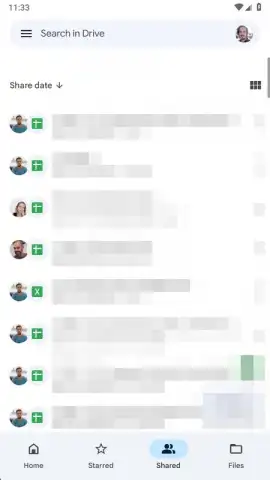
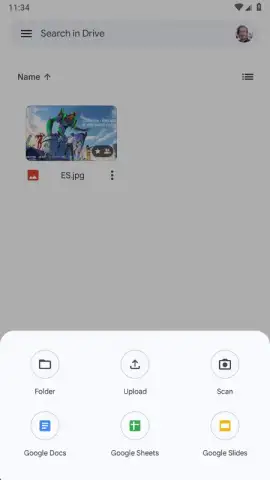
- Simplified Sharing & Collaboration: Upload any document or folder with one tap, then generate a shareable link to grant others instant view or edit access, eliminating cumbersome email attachments and enabling real-time teamwork.
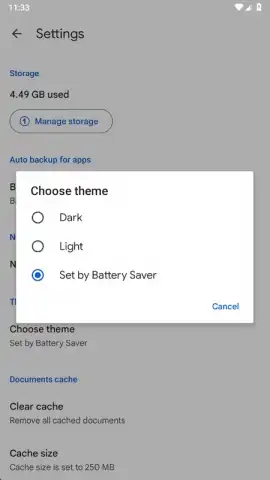
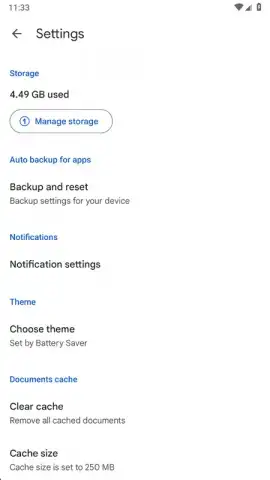
- Cross-Device Synchronization & Backup: Automatically back up critical documents from your Android device to the cloud and access them seamlessly from any smartphone, tablet, or computer, ensuring your work is always current and protected.
The application excels at making cloud storage intensely practical. Uploading is a streamlined process: select any file, tap the share button within your device, and choose "Save to Drive." Once in the cloud, whether it's a presentation, a scanned contract, or a personal video library, sharing it is as simple as sending a link—recipients can download or view immediately without needing an account. For personal organization, the ability to filter your entire storage by specific file types (like finding all EPUB books or JPEG images) turns a vast digital library into a quickly navigable space. This functionality ensures that your 15 GB of free space or your expanded 100 GB, 200 GB, or 2 TB paid storage is not just a digital attic, but a highly efficient filing system.
Get Your Organized Digital Life Today
Stop letting your important files scatter across devices and inboxes. Google Drive provides the definitive solution for secure storage, effortless sharing, and universal access. Transform your workflow and never search for a document again.
Download the Google Drive mobile app now and claim your free 15 GB of organized cloud storage!
Disclaimer: This application requires an active internet connection for full functionality and synchronization. It requires a Google account (Gmail) for login. The app may offer in-app purchases for additional storage space beyond the free 15 GB tier. Please be aware of your mobile data usage when syncing large files. User data is handled in accordance with Google's privacy policy. The service is subject to Google's terms of service.
 GooglePlay


