
Google Sheets
Google Sheets screenshots (18)
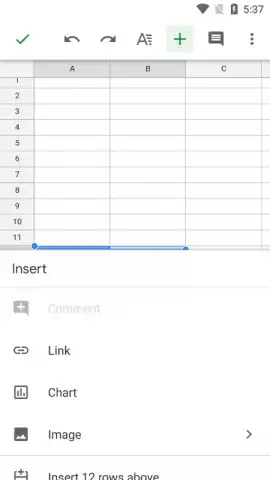
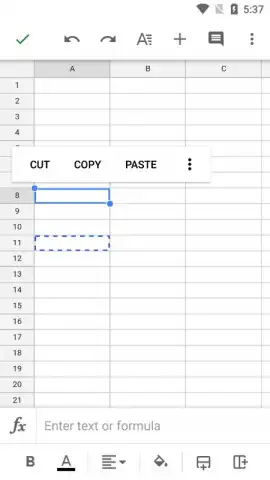
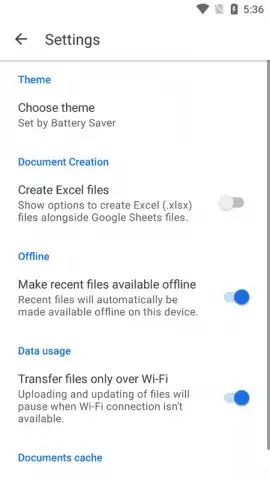
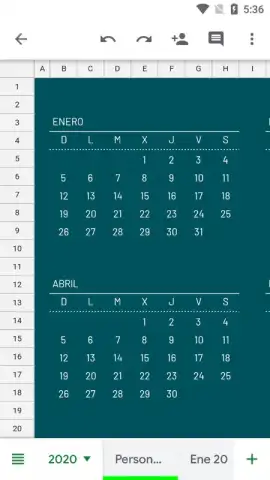



Description Google Sheets
Your Spreadsheet, Liberated
Imagine you’re racing to meet a deadline, but you’re nowhere near your desk. A crucial number needs updating, a chart requires a tweak, and your team is waiting. The old way meant frantic emails and version chaos. Now, picture pulling out your phone, tapping an app, and seeing the live document with your colleague’s cursor moving, making edits in real-time as you watch. That instant, seamless connection isn’t just convenient—it transforms how work gets done. This is the reality with Google Sheets, where your data isn’t trapped on a single device but lives, breathes, and evolves with you in the cloud, turning any moment into a productive one.
Workflows Reimagined for the Mobile World
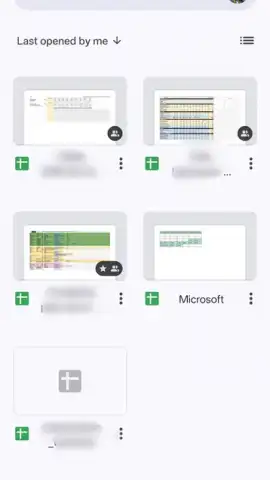
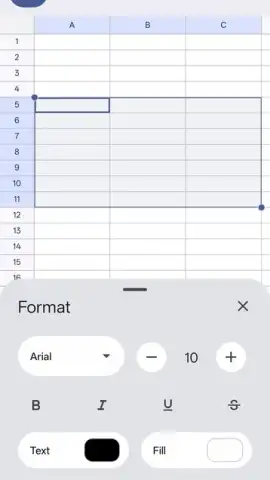
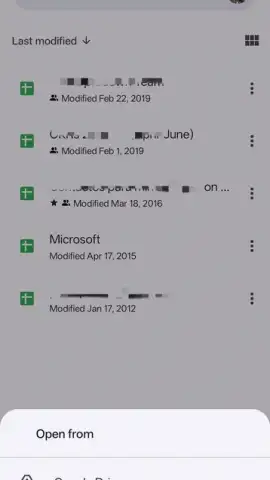
This app hands you the full power of a desktop spreadsheet editor, meticulously redesigned for your pocket. You’re not just viewing files; you’re building complex budgets, tracking dynamic project timelines, and analyzing data sets with intuitive gestures. The familiar grid feels natural under your fingertips, with smart formatting tools and formulas that travel with you. Start a financial model on your laptop during your commute, then fine-tune a graph from your tablet on the couch—the experience is consistently powerful, because your work is always saved and synced automatically to Google Drive. You never have to remember to save or send the latest version again; it’s just always current.
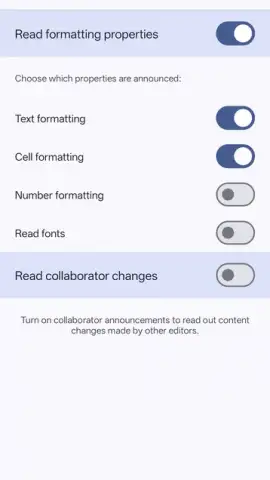
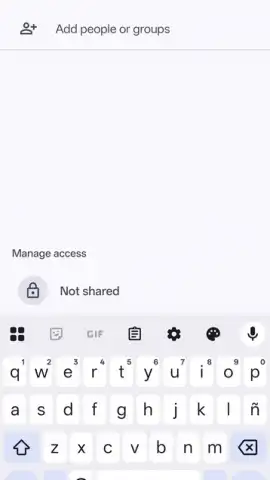
The magic truly unfolds when collaboration begins. You can share a sheet with a single link and then watch as teammates, classmates, or clients edit simultaneously. See names and cursor movements in real-time, leave threaded comments for context, and use the suggestion mode to propose edits without altering the original. This transparency means no more overwriting each other’s work or wasting time merging documents. For students, it’s perfect for group projects; for professionals, it’s the engine for agile, distributed teamwork. The mobile interface cleverly highlights active collaborators, so you’re always aware of who’s working where, even on a smaller screen.
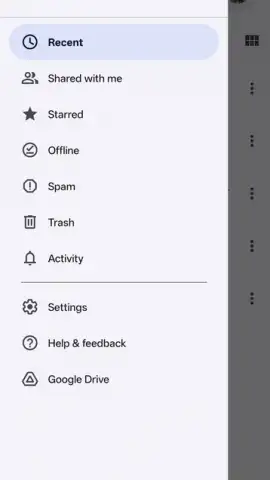
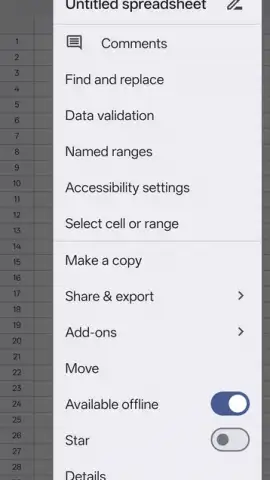
Productivity soars because you’re no longer chained to a location. Access any sheet, anytime, from your phone, tablet, or computer. Need to quickly check inventory numbers from a warehouse floor? Done. Want to update a sales forecast while waiting for a meeting? It’s ready. The ability to work offline is a silent superpower—make changes on a plane or in a subway, and everything syncs beautifully the moment you reconnect. This fluidity turns idle moments into progress and ensures you’re always prepared, with your most important data just a tap away.
- Create and edit spreadsheets effortlessly
- Real-time collaborative editing
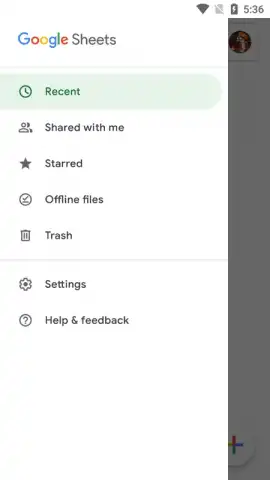
- Full offline access and auto-sync
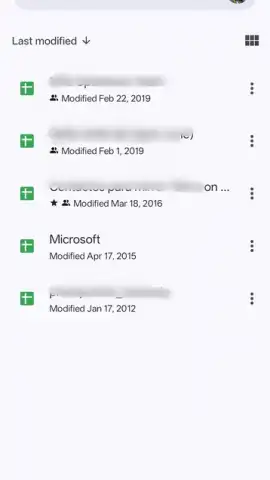
- Seamless integration with Google Drive
We suggest trying Google Sheets to experience truly frictionless productivity. Consider downloading it now to turn your mobile device into a powerful command center for all your data and team projects.
Download the Google Sheets mobile app now.
Disclaimer: This application requires an internet connection for initial setup, real-time collaboration, and cloud synchronization. Some advanced features may require a Google account. The app may use mobile data for syncing. Please be aware of your data plan. This is an official Google LLC product. Always download apps from official stores for security.
 GooglePlay


