

Handrite
Handrite screenshots (10)
Description Handrite
Your Handwriting, Digitized Instantly
Ever find yourself scribbling a quick note, sketching a diagram, or jotting down a brilliant idea, only to wish that messy, authentic scrawl could live on your device as clean, editable text? That gap between the natural flow of your pen and the rigid structure of digital text can feel frustrating, forcing you to type everything out manually. This mobile app bridges that divide directly, turning the spontaneous thoughts from your notebook into organized digital content without losing the personal touch of your own handwriting.
From Paper to Pixel in a Single Stroke
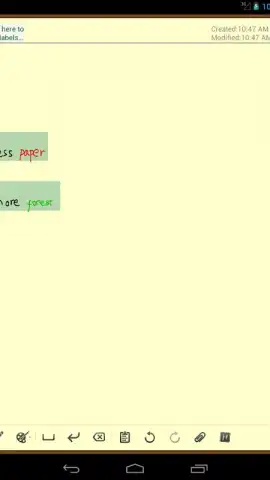
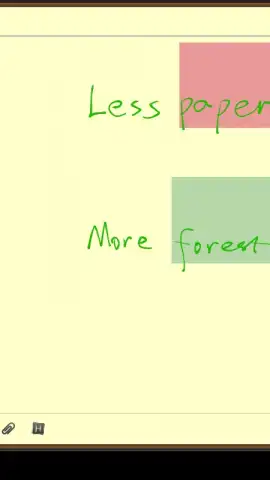
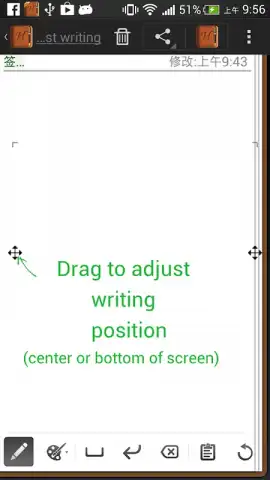
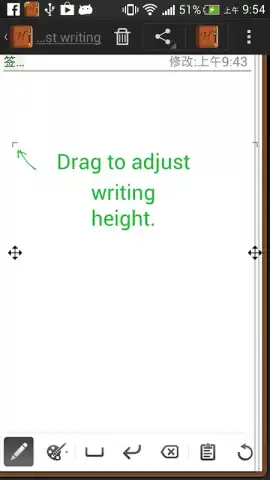
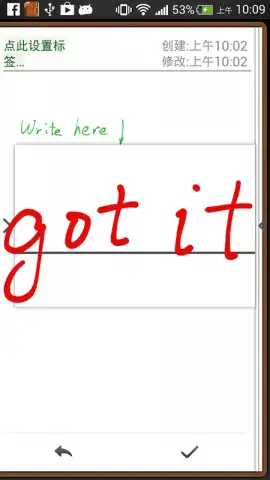
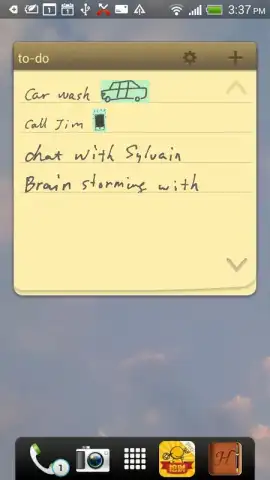
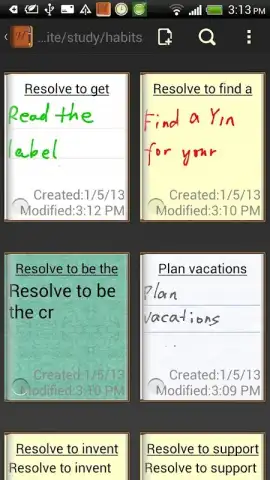
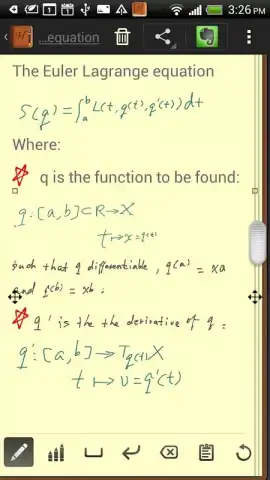
Handrite transforms your device's screen into a smart notepad that understands your handwriting as you write. You simply write anywhere on the screen with your finger or a stylus, and the app actively converts your cursive, print, or even rough sketches into crisp, standard text. The core experience revolves around a frictionless capture process. There's no need to write in a specific box or follow strict lines; you write freely, and the intelligent recognition engine works in the background, segmenting words and interpreting your unique style. This creates a seamless workflow where your handwritten meeting notes become an editable document, your grocery list becomes a shareable text file, and your brainstormed diagrams gain a digital structure, all preserved with the original handwritten version alongside for reference.
Engineered for Intuitive Daily Use
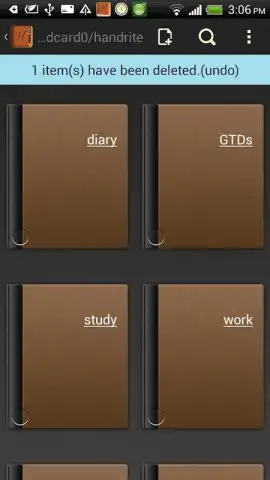
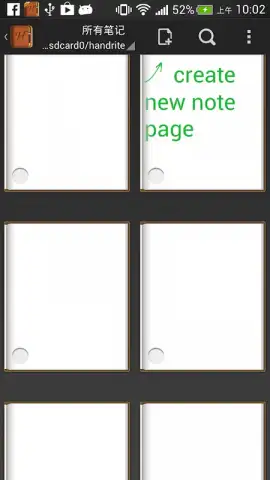
The true strength of this tool lies in its focus on a natural, unobtrusive user experience. The interface stays minimal and gets out of your way, putting the blank canvas front and center so your thoughts can flow without distraction. It supports multi-page documents, allowing you to keep extensive projects or lecture notes neatly organized in one place. Furthermore, the recognition is optimized for continuous writing, learning from corrections to better adapt to your personal handwriting style over time, making each use smoother than the last.
- Freeform Canvas Writing: Write anywhere on the screen without constraints, enjoying a natural notepad-like feel that encourages creativity and quick note-taking.
- Real-Time Text Conversion: See your handwriting transform into digital text as you write, enabling immediate editing, copying, and sharing of the converted content.
- Dual-Layer Document Preservation: Every note saves both your original handwritten strokes and the converted text layer, giving you full flexibility to refer back to or edit either version.
We suggest trying Handrite to experience the fluidity of bringing your analog thoughts into the digital world effortlessly. Consider downloading it to replace your physical notepad and unlock a faster, more organized way to capture ideas.
Internet required. IAP available.


