

Holo Launcher HD
Holo Launcher HD screenshots (9)
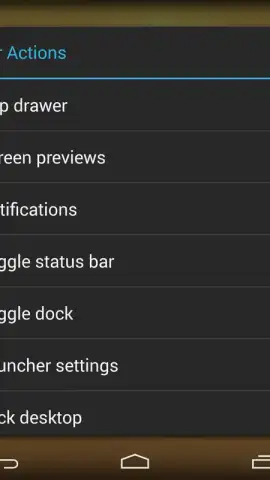
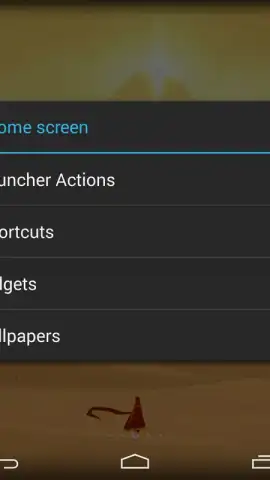

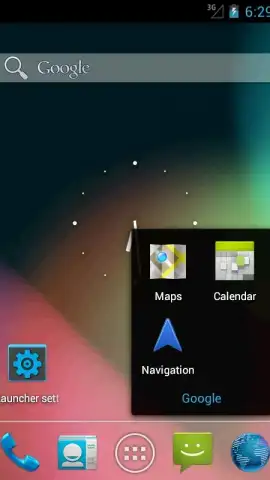
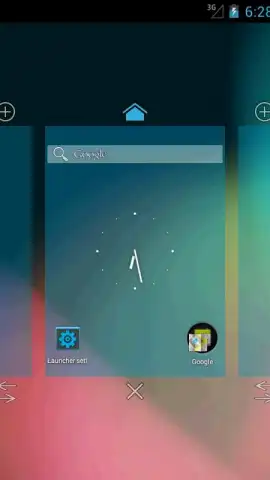
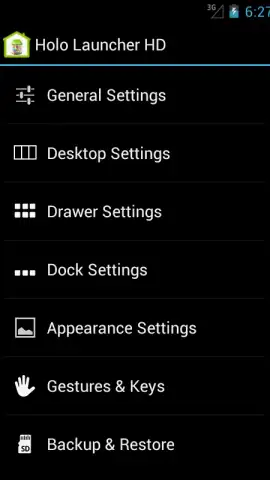
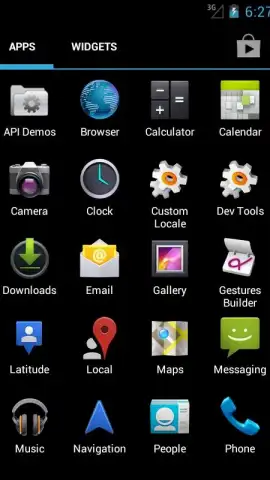
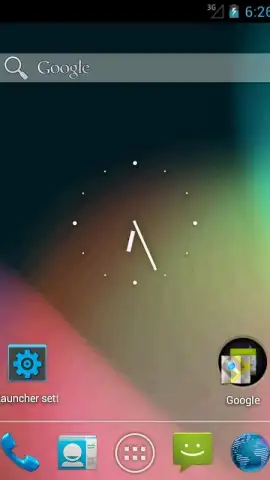
Description Holo Launcher HD
A Refined Interface for the Modern Android User
For users seeking to modernize the interface of older or stock Android devices, the default launcher often feels restrictive and dated. The challenge lies in achieving a cleaner, more fluid aesthetic without compromising on customization depth or system performance. Holo Launcher HD by Mobint Software addresses this directly, implementing the design philosophy of Android's Ice Cream Sandwich era as a functional layer over your existing system. It is not merely a skin but a comprehensive replacement for your home screen and app drawer, engineered specifically for high-definition displays to ensure graphical elements are sharp and interfaces are responsive.
Core Functionality and Customization Analysis
The launcher's primary achievement is its faithful recreation of a streamlined Android experience. It provides up to nine distinct home screens, each configurable with a 10x10 grid. This extensive grid system is not superfluous; it allows for meticulous organization where users can dedicate screens to specific workflows—such as productivity, social media, or entertainment—while maintaining a visually uncluttered space with strategic icon placement. The dock is equally adaptable, supporting up to three pages with seven applications or folder shortcuts per page, creating a persistent, customizable quick-access bar for essential functions.
Beyond static layout, Holo Launcher HD introduces dynamic control through gesture support. Users can assign specific actions, such as launching a favorite app or toggling settings, to swipe gestures performed on the home screen. This minimizes reliance on icon taps, streamlining navigation. The launcher also enhances visual feedback and transition animations between screens, contributing to a perceptibly smoother user experience. A significant operational note is the inclusion of a "Turbo" mode, which is promoted to enhance performance and, critically, removes advertising from the launcher environment, allowing for uninterrupted use.
- High-Definition Grid System: Configure up to nine home screens with a precise 10x10 grid for pixel-perfect icon and widget alignment.
- Fully Customizable Dock Interface: Create a multi-page dock holding up to seven shortcuts per page for instant access to key applications.
- Gesture-Based Application Controls: Map swipe gestures to launch apps or actions, enabling faster navigation beyond traditional tapping.
The utility of Holo Launcher HD is clear for enthusiasts of the classic Android aesthetic and users of devices that never received official updates to newer interfaces. It delivers a cohesive, performance-oriented layer that enhances both form and function.
Get your bonus of a cleaner, faster Android experience today—download Holo Launcher HD now and transform your device's interface.
Disclaimer: This application requires a stable internet connection for initial download and potential updates. Some features or the removal of advertisements may be accessed through in-app purchases.


