

HP
HP screenshots (20)
Description HP
Ever feel like your printer is on a different planet from your phone?
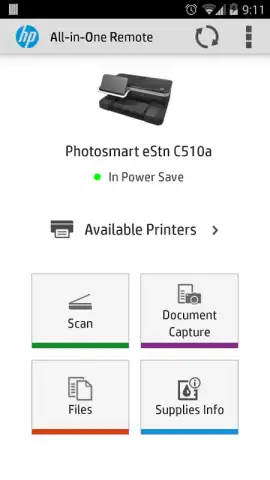
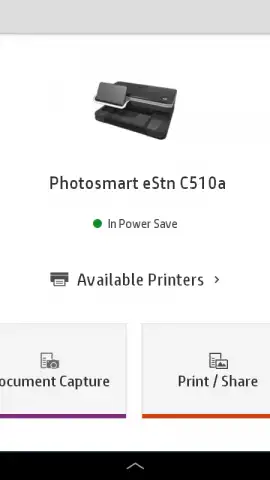
What if you could command every print, scan, and copy job from the palm of your hand, as easily as sending a text message? The official HP Smart app bridges that gap completely, transforming your smartphone into a powerful remote control and service hub for your HP printer. This tool is engineered for both home offices and professional settings, eliminating the need for a middleman computer. It consolidates management, monitoring, and maintenance into a single, intuitive dashboard on your mobile device, putting total control over your printer's status and capabilities right at your fingertips.
Your mobile print command center
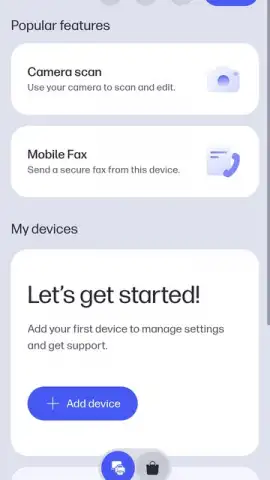
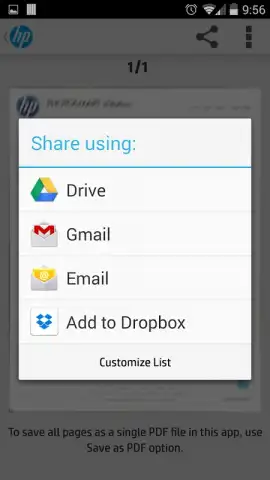
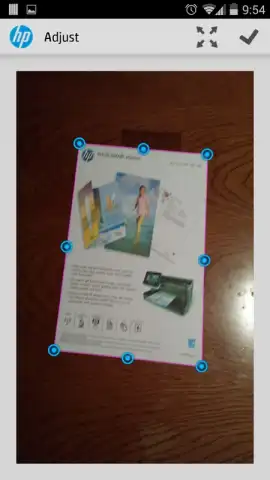
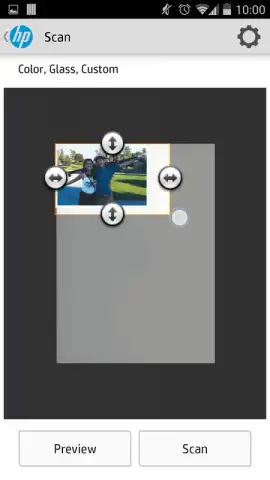
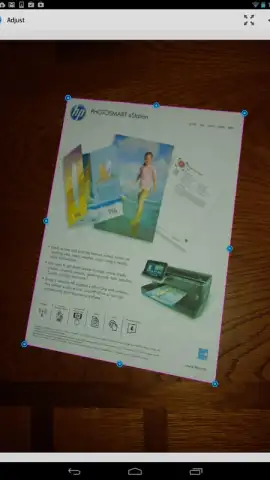
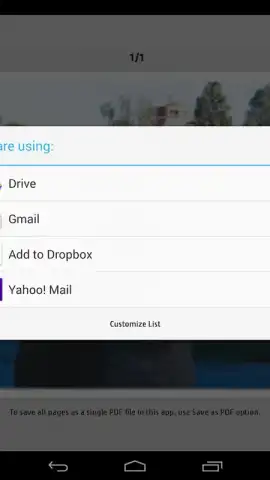
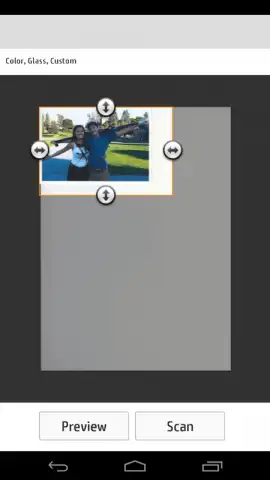
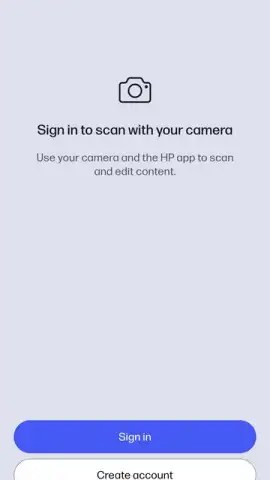
The core experience revolves around effortless remote management. You gain the ability to print virtually any document or photo with a few screen taps, directly from your device or cloud storage services. The app provides detailed customization for each job, allowing you to adjust paper size, orientation, color profiles, and print quality with precision matching a desktop setup. Beyond printing, the app excels at digitization. Its intelligent scanning functions can capture documents using your printer's scanner or even your smartphone's camera, automatically cropping, correcting perspective, and enhancing clarity to produce crisp, shareable PDFs or image files ready for archiving or email.
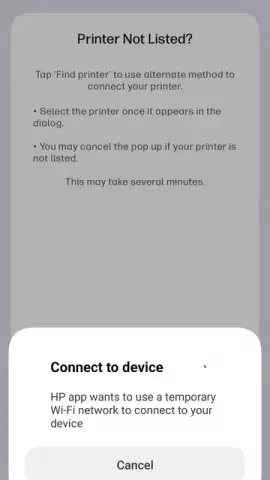
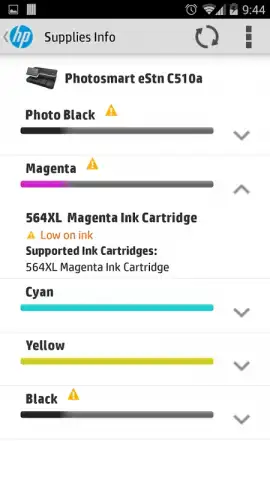
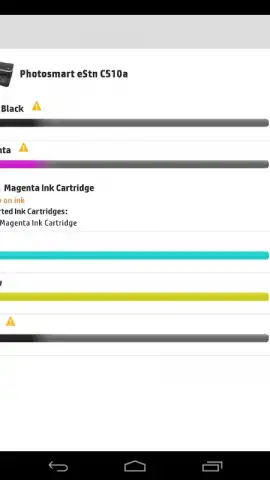
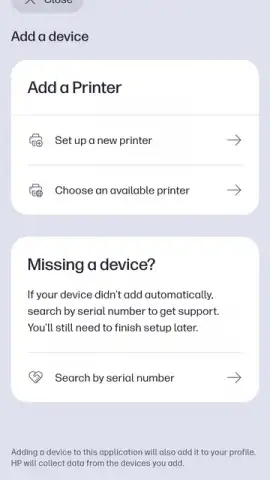
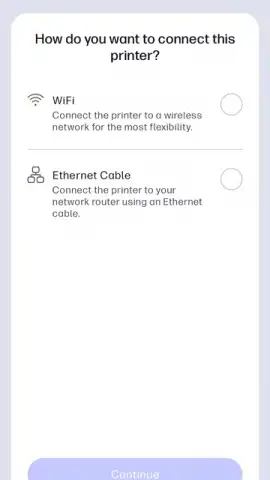
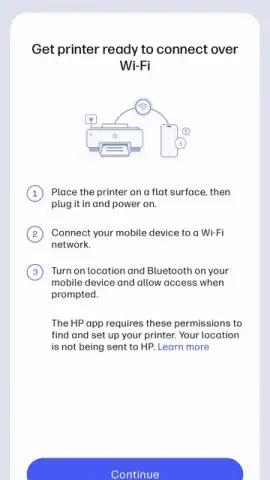
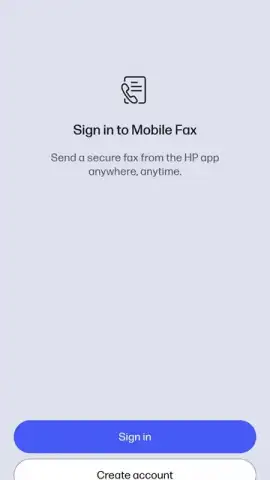
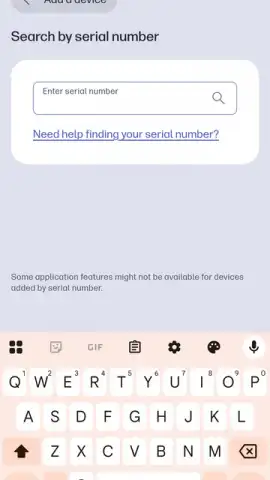
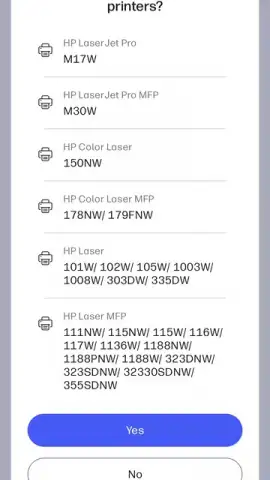
Forget about complicated installation discs or confusing network setups. The HP Smart app guides you through the entire printer setup process with clear, step-by-step instructions. It helps you discover nearby HP printers, connect them to your Wi-Fi network, and configure essential settings without technical expertise. This streamlined approach minimizes common errors and removes dependency on manual driver installations. The app also serves as a proactive monitor, keeping you informed about ink or toner levels, and providing alerts for potential issues before they disrupt your workflow.
Core features at a glance
- Wireless printing from anywhere – Instantly print documents, photos, and web pages directly from your phone or cloud storage.
- Advanced smart scan tools – Digitize physical documents using your printer or phone camera with auto-crop and enhancement.
- Guided printer setup & monitoring – Simplify installation and get real-time status updates on ink levels and printer health.
We suggest trying the HP Smart app to unlock a new level of convenience and control over your printing tasks. Consider downloading it today to experience seamless mobile management.
Download the mobile app now.
An internet connection is required for initial setup, cloud printing, and some features. The app is free to download and use; printing requires an HP printer and may incur costs for ink, toner, and paper.
 GooglePlay


