

Hub Keyboard
Hub Keyboard screenshots (7)
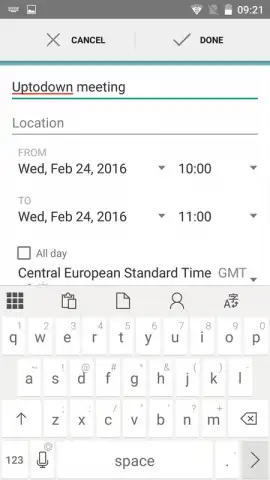
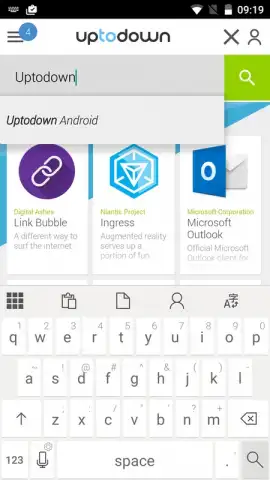
Description Hub Keyboard
A Productivity-Focused Keyboard That Integrates Directly With Your Microsoft Workflow
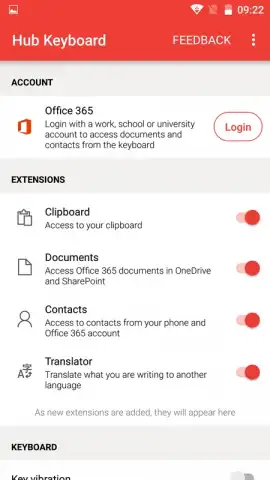
Hub Keyboard by Microsoft is not a standard virtual keyboard. It is a utility designed to extend the functionality of your device's text input by integrating core productivity services directly into the typing interface. This review examines its three primary operational features: a persistent clipboard manager, an inline translation tool, and deep integration with Microsoft 365 cloud services. The design prioritizes utility over stylistic customization, presenting a clean, minimal interface that aligns with Microsoft's Fluent Design system.
Core Functional Analysis
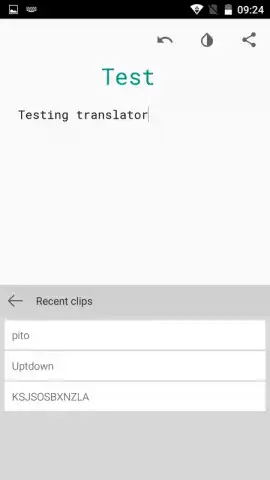
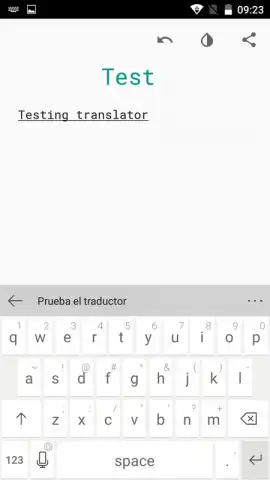
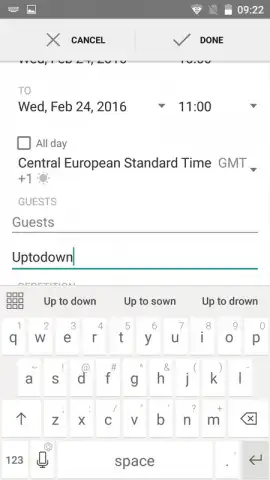
The application operates by replacing your default system keyboard. Upon activation, it provides an additional toolbar above the standard keyset. This toolbar is the access point for its specialized functions. The clipboard history feature operates independently of the system clipboard, maintaining a separate, searchable repository of copied text snippets. The translation engine functions in real-time, processing input through a connected service and presenting the result as a suggestion card. The most significant functional layer is its sync capability, which requires user authentication with a Microsoft account to bridge the keyboard environment with cloud-stored documents in OneDrive and Office 365.
Key Feature Breakdown
- Persistent Multi-Item Clipboard: Maintains a searchable history of all copied text and images, allowing for quick retrieval and pasting of multiple items without constant switching between apps.
- Inline Text Translation Tool: Translates typed text in real-time within the suggestion bar, enabling immediate replacement of the source text with the translated version via a single tap.
- Microsoft 365 Cloud Synchronization: Directly import text into OneDrive documents or share document links from the keyboard interface, creating a seamless bridge between mobile typing and cloud productivity suites.
Get your workflow advantage now by installing Hub Keyboard and connecting your Microsoft account.
Heads up: you'll need wifi for most cloud and translation features. Some advanced sync and storage options are part of extra Microsoft 365 plans.


