
Icon 3x3
Icon 3x3 screenshots (7)
Description Icon 3x3
The Problem with Standard Home Screen Layouts
Most Android home screen launchers and icon packs offer only superficial customization, locking users into rigid grid layouts with fixed icon sizes. This creates a fundamental usability issue: valuable screen real estate is wasted, and accessing apps, particularly with one hand, becomes an exercise in stretching and repositioning the device. The result is a home screen that is either cluttered with oversized icons or inefficient, forcing unnecessary folder creation and additional swipes to reach essential applications.
A Technical Analysis of Icon 3x3's Customization Engine
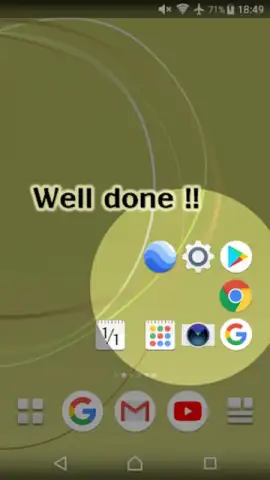
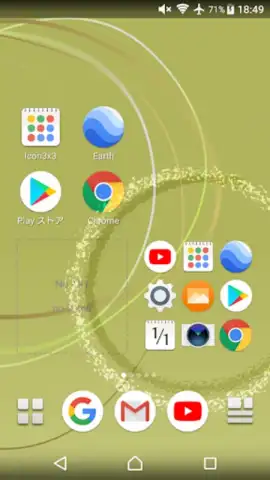
Icon 3x3 addresses this core problem by functioning not as a launcher replacement, but as a precision layout utility. Its primary mechanism is the decoupling of widget and icon placement from the standard grid system. The application allows for the creation of compact, user-defined icon clusters—most notably in a 3x3 matrix—that can be positioned with pixel-level accuracy. This technical approach enables the placement of functional app shortcuts or widget information in traditionally underutilized zones, such as the lower-left or lower-right screen corners, which are critical areas for one-thumb operation on larger phones.
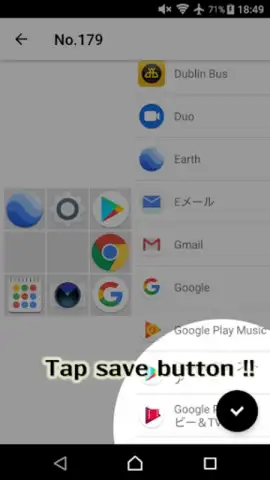
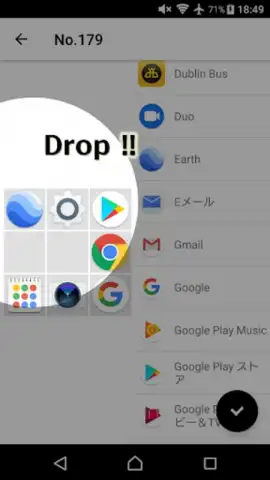
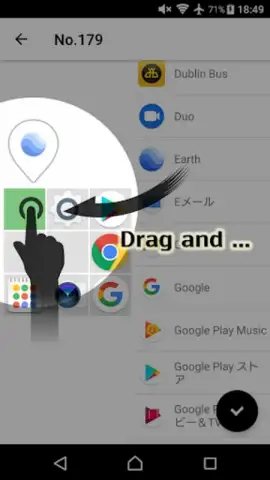
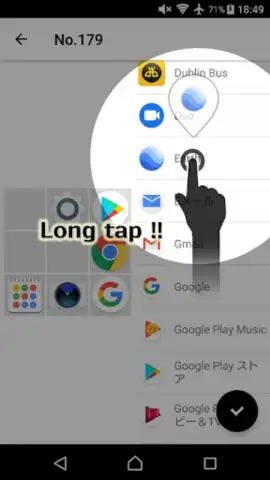
The widget resizing protocol is notably granular, supporting non-standard scaling ratios that break away from the typical 1x1, 2x2, or 4x4 cell constraints. This permits a more dense arrangement of information or a more aesthetically balanced layout where widgets can be tailored to align with specific visual elements or background patterns. The editing interface operates on a direct manipulation principle; icons and widgets can be dragged, resized, and configured from a live editing layer overlaid on the home screen, eliminating the need for a separate, abstracted settings menu for basic adjustments.
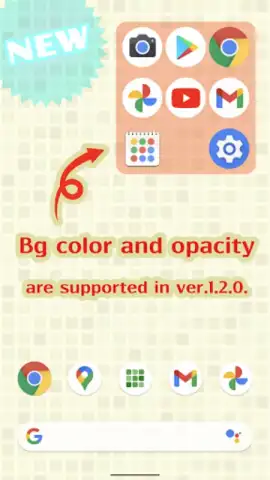
Visual cohesion is managed through a separate layer of background customization for these widget containers. Users can adjust container opacity, apply color filters, or set specific background hues to ensure the created elements blend seamlessly with the underlying wallpaper or overall device theme. This mitigates the common issue of custom widgets appearing as disjointed, floating elements, instead promoting integration with the existing desktop environment.
Core Feature Specifications
- Implement precise, off-grid icon and widget placement for unique home screen layouts.
- Utilize advanced scaling ratios to resize widgets beyond standard launcher limits.
- Apply custom background color and transparency settings to individual widget containers.
- Access an intuitive, in-place editing layer for direct drag-and-drop modifications.
- Operate with a clean, ad-free interface in its base state for uninterrupted customization.
The utility provides a simplified yet powerful pathway to advanced home screen design, shifting control over layout geometry and visual presentation directly to the user without requiring extensive technical knowledge or third-party launchers.
Download Icon 3x3 now and reconfigure your home screen's geometry in minutes!
Heads up: you'll need wifi for initial setup and asset downloads. Some advanced visual customization options are part of the premium feature set.
 GooglePlay


