

iFont (Expert of Fonts)
iFont (Expert of Fonts) screenshots (7)
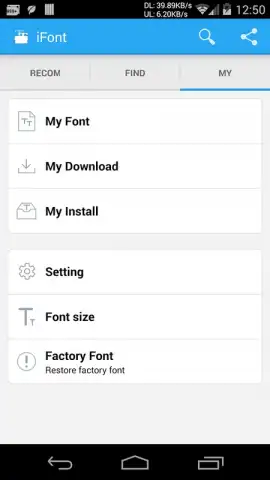
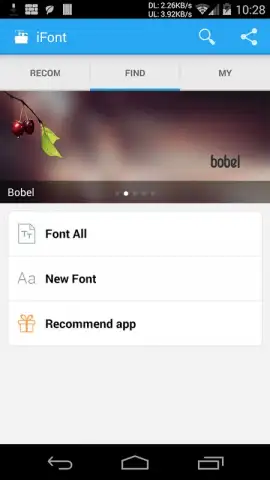
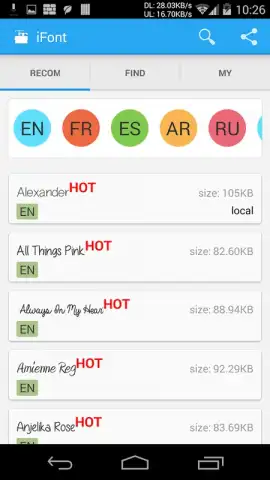
Description iFont (Expert of Fonts)
The Problem with Android's Visual Monotony
Android offers immense customization, but the core system font often remains a locked element, leaving interfaces feeling generic. For users who view their device as a personal statement, this limitation undermines the potential for true individual expression. iFont (Expert of Fonts) addresses this gap directly, functioning as a specialized utility that targets font replacement with surgical precision. It is not a general theme engine but a focused toolkit for typography, designed to navigate the complex permissions landscape of different Android manufacturers. This review examines its mechanics, compatibility protocols, and the practical process of transforming device text from a standard obligation into a deliberate design choice.
Analytical Feature Breakdown
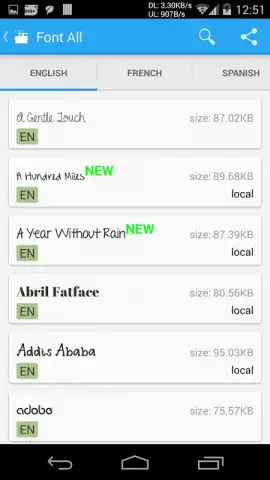
The application operates on a clear principle: centralize access to a vast typography library and streamline the application process across diverse Android ecosystems. Its interface is structured around discovery and implementation, beginning with a curated view of popular fonts to indicate current trends. The integrated search function is a critical component, allowing for targeted retrieval based on style names or visual characteristics like "serif" or "handwritten." The core technical differentiator is its built-in intelligence regarding device compatibility. It automatically recognizes your device brand and provides a tailored pathway—either a direct system setting for supported brands like Samsung and Xiaomi, or a guided explanation for devices requiring root access. The library itself is the product's centerpiece, claiming over 100 distinct typefaces, each downloadable as a discrete asset within seconds, minimizing wait time and data usage.
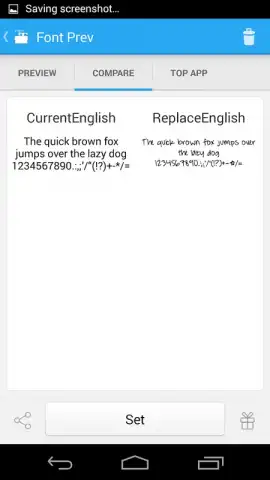
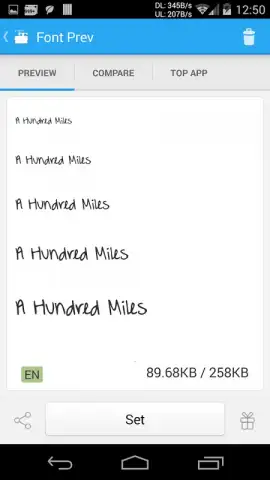
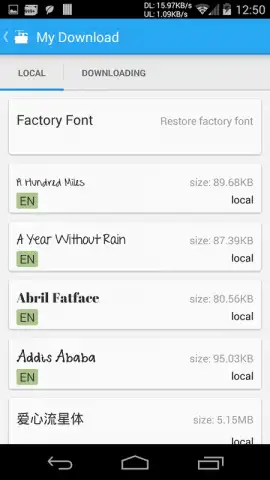
The operational workflow is methodical. You browse or search, select a font, and download it. iFont then places the font file in the correct system directory or, for compatible devices, triggers the native font settings menu. For unsupported devices, it clearly states the requirement for root privileges, acting as a diagnostic tool that prevents user frustration from failed attempts. The absence of disruptive advertising in its core operations, particularly when considering its Turbo enhancement, creates a focused environment for customization. This is not a superficial overlay; it modifies the system's actual typographic rendering, affecting menus, messages, and app interfaces system-wide.
- Extensive Typography Library: Provides immediate access to a curated collection of over 100 distinct and downloadable typefaces.
- Smart Device Compatibility Detection: Automatically identifies your phone model and outlines the correct font installation method.
- Streamlined Search and Discovery: Features robust search functionality alongside ranked lists of popular fonts for efficient browsing.
- Direct System Integration for Major Brands: Offers one-click application for Samsung, Xiaomi (MIUI), Meizu, and Huawei devices without root.
- Clear Guidance for Advanced Modifications: Transparently informs users of HTC, Sony, or Motorola devices about the necessary root access step.
Do not settle for the default visual language of your device. iFont (Expert of Fonts) delivers the specific toolset required to permanently alter your interface's character. Download mobile app now and execute the change within the next five minutes.
Internet required. IAP available.
 GooglePlay


