

Infinite Painter
Infinite Painter screenshots (9)

Description Infinite Painter
Ever dreamed of a digital canvas that truly understands an artist's touch, right there on your Android device? What if you could hold a studio's worth of professional tools in your palm, designed not to mimic others but to forge its own path? Welcome to Infinite Painter, where every swipe of your stylus or finger is met with breathtaking responsiveness and depth, inviting you to create without limits.
A Canvas That Breathes With You
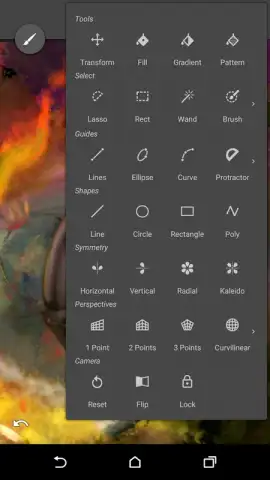
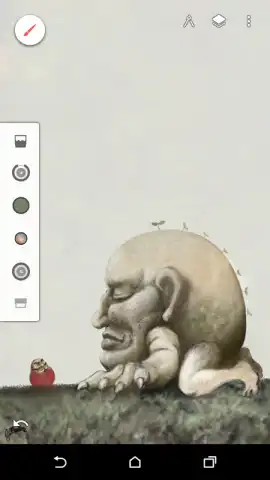
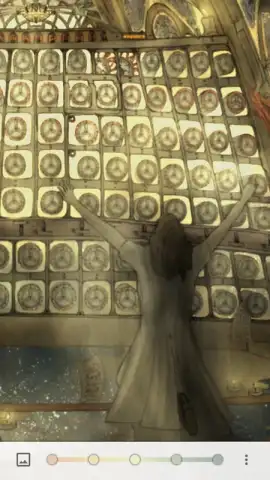
From the moment you open Infinite Painter, the interface feels intuitive, placing immense power at your fingertips without overwhelming you. Tuck away every menu and toolbar with a single tap to immerse yourself completely in your work, with only your imagination and the pristine canvas before you. Need to backtrack a stroke or leap forward? Convenient undo and redo buttons are always within reach. Managing your composition is a breeze with a sophisticated layer panel that lets you build, blend, and edit with the precision of desktop-grade software. This is your sanctuary for creation, thoughtfully designed to get out of your way so your ideas can flow freely.
Where Tools Become an Extension of Your Hand
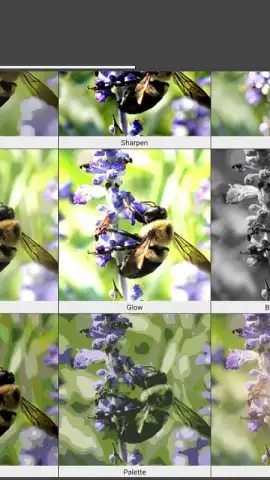
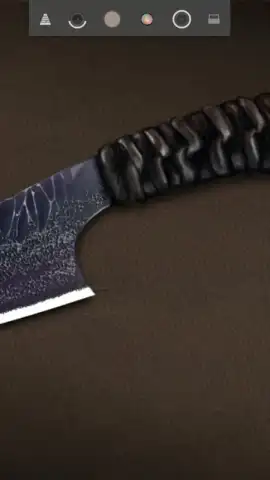
The true magic lies in the brushes. Imagine having access to over 160 meticulously crafted brushes, pencils, markers, and blending tools. But here’s the best part: none of them are set in stone. You’re handed the keys to the workshop. Adjust the size, opacity, flow, and texture of every single brush tip, crafting the perfect tool for that delicate watercolor wash or a bold, gritty charcoal sketch. The level of customization means your digital toolkit is endlessly adaptable, evolving with every new project you envision.
Designed for the Serious Creator’s Workflow
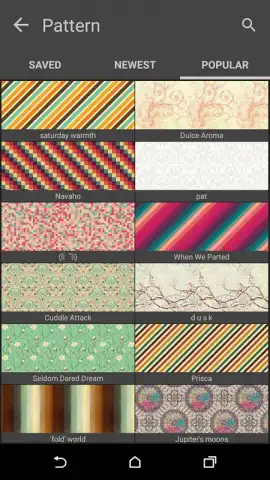
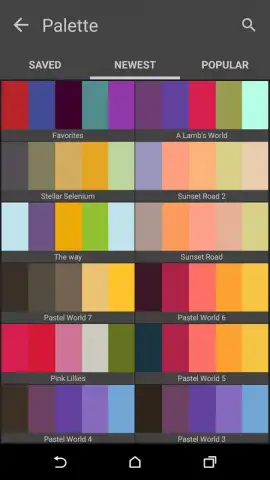
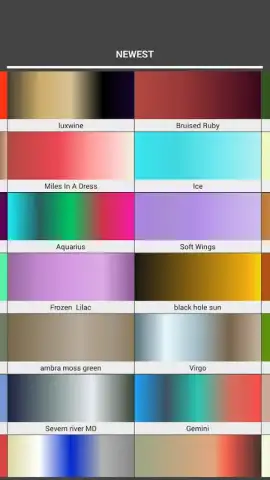
Infinite Painter respects your entire creative process, from the first sketch to the final export. You’ll find a comprehensive color palette with advanced mixing options, giving you absolute control over your hues. When your masterpiece is complete, the app supports your need for flexibility. Export your work not just as standard JPG or PNG files, but also as full, layered PSD documents. This means you can start a painting on your tablet and seamlessly move it to Adobe Photoshop on your desktop for further refinement. Likewise, you can import PSD files directly, making Infinite Painter a powerful hub in your creative pipeline.
- Unmatched Brush Engine: Over 160 base brushes with deep, granular customization for size, shape, texture, and dynamics.
- Professional Layer System: Work with multiple layers, adjusting blend modes and opacity for complex, rich compositions.
- Distraction-Free Full-Screen Mode: Hide all UI elements instantly to focus purely on your art.
- Universal File Compatibility: Export in JPG, PNG, or layered PSD formats, and import PSD files for a fluid cross-platform workflow.
- Advanced Interface: Intuitive layout with quick-access buttons for undo, redo, and a powerful, slide-out layer management panel.
- A Community of Inspiration: Witness stunning artwork from other users, proving the app's capability for professional-grade results.
We suggest trying Infinite Painter to experience the most powerful, intuitive, and satisfying painting tool built specifically for Android. Consider downloading it now and feel the difference a truly infinite canvas can make.
Heads up: you'll need wifi for initial download and updates. Some premium brush packs and advanced features are available via in-app purchase.
 GooglePlay


