

InShot Video Downloader
InShot Video Downloader screenshots (9)

Description InShot Video Downloader
The Unplanned Video Library
Imagine you're scrolling through your social feed and a perfect tutorial, a memorable clip, or a work-related video appears. The desire to save it for later is immediate, but the native apps often lack that simple function. This scenario is where a dedicated download utility becomes a practical tool, moving content from a fleeting stream into permanent, offline storage. InShot Video Downloader positions itself as a solution for this specific task, enabling direct downloads from a curated list of major platforms onto an Android device's local memory.
Core Functionality and Operational Mechanics
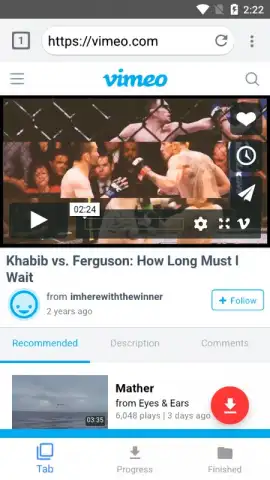
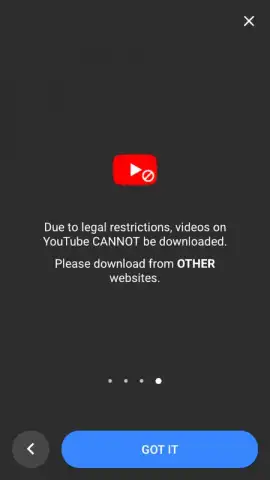
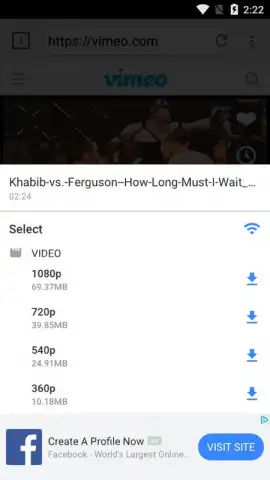
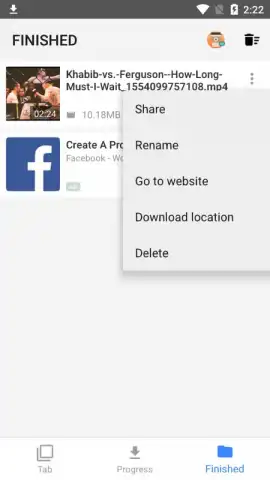
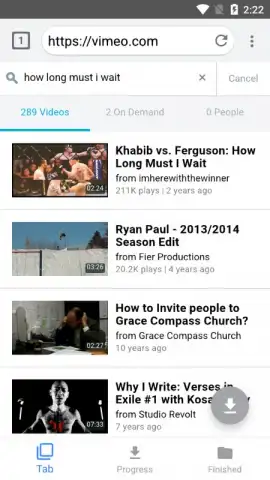
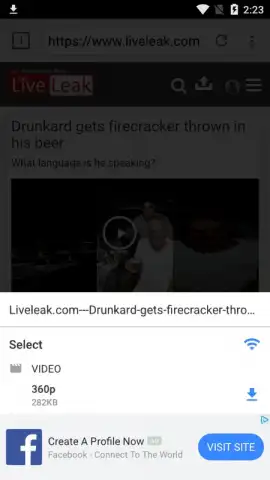
The application operates primarily through its integrated browser or via a paste function for direct links. Upon locating a video on a supported platform—such as Instagram, Facebook, Vimeo, Dailymotion, or similar services—the user initiates the download process. A critical operational note, presented upon first launch, is the explicit non-support for YouTube videos, setting clear boundaries for its use. The utility provides immediate options for video quality and format selection before the download commences, offering a degree of control over the final file's size and resolution. Once completed, the video file is stored in a user-designated folder within the device's storage, decoupling it from any requirement for an ongoing internet connection for playback.
Configuration and System Parameters
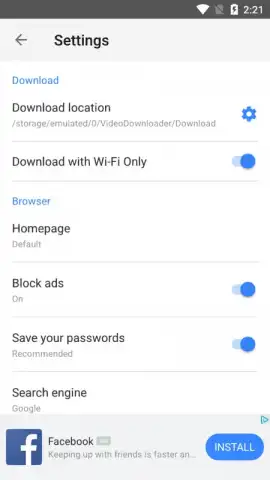
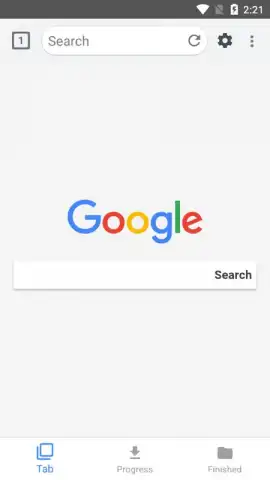
Beyond the basic download action, the app includes several configurable settings that dictate its behavior. Users can define the default download directory for organized storage and select the preferred search service within the in-app browser. Network management options allow the restriction of downloads to Wi-Fi connections only, which is a practical consideration for managing mobile data usage. An integrated ad-blocking toggle is also present, aimed at streamlining the browsing experience within the application's own interface by suppressing promotional content.
The utility's feature set is streamlined for its stated purpose:
- Multi-Platform Video Capture – Downloads content directly from Instagram, Facebook, Vimeo, and several other major social and video portals.
- Configurable Download Quality – Selects resolution and file format prior to saving, balancing quality with storage space.
- Managed Storage & Network Rules – Sets a custom save folder and restricts downloads to Wi-Fi to control data and organization.
Get your personal video archive started and save any clip in seconds—download the app now to build your offline library.
Heads up: you'll need wifi for most features. Some cool stuff is extra. Note that downloading copyrighted content for redistribution may violate the terms of service of source platforms.
 GooglePlay


