

InShot
InShot screenshots (19)
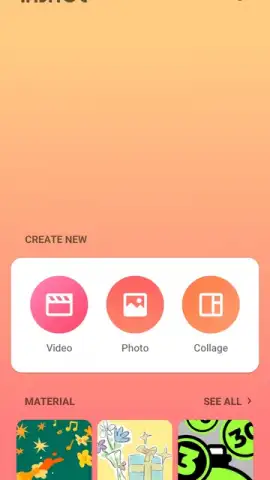
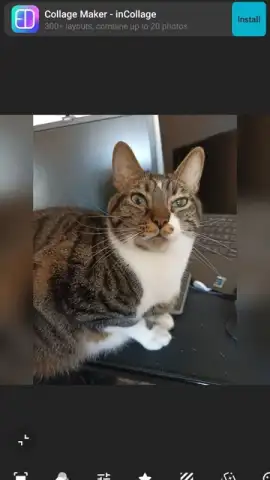
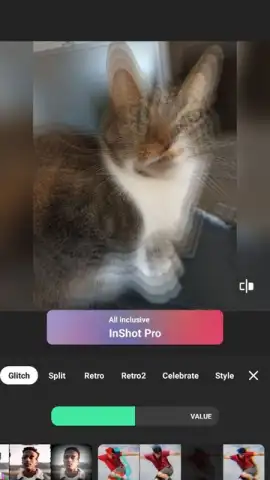
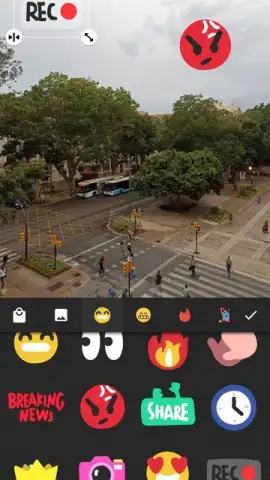




Description InShot
Ever feel like your phone is bursting with raw video clips, but the idea of editing them feels like a daunting, technical chore? What if you could transform those moments into polished, shareable stories with just a few taps, wielding tools powerful enough for a pro yet simple enough for a total beginner? That’s the precise gap InShot fills, acting as your all-in-one creative studio designed to turn everyday recordings into captivating visual content for any platform.
Effortless Editing at Your Fingertips
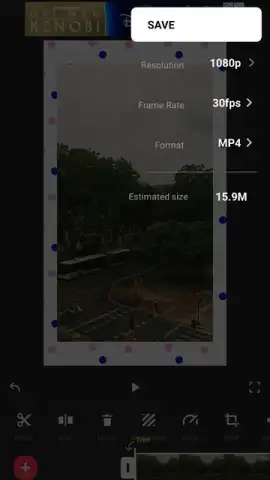
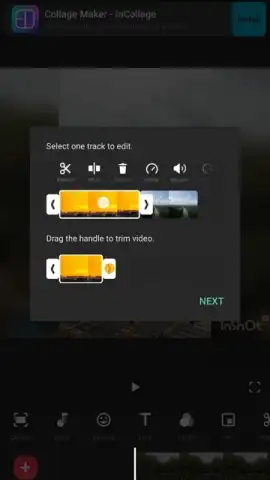
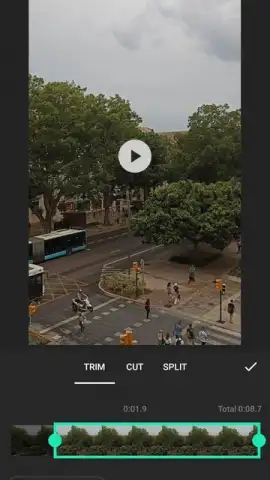
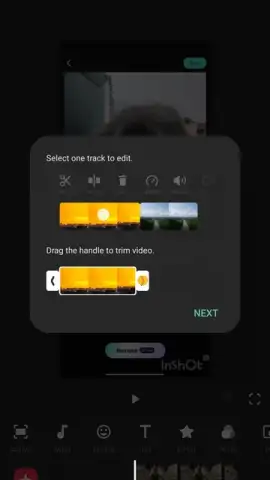
The core experience is built on making complex video editing feel intuitive and immediate. You start by importing your clips into a clean timeline where trimming, splitting, and merging happen with simple drag-and-drop gestures. Beyond these essentials, you dive into speed controls to craft dramatic slow-motion highlights or energetic fast-forward sequences, and add seamless transitions to weave your scenes together smoothly. The interface guides you naturally, making the entire process feel less like editing and more like storytelling through direct visual manipulation.
A Full Suite of Creative Customization Tools
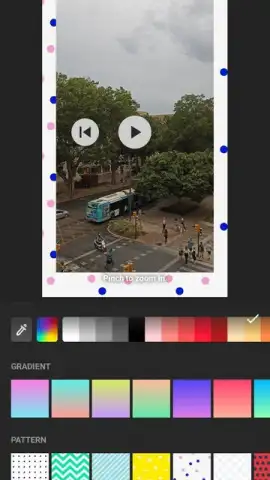
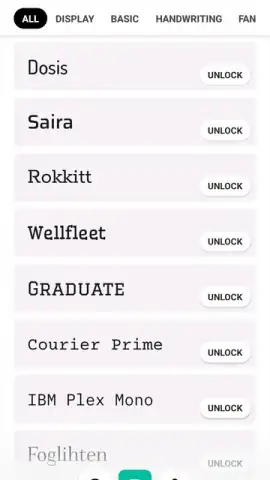
This is where your personal style truly comes to life. You layer dynamic text onto your videos, choosing from a vast library of fonts, colors, and entrance animations to make your words pop. A massive collection of stickers and emojis is available to add humor, emphasis, or personality. For the perfect soundtrack, you can import your own music library or browse InShot’s built-in catalog of copyright-free tunes and sound effects, syncing beats to scene changes for a professional touch.
Professional Visual Polish Made Simple
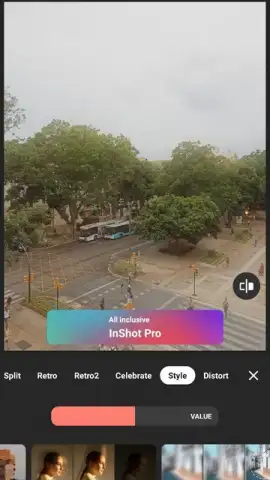
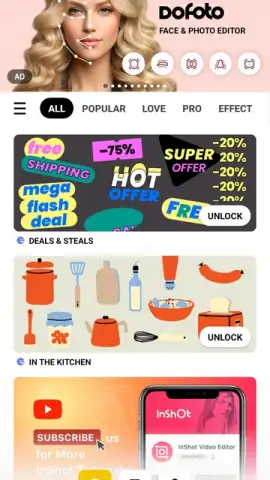
Give your videos a distinct mood and cinematic quality with a comprehensive suite of visual tools. Apply one-tap filters ranging from vibrant and modern to muted and vintage, or manually fine-tune the color grading with precise adjustments for brightness, contrast, and saturation. Explore advanced effects like glitch, blur, or film grain, and use overlay layers to add textures, light leaks, or custom graphics for a multi-dimensional, editorially-rich look.
Optimized for Social Media Domination
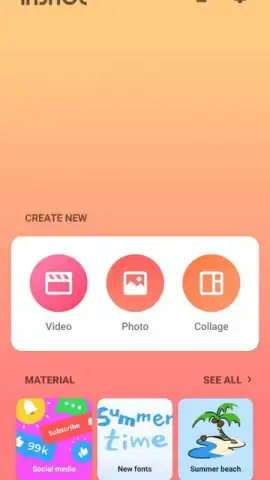
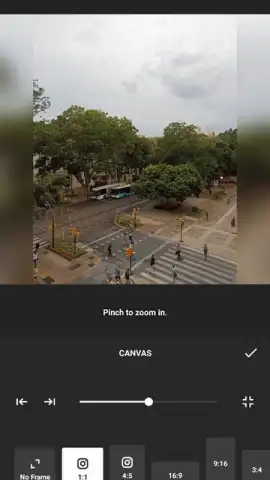
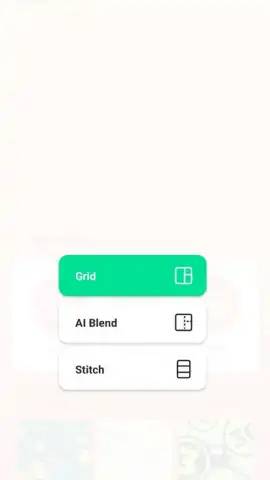
InShot understands the specific demands of social platforms, providing tailored formats to make your content stand out. You instantly resize videos for vertical TikTok/Instagram Reels, square Instagram posts, or wide YouTube views without cropping awkwardly. The built-in collage maker lets you combine multiple photos and video clips into engaging layouts with custom frames, perfect for creating eye-catching previews, announcements, or compilations designed to stop the scroll and drive engagement.
- Trim, Split & Merge Video Clips – Perform fundamental edits on a straightforward timeline with intuitive touch controls.
- Adjust Speed & Add Transitions – Create slow-mo or fast-forward effects and blend scenes with smooth, professional fades.
- Add Text, Stickers & Custom Music – Personalize with animated text, fun stickers, and your own audio tracks or a free music library.
Consider downloading InShot to unlock a surprisingly powerful yet accessible toolkit for video creation. It effectively bridges the gap between basic phone editing and professional software, placing a wealth of creative potential directly in your hands.
Heads up: you'll need wifi for most features. Some cool stuff is extra.
 GooglePlay


