

InstaCam
InstaCam screenshots (2)
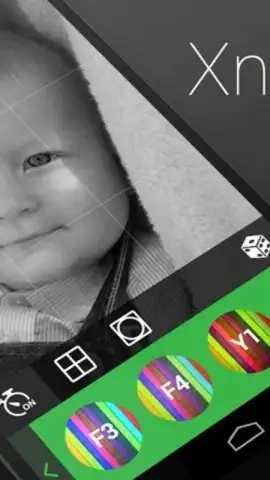

Description InstaCam
Transform Your Phone into a Professional Camera Studio
InstaCam delivers the advanced control and image quality of a DSLR directly to your mobile device. Move beyond basic filters and automatic modes to capture, edit, and share stunning photographs with precision tools designed for serious creators and enthusiasts.
Core Photography & Editing Features
The app provides a comprehensive suite for the complete photographic workflow. The manual camera mode offers independent control over focus, exposure compensation, shutter speed, ISO, and white balance, allowing for creative shots in any lighting condition. A robust editor includes non-destructive adjustment layers for color grading, curves, and selective edits, alongside professional-grade filters that can be stacked and customized. Built-in organizational tools let you manage large libraries with EXIF data viewing, batch operations for renaming or converting formats, and direct sharing to social platforms or cloud services.
Key Advantages for Users
- Manual Camera Controls: Adjust ISO, shutter speed, and focus manually for full creative authority.
- Advanced Layer Editing: Use non-destructive layers for precise color, tone, and detail adjustments.
- Efficient Media Management: Organize, batch process, and share photos directly from the app library.
Get your bonus of professional-grade photography tools. Download InstaCam now and start capturing with precision.
Heads up: you'll need wifi for initial download and cloud sync features. Some advanced filters and export formats are part of optional premium packs. Requires Android 2.3 or higher.


