
Java Edition UI for Minecraft
Java Edition UI for Minecraft screenshots (5)
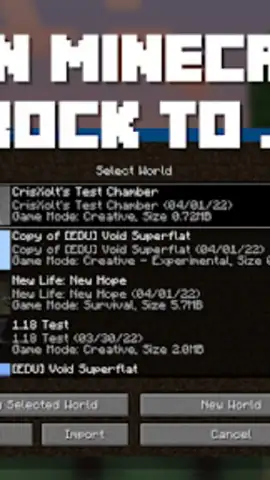
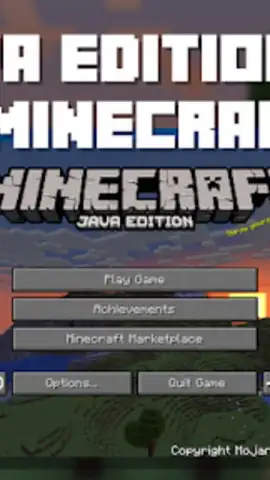
Description Java Edition UI for Minecraft
A Bridge Between Two Worlds
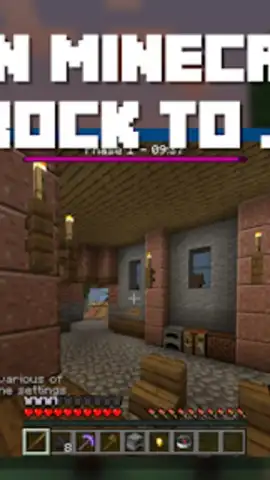
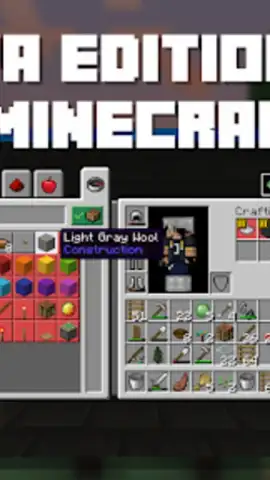
For many dedicated Minecraft players, the visual interface is more than just menus; it's a fundamental part of the game's feel and functionality. The distinct aesthetic of the Java Edition, with its specific button placements and inventory design, holds a particular appeal for veterans and purists. However, for those playing on mobile or other Bedrock platforms, this interface has remained out of reach—until now. Java Edition UI for Minecraft by SKINS FOR MCPE addresses this specific desire, offering a utility-focused application designed to systematically reskin the Bedrock Edition's graphical user interface to mirror the classic Java Edition layout. This is not a gameplay modification but a comprehensive visual overlay that transforms the on-screen interaction points.
Core Functionality and Customization
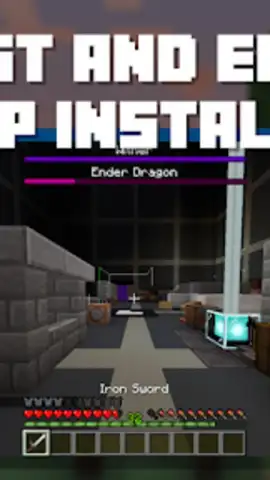
The application operates by providing a library of interface texture packs that are applied directly to the Minecraft Bedrock client. Its primary function is to replace the default Bedrock UI assets—including inventory screens, hotbar, menu buttons, and crafting interfaces—with their Java Edition counterparts. This process is managed through an integrated system that handles file import and activation. A key operational feature is the provision of three distinct UI modes: the Original mode, which aims for a pure Java Edition replication; a Mixed mode, which blends elements from both editions for a transitional experience; and a PvP mode, which is optimized for competitive play, often featuring cleaner elements and reduced visual clutter for improved screen visibility. This tiered approach allows users to select a configuration that aligns precisely with their functional needs and visual preferences, whether for nostalgia, familiarity, or practical advantage.
Technical Execution and User Workflow
From a technical standpoint, the app is built to streamline the modification process. It features a one-tap download system for its UI packs, removing the need for manual file searching and transfer. An auto-import function detects the game's directory and facilitates the installation, aiming to minimize technical hurdles for the user. The interface of the app itself is designed for clarity, presenting available packs with descriptive text and screenshots, allowing for informed selection before any changes are made to the game. It maintains compatibility updates alongside new releases of Minecraft Bedrock Edition to ensure ongoing functionality. The absence of advertising within the app and the offer of a 'Turbo' feature, presumably for accelerated downloads or priority access, are noted operational aspects.
- Three Configurable UI Modes: Select from Original, Mixed, or PvP-optimized interface layouts to match your playstyle.
- Streamlined One-Tap Integration: Implements new UI textures directly into Minecraft with a simplified download and auto-import process.
- Ad-Free Management Interface: Browse and manage your UI modifications without interruption from third-party advertisements.
This tool provides a direct method for players to customize a core aspect of their game's presentation. For those seeking the specific tactile and visual experience of the Java Edition interface on a Bedrock platform, it presents a targeted solution. Implement the classic interface and refine your interaction with the game world.
Get your visual upgrade and start playing with the classic interface today.
Download mobile app now
Disclaimer: This application requires an active internet connection for downloading content and functions as a utility for the game Minecraft, which must be purchased separately. It is not an official Mojang product and is not affiliated with Mojang AB. The app may offer in-app purchases.
 GooglePlay


