
Jelly Bean Keyboard 4.3
Jelly Bean Keyboard 4.3 screenshots (9)
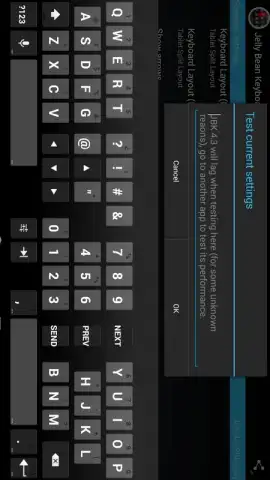
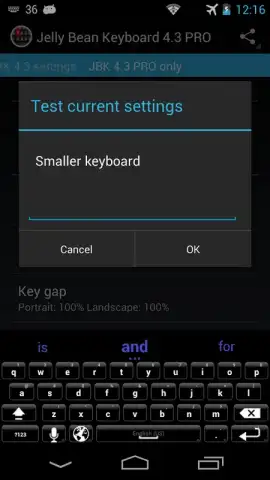
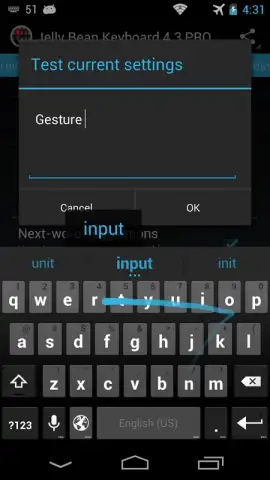
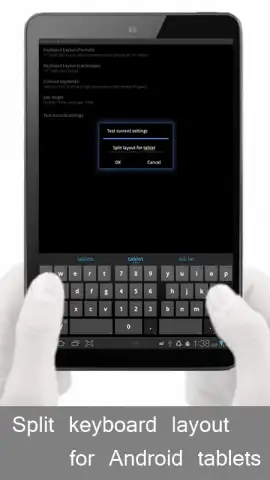
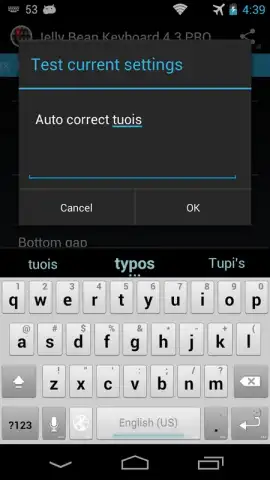
Description Jelly Bean Keyboard 4.3
Imagine your phone's keyboard feeling like a relic while your friends glide through chats with colorful, responsive keys. The standard input method hasn't kept up, leaving you with a bland, utilitarian tool for one of your most frequent interactions. This app transforms that core experience, replacing the stock keyboard with a dynamic, highly customizable interface designed for modern Android users who value both style and substance in their daily digital communication.
Core Functionality & Customization Tools
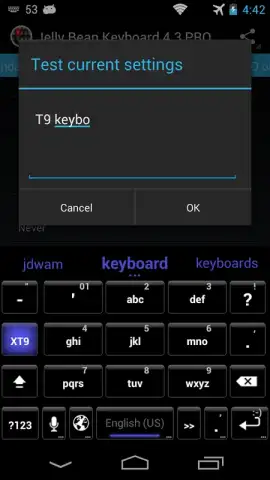
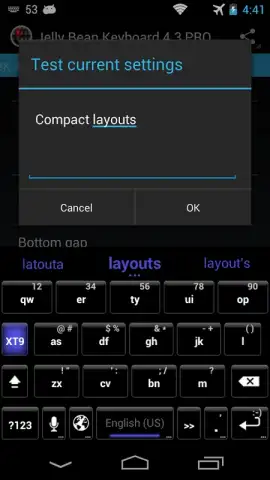
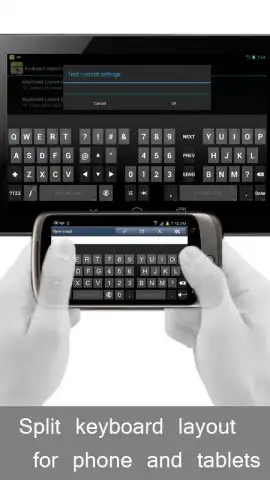
This application installs as a fully-featured alternative keyboard system. It operates by replacing your device's default input method, providing a suite of customization options that control its visual appearance and behavioral mechanics. Users can activate it through their device's Language & Input settings, granting it the necessary permissions to function across all applications, from messaging and social media to web browsing and email.
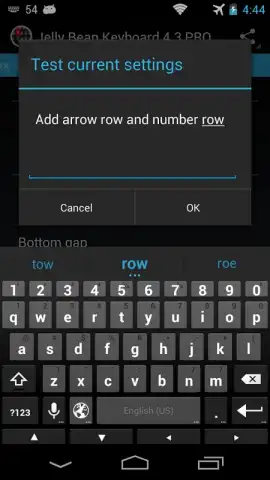
The primary mode is a persistent typing interface that supports standard QWERTY layout input. Its functionality is built around a deep theme engine, allowing for granular visual adjustments. Users are not limited to preset designs; they can modify individual components such as key shapes, background gradients, font styles, and press-state animations. Beyond aesthetics, the keyboard includes practical tools like a dedicated number row for constant access, adjustable key press vibration feedback, and sound effect toggles to tailor the auditory typing experience.
Key Technical Advantages
The design prioritizes a balance between extensive personalization and responsive performance. The interface maintains smooth key registration and swipe-to-type responsiveness even when complex visual themes are applied. It is engineered for compatibility, running on a wide range of Android versions while utilizing efficient resource management to minimize battery impact during prolonged use.
- Apply and edit high-definition theme packs with custom key backgrounds and fonts.
- Adjust the keyboard's overall transparency and background blur intensity.
- Modify key label fonts, sizes, and colors independently from key shapes.
- Enable a permanent top row for numbers and frequently used symbols.
- Fine-tune haptic feedback strength and sound effects for each key press.
Exclusive access for the first users: transform your typing experience today. Download this mobile app now and activate your personalized keyboard directly from your device settings.
Heads up: you'll need wifi to download additional theme packs. Some advanced visual themes are extra.


