

Leena Desktop UI
Leena Desktop UI screenshots (6)
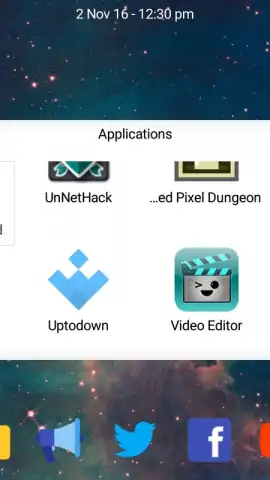
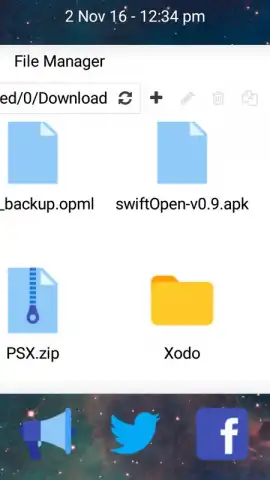
Description Leena Desktop UI
Ever wished your Android phone could transform into a full desktop computer, no complicated hacks required? What if you could plug it into a monitor and instantly have a familiar, multi-window workspace for serious productivity? That’s the exact experience Leena Desktop UI delivers, turning your mobile device into a powerful desktop environment without needing root access.
This launcher reimagines how you interact with your Android by providing a genuine desktop workflow. The initial setup is streamlined and intuitive, guiding you step-by-step. You simply connect a mouse and keyboard to your device, then hook it up to any external display—be it a TV or a monitor. Suddenly, you’re not just mirroring your phone screen; you’re immersed in a dedicated, 100% productive desktop interface designed to leverage your smartphone’s full power.
Core Desktop Experience, Redefined
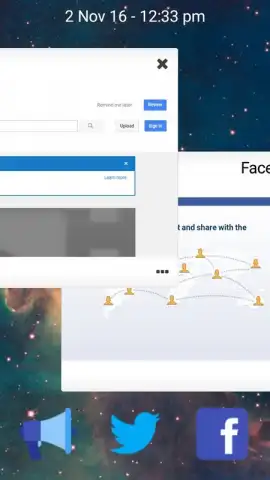
The standout feature is true multi-window application support. Unlike standard launchers or simple screen mirroring, Leena Desktop UI lets you run several apps simultaneously in resizable, movable windows. Imagine having your file manager open right next to your web browser, both fully visible and operational on the same desktop canvas. It replicates the efficient multitasking you’re accustomed to on Windows or macOS, but it’s all powered by the Android device in your pocket.
A Clean, Integrated Workspace
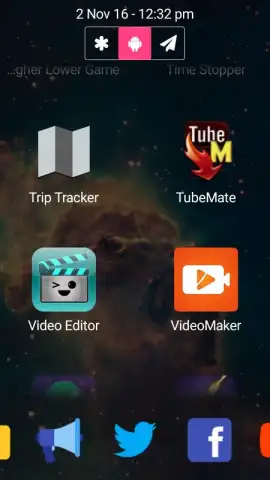
Upon launching, you’ll find a thoughtfully integrated suite of essential applications ready to use. This isn’t a cluttered overlay; it’s a cohesive environment.
- File Manager: Navigate your device’s storage with a desktop-style interface, making file organization and access straightforward.
- Media Players: A dedicated video player and image viewer are built-in, optimized for the larger screen and seamless window management.
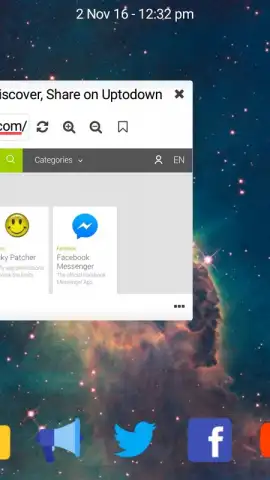
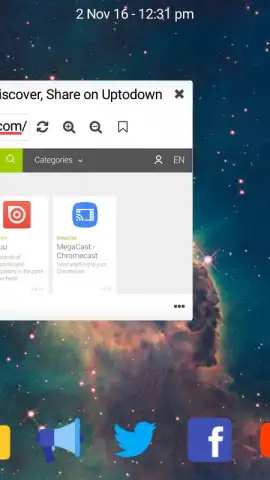
- Web Browser: Browse the internet in a proper window, making research or side-by-side reference effortless.
Configuring and arranging these application windows is remarkably simple, allowing you to build your ideal workspace layout in moments. The entire experience is enhanced by Turbo mode, which unlocks smoother performance and additional benefits, all presented in an interface completely free of advertisements.
Who Is This For?
While Leena Desktop UI offers fantastic utility for any user seeking better organization, it becomes an indispensable tool for specific scenarios. It’s particularly powerful for anyone who needs to present from their Android, stream content to a large screen, or create a portable workstation. It bridges the gap between mobile convenience and desktop productivity.
Don't just adapt your workflow to your phone's limits. Redefine what your Android device can do by transforming it into a versatile desktop powerhouse. This is your chance to access a premium computing experience directly from your smartphone.
Exclusive access for first users! Experience the future of mobile productivity today. Limited offer to unlock the full potential of your Android device.
Download the Leena Desktop UI mobile app now.
Internet required. IAP available.


