
Light Controller
Light Controller screenshots (8)
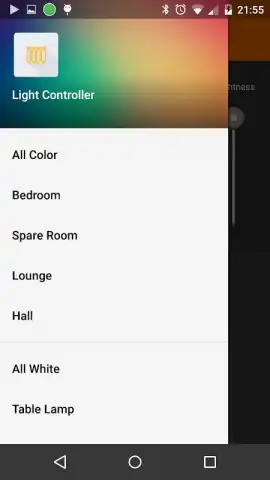
Description Light Controller
A Practical Review of Centralized Smart Lighting Control
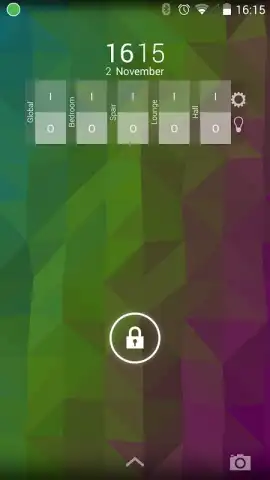
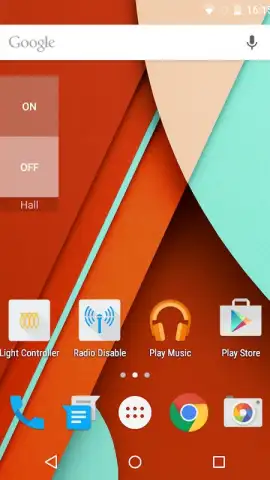
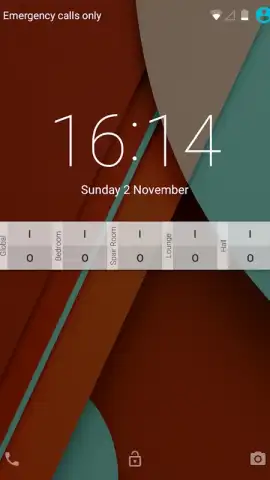
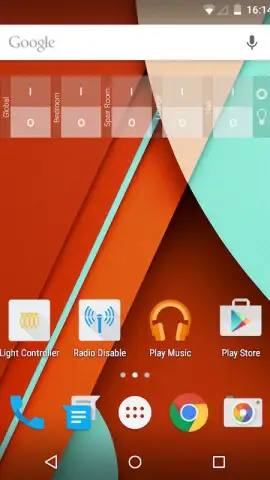
Managing a multi-zone smart lighting setup often involves juggling several manufacturer-specific apps, creating a fragmented and inefficient control experience. Light Controller addresses this by functioning as a unified command hub, designed to bring disparate Wi-Fi LED systems under a single, highly accessible interface. Its primary operational goal is to remove the physical and digital barriers to lighting control by placing switches directly on home screens, lock screens, and wearable devices. This review examines the application's mechanics, compatibility, and its approach to customizing a digital lighting environment without relying on proprietary ecosystems.
Core Functionality and System Integration
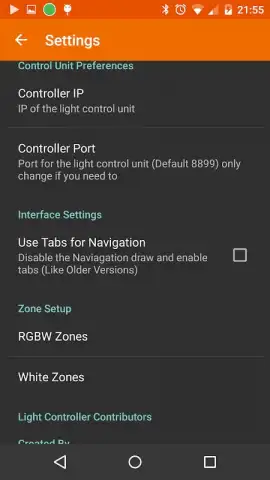
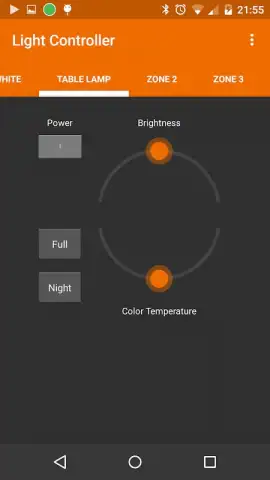
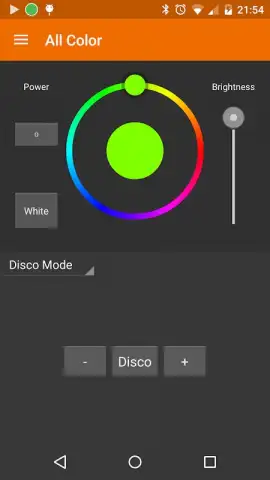
The application establishes control by connecting to a user's existing Wi-Fi lighting controller, which acts as the bridge to the bulbs themselves. It provides verified support for a range of popular protocols, including those used by AppLamp, EasyBulb, Limitless LED, and MiLight systems. Network configuration is typically automatic, though the interface includes a manual IP address entry field for controllers that require it. Once connected, the app allows for granular or broad control, enabling users to adjust individual zones, grouped areas, or the entire lighting network with a single command. The type of bulb dictates control parameters; the software supports both full-color RGBW lamps and dual-white temperature bulbs, allowing for independent adjustment of color and white light intensity.
Advanced Operational Modes and Customization
Beyond basic on/off and dimming functions, Light Controller introduces several ambient and dynamic lighting modes. These are implemented as standalone features within the app's interface. The music sync mode analyzes audio input to create a responsive light show, while a dedicated candle mode simulates a flickering flame effect. Several pre-programmed disco and party modes are also included for automated dynamic scenes. From a usability perspective, the application leverages Android's widget system and Wear OS integration to its fullest, permitting users to create custom control panels that exist outside the app itself for immediate access.
The developer has outlined a public roadmap for future iterations, indicating work on a comprehensive management API with access control, a sunrise alarm plugin, location-based automation rules, and remote internet-based control. A dedicated tablet interface is also in development to better utilize larger screens. Notably, the project's open-source nature is presented as a foundation for community-driven development and feature expansion.
- Provides centralized control for AppLamp, EasyBulb, MiLight, and other Wi-Fi LED systems via a single hub.
- Creates instant-access switches on home screens, lock screens, and Android Wear smartwatches.
- Supports advanced bulb types including full RGBW color and dual-white temperature models.
- Features dynamic lighting modes like music synchronization, candle flicker, and disco effects.
- Operates as an open-source project with a published roadmap for future API and automation features.
This utility app transforms a scattered smart home setup into a streamlined system. For users invested in compatible Wi-Fi LED lighting, it consolidates control into a single, persistently accessible point. The absence of advertising and the transparency of its development cycle are significant operational advantages.
Download the Light Controller app now to unify your smart lighting. This limited-time access includes all current advanced features for new users.
Internet required. IAP available.


