
Samsung Mobile Print
Samsung Mobile Print screenshots (13)
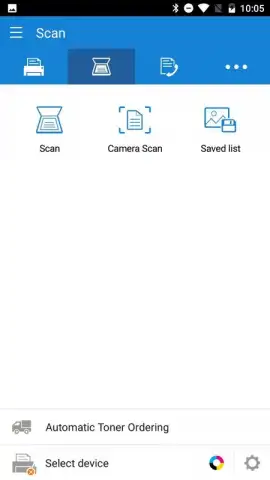
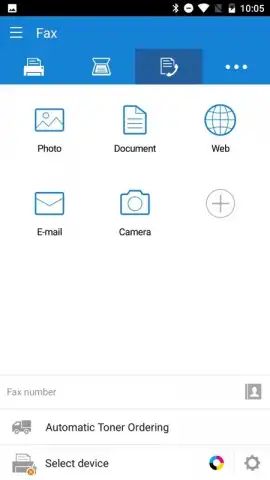
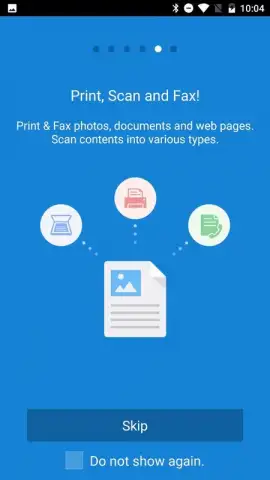
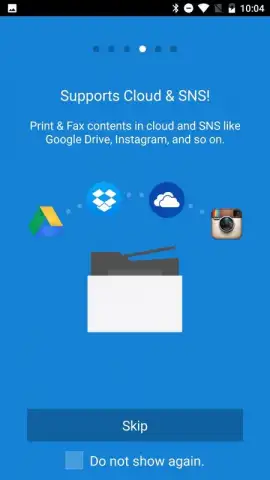
Description Samsung Mobile Print
Imagine your printer is across the room, or even across the house. You need to print a boarding pass, a school worksheet, or a recipe for the kitchen. The thought of getting up, booting up a computer, and navigating files feels like a chore from another era. What if your phone could just talk directly to your printer, making that entire process vanish?
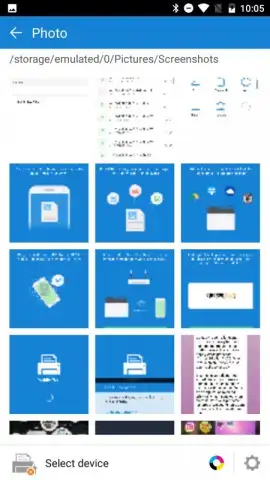
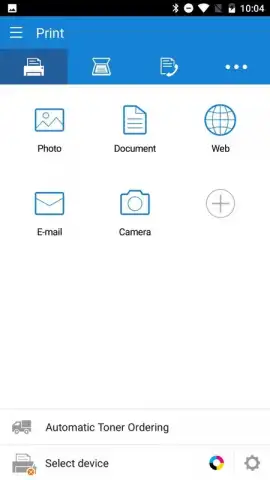
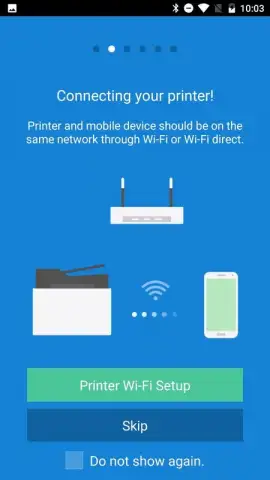
Samsung Mobile Print transforms your smartphone into a universal remote control for your home printing. This app seamlessly connects your Android device to a wide range of Samsung printers, removing the need for a computer as a middleman. You can print documents, photos, and web pages directly from your phone with just a few taps. The app intelligently finds printers on your Wi-Fi network, making setup a quick and automatic process. It supports a variety of file formats, ensuring that what you see on your screen is what gets printed on the page. Manage print jobs, check ink or toner levels, and handle basic maintenance alerts all from the palm of your hand, giving you complete oversight of your home printing ecosystem from anywhere within your network.
Core Features at Your Fingertips
The app is built for simplicity and direct utility, putting powerful control in a streamlined interface.
- Direct Wireless Printing sends documents, photos, and web pages to your compatible Samsung printer effortlessly over your Wi-Fi network.
- Mobile Device Setup & Management allows you to configure printer settings, monitor supply levels, and receive status alerts directly from your phone.
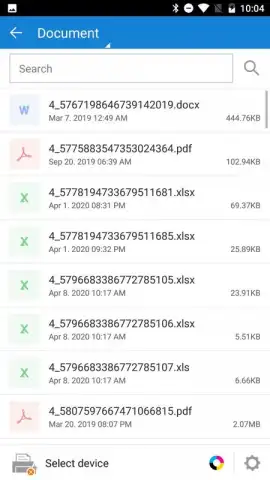
- Broad File Format Support ensures you can print from various sources including cloud storage, email attachments, and your local gallery.
Why This App Becomes Essential
The true advantage lies in the liberation it provides. You reclaim time and eliminate friction in everyday tasks. The convenience of printing a last-minute document from your couch or a photo directly from your camera roll feels modern and intuitive. The interface is clean and focused, designed to get the job done without unnecessary complexity. It turns a standalone home appliance into an integrated, smart part of your digital life, all through a reliable and performance-oriented connection.
Stop dealing with cables and complicated workflows. Make every printer in your home instantly accessible from your phone.
Download Samsung Mobile Print now and experience truly wireless home printing!
Disclaimer: Requires a compatible Samsung printer and a Wi-Fi network. Features and printer compatibility may vary. Data charges may apply for initial download and access to certain services. This application is provided by HP Inc.
 GooglePlay


