

LumaFusion: Education Edition
LumaFusion: Education Edition screenshots (25)
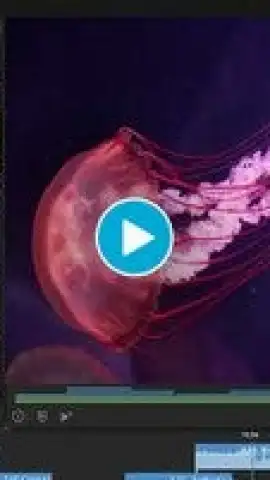
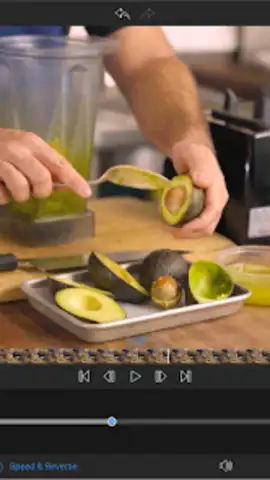
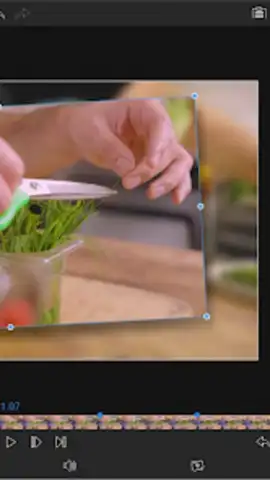
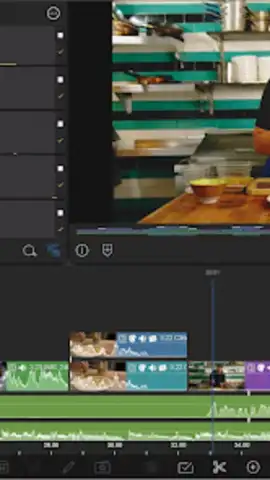
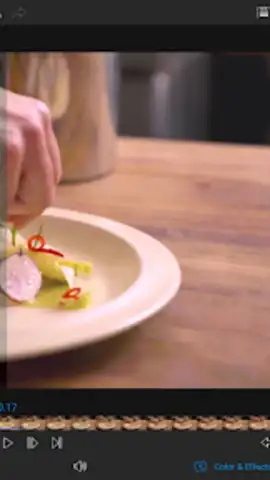
Description LumaFusion: Education Edition
Your Classroom Just Became a Hollywood Studio
Imagine turning your next school project from a boring slideshow into a cinematic masterpiece. Picture your history documentary with smooth transitions, your science report with layered graphics, and your personal reflection with a perfectly synced soundtrack. This isn't just an app; it's your all-access pass to professional-grade video editing, tailored specifically for learning, creating, and storytelling. LumaFusion: Education Edition puts the power of a desktop editing suite right in your hands, transforming your Android device into the most creative tool in your backpack.
Craft Stories That Captivate and Educate
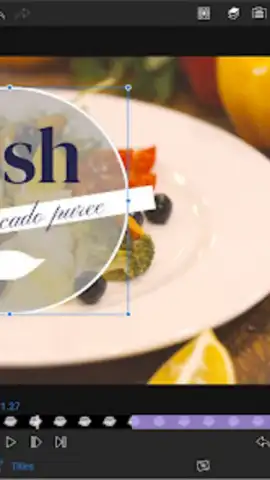
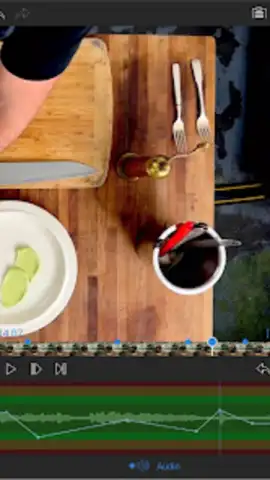
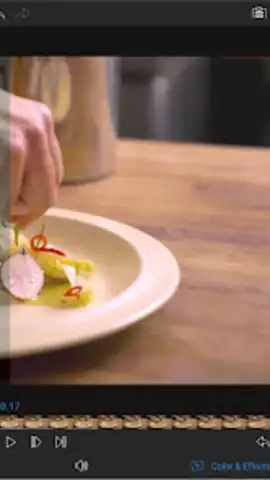
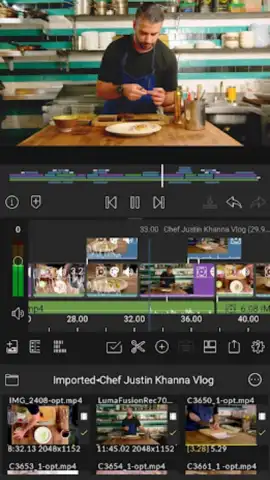
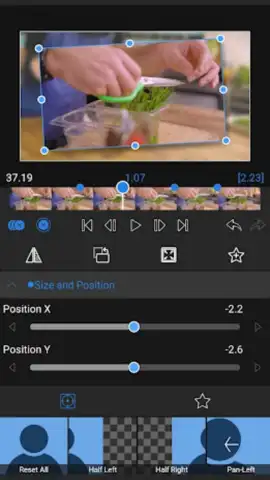
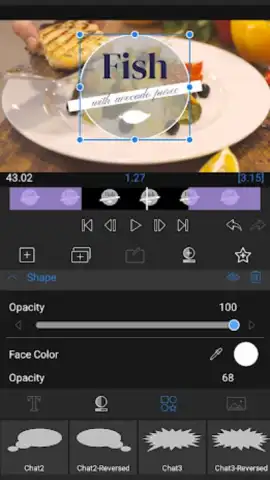
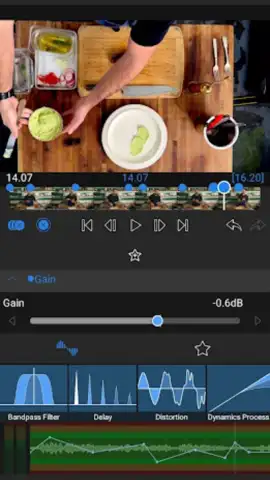
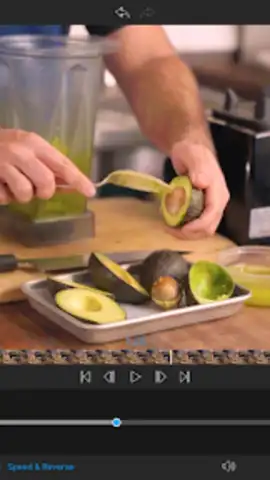
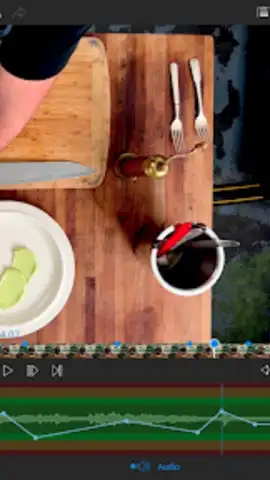
Dive into a multi-track timeline that feels intuitive from the very first tap. Seamlessly layer video clips, photos, narration, music, and titles. This is where your ideas come to life. Use the precision editing tools to trim, split, and arrange your footage with frame-accurate control. Enhance your story with a rich library of royalty-free music, sound effects, and animated titles that are safe and appropriate for any educational setting. Apply color correction to make your visuals pop, or use the built-in audio ducking feature to ensure your voiceover is always crystal clear over the background score.
Why This is The Essential Creative Tool for Students
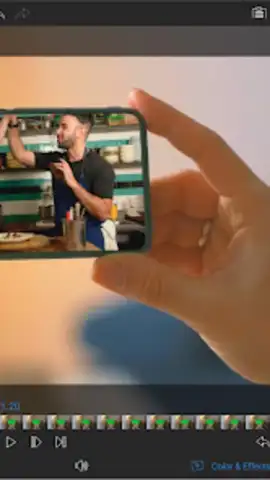
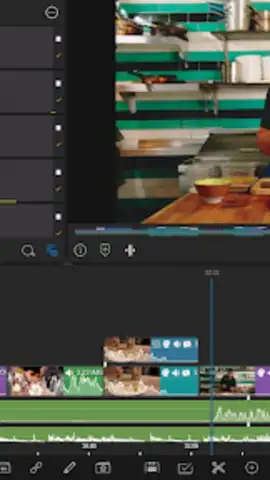
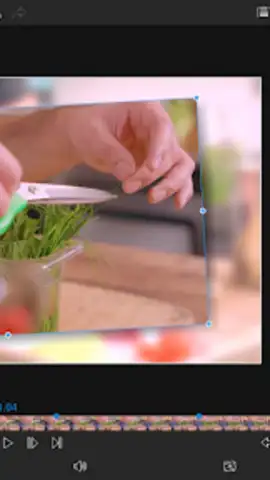
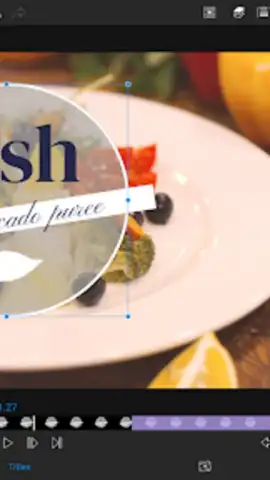
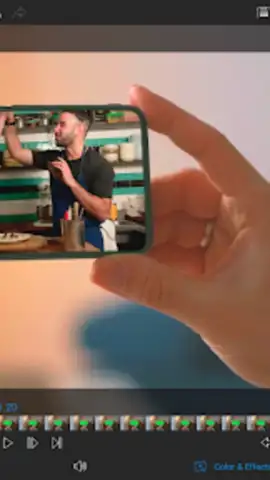
- Multi-Track Timeline: Work with up to six layers of video and audio simultaneously. Overlay pictures-in-picture, stunning titles, and soundtracks to build complex, engaging stories.
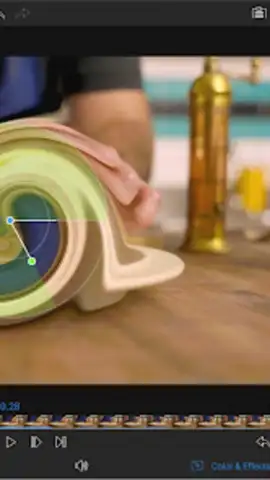
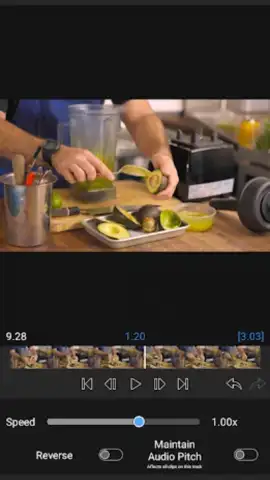
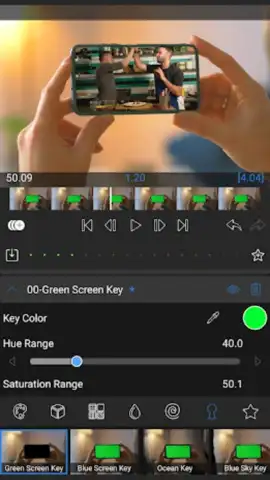
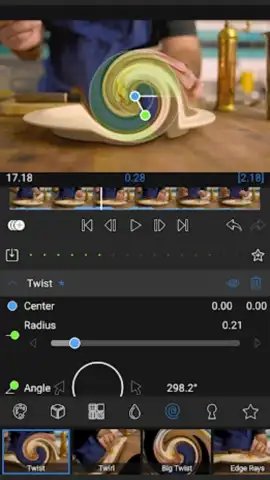
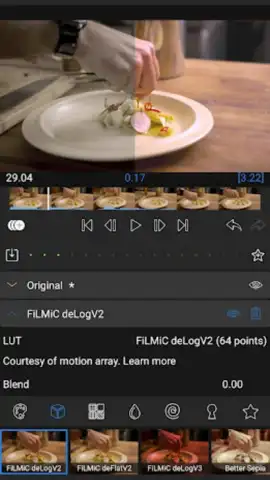
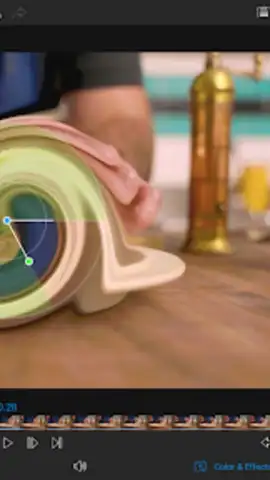
- Professional-Grade Effects: Access a suite of real-time effects, color correction tools, and speed controls. Create slow-motion highlights or fast-paced montages with ease.
- Royalty-Free Media Library: Instantly elevate your projects with a built-in collection of music, sound effects, and title animations. All cleared for use in school projects and public portfolios.
- Precision Editing Tools: Enjoy magnetic timeline snapping, ripple edits, and clipboard operations for a workflow that’s both powerful and surprisingly simple to master.
- Direct Sharing & Export: Render and export your finished videos in high definition directly to your camera roll, Google Drive, or YouTube, making submission and sharing effortless.
Stop imagining your project and start creating it. Download LumaFusion: Education Edition now and unleash your inner filmmaker today!
Heads up: you'll need wifi for downloading assets and updates. Some premium media packs within the library may require additional purchase. Requires Android 10 or later for optimal performance.


