

Manus AI
Manus AI screenshots (11)


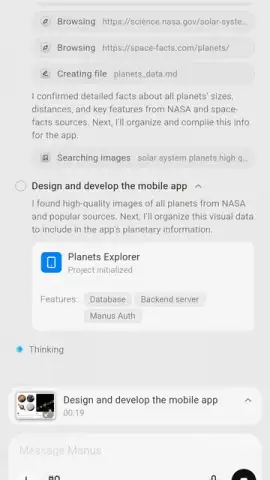
Description Manus AI
Looking for an AI that actually does the work for you?
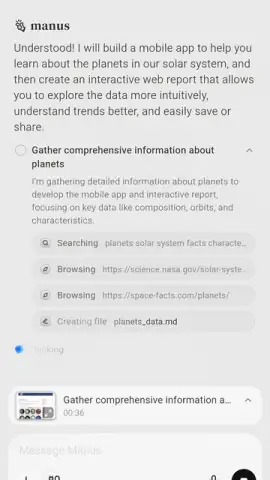
Tired of meticulously crafting prompts for chatbots that still require constant hand-holding? Manus AI is a fundamentally different kind of productivity tool. It’s an autonomous AI agent designed to take a high-level goal and execute the entire task chain independently, delivering finished, usable results directly to you. Watch it operate in a real-time sandbox environment where you can observe every step—from research and data gathering to file creation and deployment—without needing to write a single line of code or master complex software. This isn't just another chat interface; it's a proactive digital assistant that bridges the gap between your idea and a tangible outcome.
Core Functionality and Operational Modes
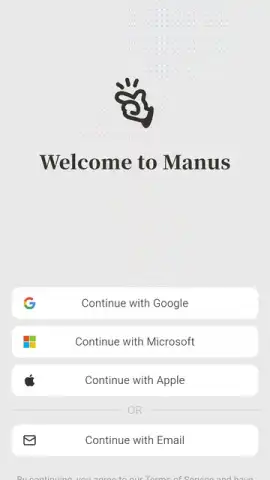
Upon launching Manus AI, you can sign in seamlessly with your Microsoft or Google account. The interface presents you with a straightforward input field, but the magic happens in the execution layer. Instead of a conversational back-and-forth, you delegate complete tasks. For instance, command it to "create a market analysis presentation for Project X," and the agent will autonomously browse for relevant information, curate appropriate images, structure the narrative, and compile a fully editable PowerPoint (PPTX) file for you to review. Its autonomy extends to setting up necessary tools and executing code snippets within its secure environment to achieve the requested objective.
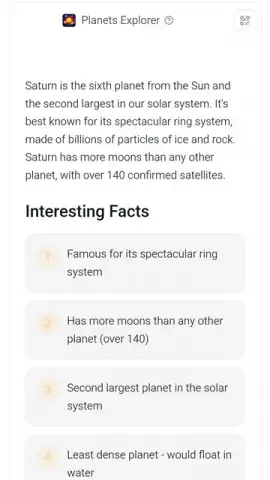
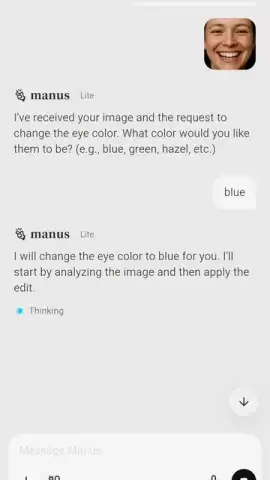
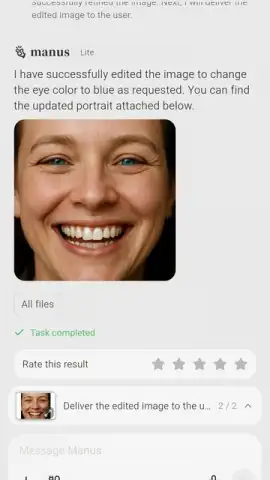
One of its most powerful capabilities is rapid, no-code application development. Provide a dataset or describe a need, and Manus AI can generate and deploy a functional, interactive web app. During testing, when given a complex data report, the AI proposed and then built a dynamic dashboard where data could be filtered and visualized in real-time, transforming a static PDF into an interactive analytical tool. For creative tasks, leveraging its Nano Banana model, it offers precise image editing. Upload a photo and instruct the AI to perform specific retouching—like object removal, background changes, or style adjustments—while maintaining visual consistency, all without requiring you to manually use complex editing software like Photoshop.
Detailed Feature Breakdown
- Autonomous Task Execution: Delegates full projects like presentation creation, data analysis, or app building; the AI plans, researches, and executes multi-step actions independently in a visible sandbox.
- No-Code App Generation: Transforms abstract requirements or raw data into functional, interactive web applications and live dashboards within minutes, with no programming knowledge needed.
- Real-Time Collaborative Workspace: Utilize Manus Collab to have entire teams contribute to and monitor a single, complex task in real time, streamlining group projects and workflows.
- Multi-Format Output Delivery: Produces ready-to-use, editable file formats including PPTX presentations, PDF reports, and Excel spreadsheets, not just text-based suggestions or summaries.
- Advanced Image Processing & Editing: Employs specialized AI models for professional-grade photo retouching and manipulation based on natural language commands for precise visual alterations.
- Large-Scale Parallel Research: Capable of conducting broad, simultaneous research across hundreds of data points and sources without degradation in output quality or loss of context.
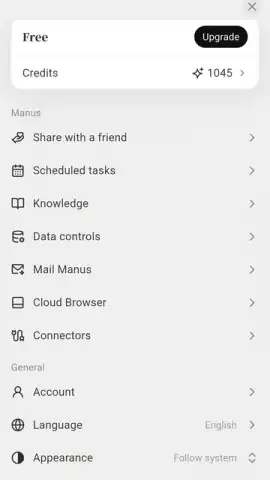
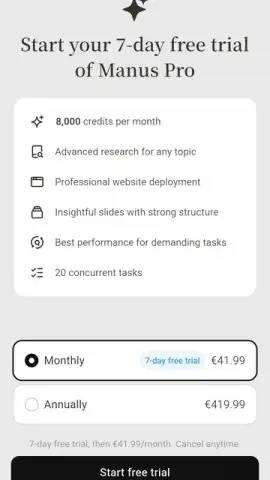
- Pro Subscription Tier (Manus 1.6 Pro): Unlocks expanded capabilities, higher credit limits for intensive tasks, and priority processing, accessible via a paid plan after a 7-day trial period.
Considerations for Integration
Integrating Manus AI into your workflow requires a shift in approach. The platform excels with full task delegation rather than simple Q&A. For extremely basic queries, its planning phase might make it slower than an instant-chat bot, as it's built for depth, not speed. Users must learn to trust the agent with complete objectives. Furthermore, while the core app is free for many functions, accessing the full power of the autonomous agent, including extensive app generation and high-volume tasks, requires the Manus 1.6 Pro subscription.
Download Manus AI for Android now and stop prompting—start delegating! Transform your productivity with the autonomous agent that executes your vision.
Heads up: you'll need wifi for most features. Some cool stuff is extra.
 GooglePlay


