

MediaClip - Download videos
MediaClip - Download videos screenshots (5)


Description MediaClip - Download videos
MediaClip Delivers a Direct, Uncomplicated Path to Video Downloads
In a digital landscape cluttered with complex utilities, MediaClip - Download videos by Appseals establishes itself through a singular, effective premise: extracting video content from the web with minimal friction. This application functions as a streamlined download client, specifically engineered for mobile use. Its core operation bypasses elaborate settings, focusing instead on a direct connection between a video's URL and your device's local storage. The experience is defined by its procedural simplicity, making it a practical tool for users who prioritize function over form and require a quick, no-frills method to save videos from platforms like YouTube and similar portals.
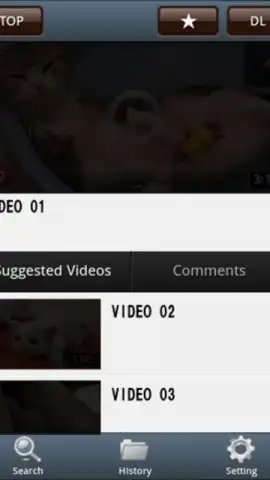
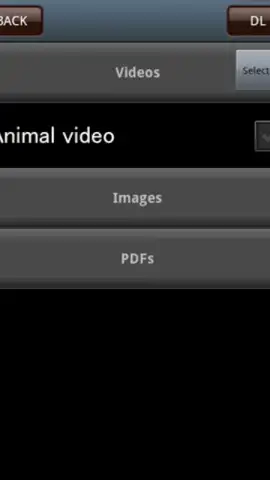
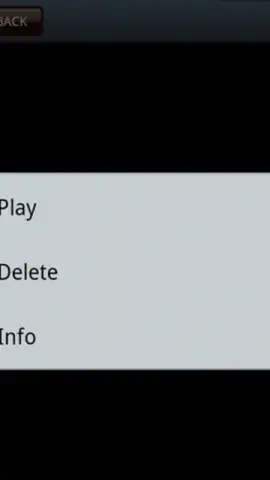
The technical process is deliberately straightforward. You navigate to the video's webpage through the app's integrated browser or by sharing a link to MediaClip. Once the video page loads, a dedicated download button, typically positioned in the upper interface, becomes active. Tapping it triggers a confirmation screen where you can initiate the transfer. The application handles the background retrieval process, and upon completion, files are predominantly saved to a designated multimedia folder on your device for broad system-wide access. It is important to note that due to varying codec and container formats, a minority of downloaded clips may require playback within MediaClip's own built-in video player for full compatibility, a common technical consideration for such tools.
A significant operational aspect is the absence of display advertising during standard use, which contributes to an uninterrupted workflow. This ad-free experience is presented as a baseline feature. The optional 'Turbo' mode, likely a premium tier, is suggested to enhance performance further, potentially increasing download speeds or adding batch processing capabilities. The interface design is utilitarian, prioritizing clear action buttons over aesthetic flourishes. It does not offer an extensive suite of editing or conversion options; its strength lies in its focused execution of the download task. For individuals seeking a dedicated, lightweight video downloader that performs its core function reliably without unnecessary complexity, MediaClip presents a valid and efficient solution.
- One-tap video downloading from URLs
- Ad-free core browsing experience
- Integrated browser and media player
- Local storage in device multimedia folder
Don't overcomplicate your media collection. Get MediaClip now and start building your offline video library with immediate, straightforward downloads. Install it today!
Heads up: you'll need wifi or a stable cellular connection for downloading videos. Some cool stuff like Turbo mode is extra.


