

MediaFire
MediaFire screenshots (12)


Description MediaFire
MediaFire Delivers a Robust Cloud Storage Solution for Mobile and Desktop
MediaFire is a comprehensive cloud storage application that provides users with a centralized platform for storing, managing, and sharing digital files across all devices. Its operational model is built on accessibility and utility, removing the dependency on a single device's physical storage capacity. The service is characterized by its straightforward onboarding process, a substantial initial storage allowance, and consistent performance whether accessed via its dedicated mobile application or through a web browser on a desktop computer. For individuals and professionals seeking a reliable repository for documents, media libraries, and project files, MediaFire presents a functionally pragmatic option.
Core Functionality and Storage Architecture
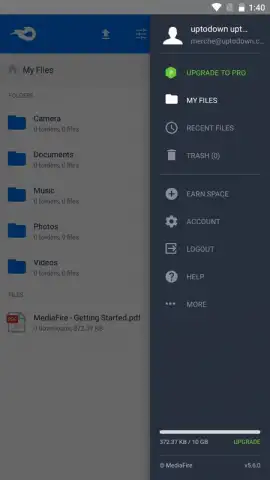
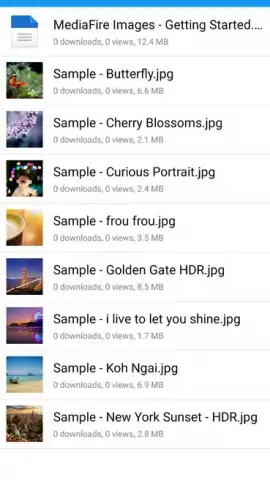
The application's foundation is its cloud storage infrastructure. Upon registration, users are allocated 10 GB of free storage space. This capacity can be strategically increased up to 50 GB through user referral programs and participation in promotional campaigns. This tiered storage system is designed to accommodate a wide array of file types, including high-resolution photos, video projects, music collections, document archives, and application files. By offloading these assets to the cloud, the application directly addresses the common constraint of limited local storage on smartphones and tablets, enabling users to maintain device performance.
Performance, Security, and File Management Protocols
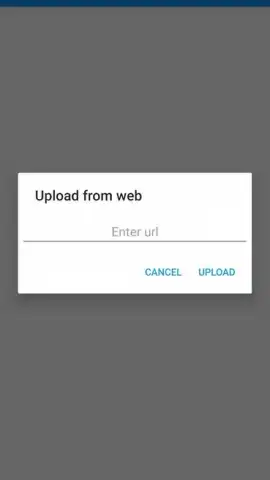
File transfer operations are engineered for speed and reliability. Users can upload content directly from their mobile device's gallery or file system, or download files from the cloud to local storage with minimal latency. All data in transit is secured using encryption protocols, which standardizes a layer of protection against unauthorized interception during uploads and downloads. For an enhanced experience, the optional Turbo subscription tier removes advertising elements and can provide accelerated transfer speeds and additional security features.
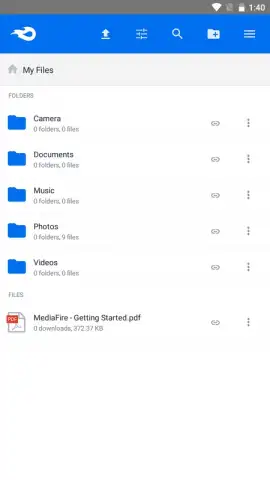
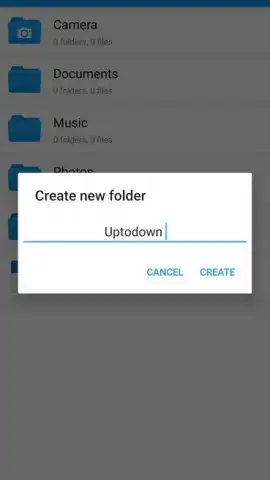
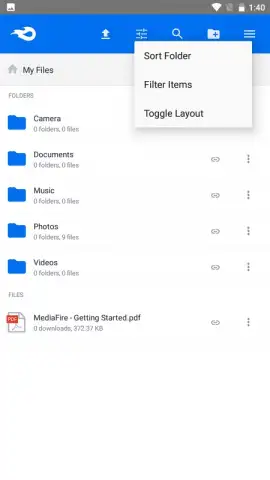
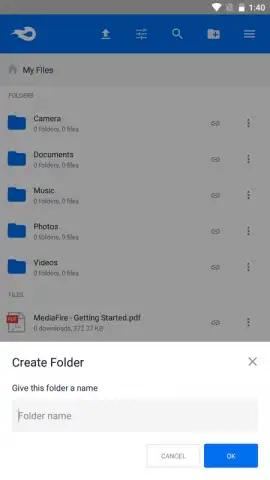
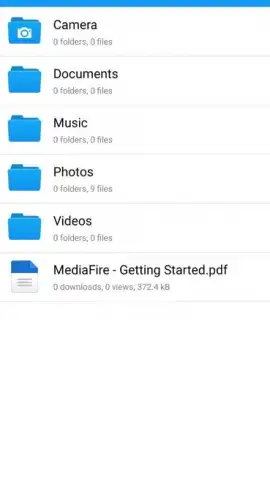
File management within the cloud environment is handled through an intuitive interface that mirrors standard operating system conventions. Users can create nested folder structures, perform batch operations to move or delete files, rename items, and utilize search functions to locate specific content quickly. This organizational framework ensures that large collections remain sortable and retrievable, effectively replicating a desktop file explorer within a cloud context.
Advanced Sharing and Access Control Mechanisms
A defining feature of the MediaFire system is its granular sharing capability. Any file or folder can be distributed via generated download links. These links can be shared through any communication channel, and recipients can access the content without needing a MediaFire account themselves. For sensitive materials, users can impose access controls, such as setting passwords on links or establishing expiration dates and download limits. This provides precise control over shared content, making it suitable for both casual personal sharing and more secure professional collaborations.
- Substantial Free Tier: Begin with 10 GB of free cloud storage, expandable to 50 GB via referrals and promotions for no initial cost.
- Cross-Platform Synchronization: Access and manage your stored files seamlessly from any iOS, Android, or desktop web browser.
- Secure File Transfers: Upload and download files with encryption protecting data during transfer to maintain privacy.
- Intuitive Cloud File Manager: Organize content using folders, search, and batch operations directly within the app's interface.
- Configurable Sharing Links: Generate secure URLs to share files, with optional password protection and link expiration settings.
Get your files organized and accessible from anywhere. Download the MediaFire mobile app now to claim your 10 GB of free storage and start managing your digital library today.
Heads up: you'll need wifi for most upload/download features for optimal performance. Some cool stuff like ad-free browsing and turbo speeds are part of the optional premium subscription.
 GooglePlay


