

MediaGet
MediaGet screenshots (4)
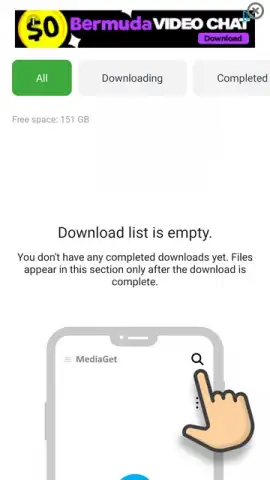
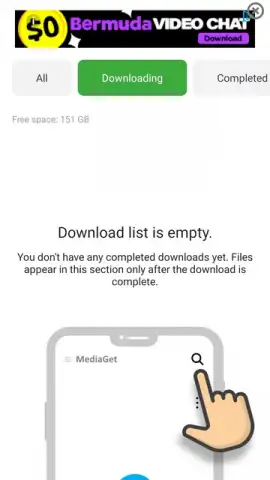
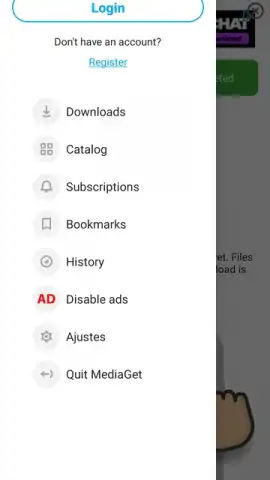
Description MediaGet
Your Direct Gateway to Millions of Files
Imagine having a powerful download manager in your pocket that opens access to a vast world of content with just a few taps. MediaGet transforms your mobile device into a high-speed torrent client, designed to handle files of any type and format without complication. This tool eliminates the common frustrations of finding and downloading content, placing a streamlined and efficient process directly into your hands. You experience a seamless journey from search to completion, getting the files you want without navigating between multiple apps or dealing with intrusive interruptions.
Core Features Designed for Effortless Downloading
The application stands out by integrating a comprehensive search system directly within its interface. You can discover virtually any content you need without ever leaving the app, saving significant time and effort. Once you find what you're looking for, the download engine takes over, prioritizing speed and reliability to deliver your files as quickly as your connection allows. The process is remarkably straightforward, giving you full control over your download queue and how you manage each item.
Managing your downloads is equally intuitive. You can build and organize a list of files, rearranging their priority or pausing selections with simple gestures. This level of control ensures that your device's resources are used exactly as you intend, keeping everything orderly and efficient.
- Integrated Torrent Search Engine: Find millions of files directly within the app, removing the need for external websites or complicated searches.
- High-Speed Download Manager: Experience accelerated download completion times for all file types, from documents to large media files.
- Flexible Adding Options: Start downloads by manually selecting a torrent file from your storage or by simply copying a magnet link for automatic detection.
The utility supports two primary methods to begin a download. You can manually import a torrent file stored on your device, or you can use the URL detection system. This clever feature automatically recognizes when you copy a magnet link or torrent address, prompting you to add it to your queue instantly—no need to switch back to the app to paste it manually. After initiation, the download progresses steadily; the duration depends on file size but is optimized to conclude in the shortest time possible. Your active list of downloads can be sorted and managed according to your current needs, allowing you to prioritize what matters most.
Get your bonus of ad-free, streamlined downloading and immediate access to a global library of content. Start acquiring your files in the simplest way possible today.
Download MediaGet mobile app now
Internet required. IAP available.
 GooglePlay


