

Mico
Mico screenshots (7)
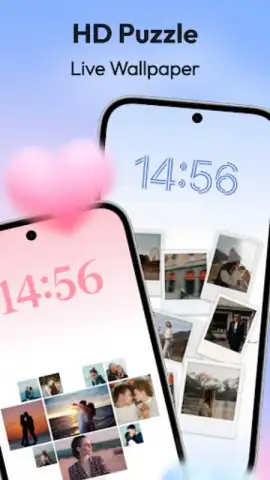


Description Mico
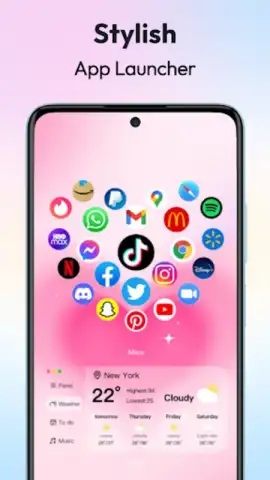
Is your smartphone's home screen a generic grid of icons, or is it a true extension of your personal style and daily workflow? For users seeking profound control over their Android device's aesthetics and functionality, Mico presents itself not merely as a customization app, but as a comprehensive design studio. It systematically replaces the stock interface with a deeply personalized environment, leveraging advanced widgets, dynamic wallpapers, and granular layout tools. This review examines the mechanics and output of Mico to determine if it delivers the seamless, high-fidelity customization it promises.
A Detailed Analysis of Core Customization Features
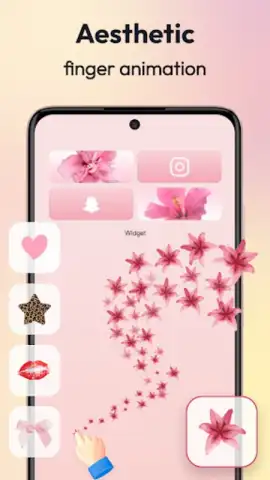
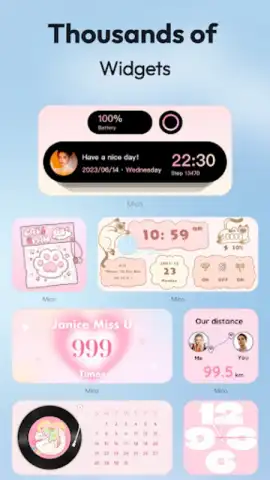
Mico operates on the principle that personalization should be both visually rich and functionally pragmatic. The application provides a structured yet flexible framework for overhauling your device's home screen. It begins with an extensive widget system that goes beyond simple clocks and weather displays. Users can integrate interactive music players with full transport controls, compact photo galleries that cycle through selected memories, and detailed battery health indicators with real-time statistics. Each widget can be sourced from a vast, curated library or crafted from personal media using the in-app design tools, which allow for the conversion of static images or GIFs into responsive home screen elements. This transforms passive decoration into active, useful components.
The visual foundation is laid by Mico's wallpaper engine, which offers a repository of 4K live wallpapers and video backgrounds. The collections are categorized and updated daily, spanning genres from serene natural landscapes and popular anime art to modern abstract designs. A significant technical feature is the conditional wallpaper switch, which can automatically change the background based on predefined times of day or specific geographic locations, adding a layer of dynamic context to the device. Furthermore, AI-powered effects can be applied to personal photos, enabling users to create professional-grade, animated wallpaper content without external software.
Comprehensive Control and Advanced Layout Tools
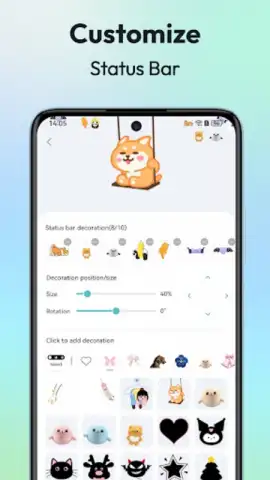
Where Mico distinguishes itself is in the depth of its systemic customization. The app facilitates the creation of cohesive icon packs, allowing users to apply uniform stylistic masks or completely redrawn glyphs to all application shortcuts, thereby eliminating visual dissonance. The layout engine provides precision control over grid sizing, folder aesthetics, and padding between elements, which is crucial for achieving a minimalist or densely informational setup. Advanced integrations include paired widget sets that display complementary information, customizable motivational quote feeds, and health tracker widgets that pull data from other services. This suite of tools ensures that the home screen is not just a static picture but an efficient, information-rich command center tailored to individual productivity and lifestyle patterns.
The advertised Turbo experience is a critical operational note, as it removes all advertising interruptions from the customization process. This is essential for maintaining workflow fluidity when adjusting minute visual details, ensuring the design environment remains focused and unimpeded.
-
Creative Widget Suite: Integrate interactive music players, photo galleries, and system monitors as functional home screen elements.
-
Dynamic 4K Wallpapers: Access daily-updated collections of live and video backgrounds with smart, location-based rotation rules.
-
Granular Layout Control: Redesign icon sets, adjust grid dynamics, and organize components for maximum visual harmony and utility.
Stop tolerating a generic, off-the-shelf phone interface. Seize the tools to build a device that operates and appears exactly to your specification. Download Mico now and initiate a complete home screen transformation today!
Internet required. IAP available.
 GooglePlay


