

Microsoft Edge Beta
Microsoft Edge Beta screenshots (15)



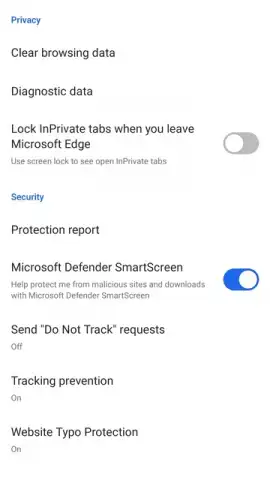
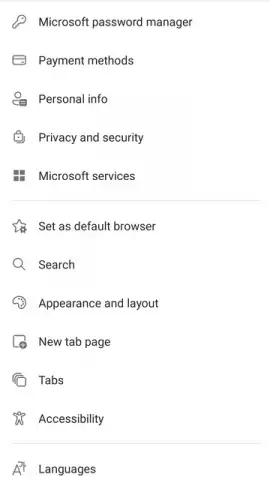
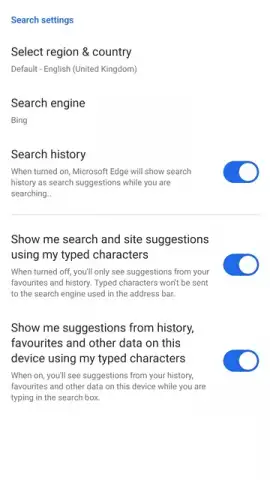

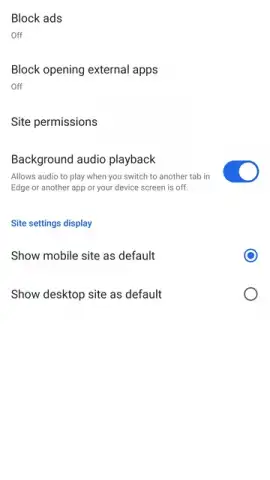
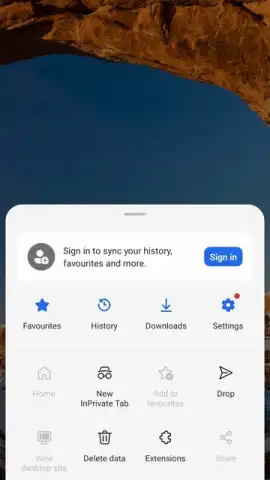
Description Microsoft Edge Beta
What Does It Mean to Test a Browser Before Its Official Release?
Microsoft Edge Beta is the experimental, pre-release channel for Microsoft's flagship web browser. This version serves as a proving ground for upcoming features, allowing a select group of users to experience and evaluate new tools, interface changes, and performance enhancements long before they reach the stable public build. The core proposition is direct access to the cutting edge of browser development, coupled with an integrated feedback tool that lets you report bugs or suggest improvements with a single tap, actively shaping the browser's future. While optional, signing in with a Microsoft account unlocks a seamless ecosystem, enabling full synchronization of bookmarks, browsing history, open tabs, and saved passwords between this mobile beta and the desktop version of Edge. Guest browsing is fully supported for private sessions, but this forfeits personalization and cross-device continuity.
A Detailed Look at the Beta Experience
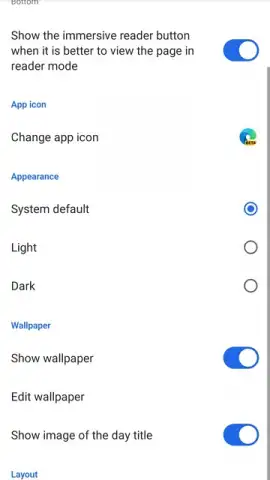
The primary trade-off in any beta program is stability for early access. In practice, Microsoft Edge Beta maintains remarkable reliability for a development build; crashes or significant lag are uncommon, though minor visual glitches or unfinished UI elements can appear. This is the inherent nature of beta software. The reward is previewing functionalities that may redefine your browsing, some of which might be experimental and never graduate to the stable version. Beyond features, the browser offers extensive aesthetic customization. Within the settings menu, you can select from dark or light themes, apply custom background wallpapers to the new tab page, and even alter the design style of the toolbar icons themselves. There are over half a dozen icon sets available, and you can further customize the layout and visibility of menu buttons, tailoring the interface to your visual preference.
A standout feature often tested here is the performance-oriented "Turbo" mode (or its equivalent under development), designed to compress data and accelerate page loading on slower connections, all while maintaining a strict no-advertisement policy within the browser's own interface. This focus on a clean, fast, and customizable user experience, combined with the powerful sync engine for Microsoft account holders, makes this beta particularly compelling for users invested in the Edge ecosystem across Windows, macOS, and Android.
-
- Gain exclusive early access to upcoming browser features and tools before public release.
- Submit direct feedback on new functionalities to influence the stable version's development.
- Sync bookmarks, history, tabs, and passwords seamlessly with Edge on desktop (login required).
- Fully customize the visual interface with themes, wallpapers, and multiple icon set options.
- Browse in a clean, ad-free interface with performance enhancements for slower networks.
Limited offer for early adopters: be among the first to shape the future of browsing. Download the Microsoft Edge Beta mobile app now to secure exclusive access to tomorrow's features today.
Disclaimer: This is beta software; unexpected behavior or instability may occur. A persistent internet connection is required for use. Synchronization requires a Microsoft account. The application may use mobile data. Features are subject to change or removal. This product is not intended for critical use. Age restrictions may apply based on regional app store policies. Data usage and privacy practices are governed by Microsoft's privacy policy.
 GooglePlay


