

Microsoft Launcher Preview
Microsoft Launcher Preview screenshots (8)
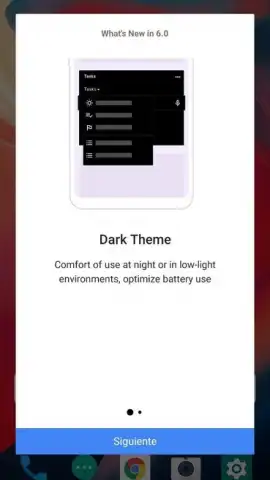
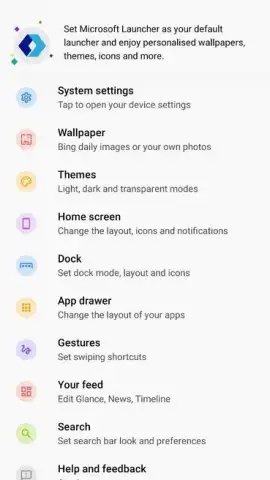
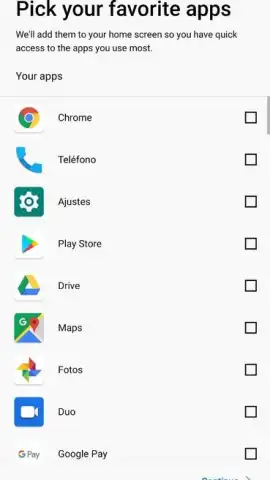
Description Microsoft Launcher Preview
What if your phone's interface could anticipate your needs and adapt to your workflow?
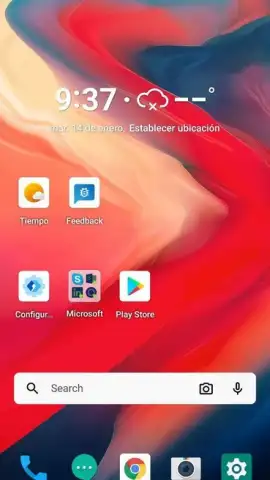
Microsoft Launcher Preview provides a deeply integrated Android personalization layer that replaces your default home screen with a dynamic, productivity-focused environment. It synchronizes seamlessly with your Microsoft 365 account, pulling calendar events, recent documents, and sticky notes directly into a customizable feed. The launcher employs an adaptive design that learns from your usage patterns, suggesting relevant apps and organizing your content based on time of day and current tasks. This is not a static skin but an interactive dashboard designed to reduce friction between you, your device, and your digital work ecosystem.
Core Functionality and System Integration
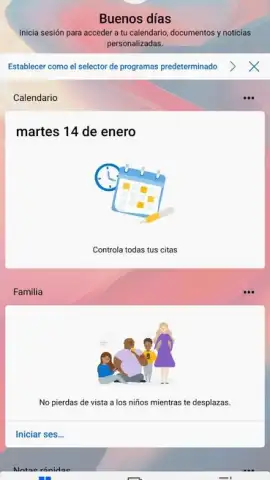
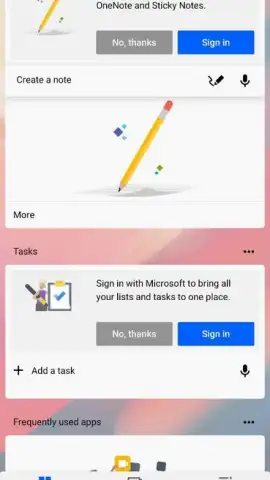
The primary mechanic involves a central, scrollable feed panel placed to the left of the main home screen. This panel aggregates information from connected services like Outlook, To Do, and OneDrive, creating a unified glanceable overview. The app drawer can be sorted alphabetically, by recent use, or by frequency, and supports folder creation for further organization. A persistent search bar allows for querying across the web, your device files, and your Microsoft cloud storage simultaneously. The launcher also enables extensive visual customization of icon packs, grid sizing, and transition animations without requiring root access.
Operational Advantages and User Experience
The key strength lies in its context-aware functionality and cross-platform continuity. It establishes a coherent workflow between your Android device and a Windows PC, allowing for activities like continuing web browsing or document editing across devices. Performance is optimized for efficiency, with minimal impact on battery life compared to many third-party launchers. The interface maintains Microsoft's Fluent Design principles, offering a visually consistent and clean aesthetic that prioritizes information clarity over decorative elements.
- Personalized Information Feed: Aggregates calendar, documents, notes, and news in a single scrollable panel.
- Deep Microsoft 365 Integration: Direct access to Outlook, To Do, OneDrive, and recent Office documents.
- Adaptive App Suggestions: Dynamically recommends apps and actions based on your daily routine and location.
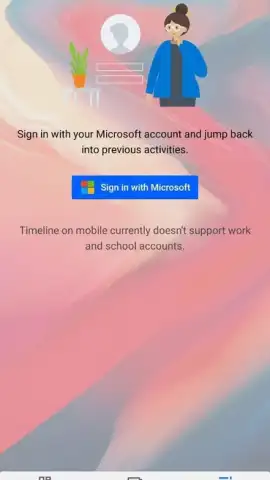
- Cross-Device Timeline Sync: Resume web pages or documents from your Windows PC directly on your phone.
- Highly Customizable Interface: Apply icon packs, adjust grid layouts, and customize gesture controls freely.
Download the Microsoft Launcher Preview now for exclusive early access to these integrated productivity features. This preview version offers unique functionality ahead of the public stable release.
Internet required. IAP available.


