
Microsoft PowerPoint
Microsoft PowerPoint screenshots (14)
Description Microsoft PowerPoint
Need to create, edit, or deliver a presentation directly from your Android device? The Microsoft PowerPoint mobile app provides a comprehensive suite of tools for professional slide design and dynamic presentation delivery, fully optimized for on-the-go use. It maintains full fidelity with the desktop version, ensuring seamless workflow continuity across all your devices.
Core Functionality and Editing Capabilities
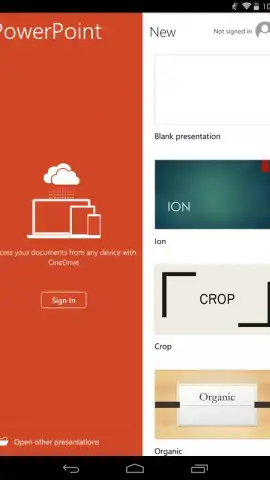
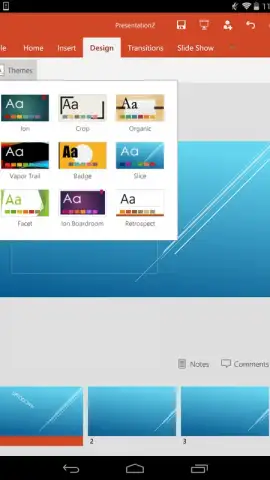
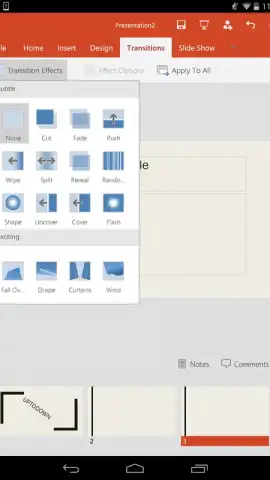
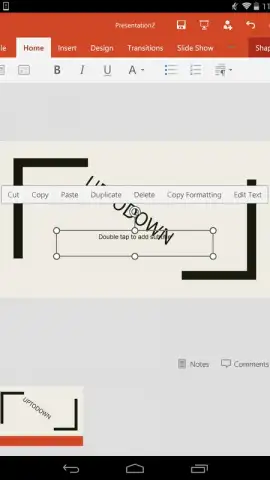
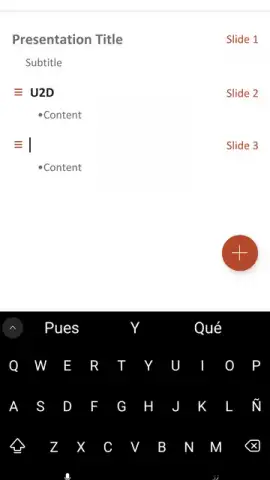
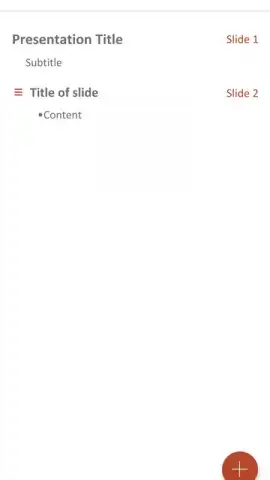
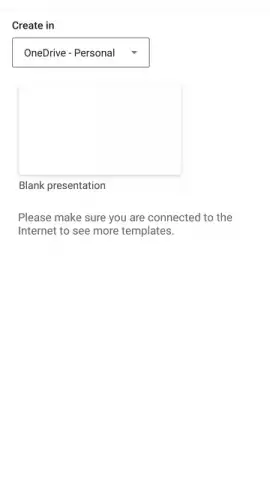
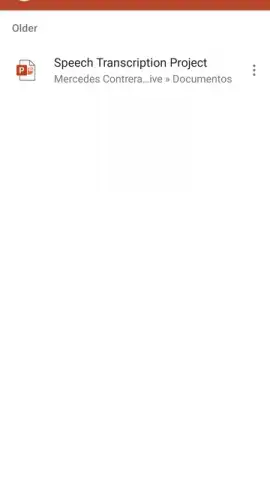
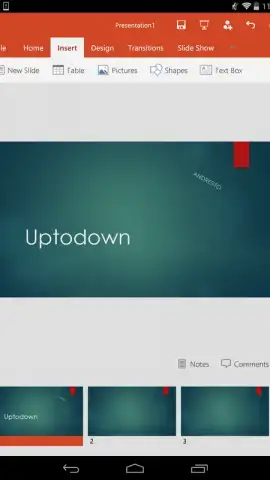
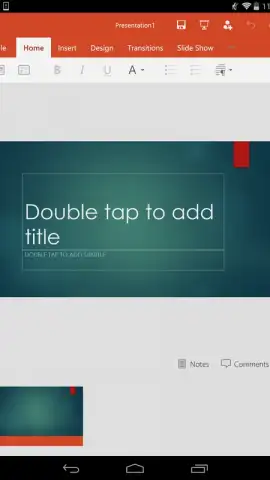
This application delivers the essential PowerPoint feature set within a mobile-optimized interface. Users can initiate new presentations from scratch or modify existing files. The editing toolkit supports direct manipulation of text boxes, images, shapes, charts, and SmartArt graphics. Slide layouts can be changed instantly, and visual style is controlled through themes, transitions, and animation effects. Content is easily formatted with a tap, and a library of pre-designed templates is available for rapid project starts. All work is saved automatically and can be stored locally on the device or synced to cloud storage platforms.
Presentation Delivery and Cloud Integration
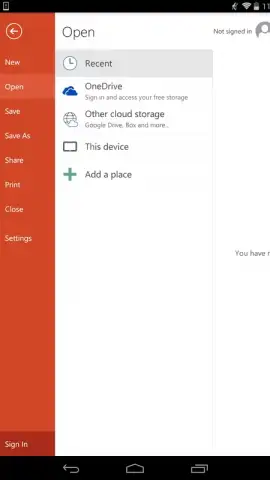
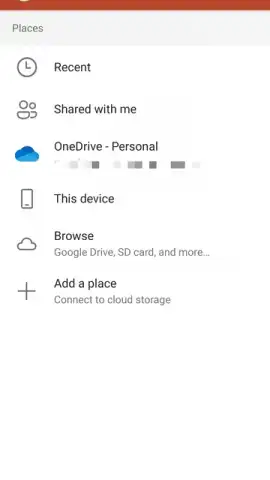
The app includes a dedicated presentation mode that turns your mobile device into a portable projector. This mode supports presenting to an external display via HDMI or wireless casting and provides speaker tools like presenter view with notes and a laser pointer. Deep integration with Microsoft OneDrive, and compatibility with services like Google Drive and Dropbox, enables automatic file synchronization across all signed-in devices. This allows you to start a presentation on a PC and make final edits on your phone. Real-time collaboration is facilitated through easy sharing of document links, permitting multiple users to co-edit.
Offline Access and File Management
Full functionality is maintained without an internet connection for locally stored files. Presentations can be opened, edited, and saved offline, with all changes queued for synchronization once a network connection is re-established. This ensures productivity in any environment.
- Comprehensive Mobile Editing: Access tools for text, images, charts, tables, and shapes with full formatting control.
- Cloud Sync & Collaboration: Automatically save and sync files via OneDrive, and share links for real-time co-editing.
- Professional Presentation Mode: Deliver slideshows with speaker notes, laser pointer, and support for external displays.
- Extensive Template Library: Jumpstart projects using a wide selection of professionally designed slide templates.
- Robust Offline Functionality: Open, edit, and save presentations locally without an active internet connection.
We suggest trying Microsoft PowerPoint for Android to handle all your presentation tasks with full desktop-grade power in your pocket. Download the mobile app now to get started.
Internet required for initial download and cloud features. IAP available for premium Microsoft 365 subscriptions.
 GooglePlay


