
Microsoft Word
Microsoft Word screenshots (22)
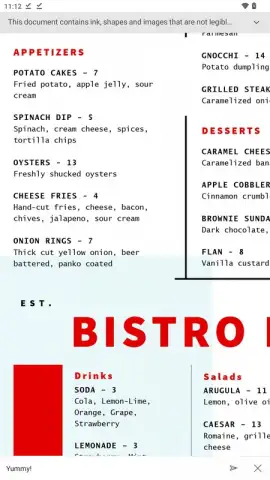
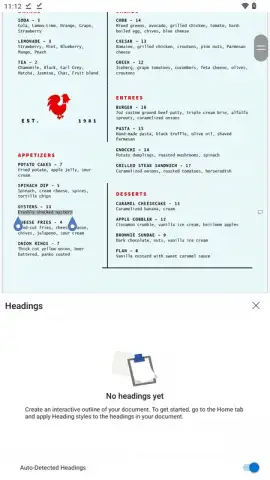
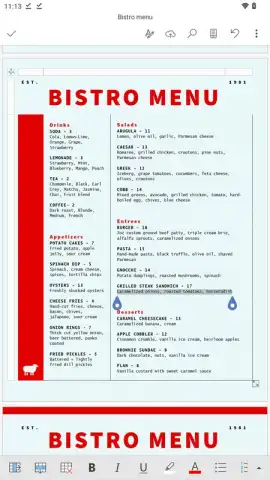
Description Microsoft Word
A Document in Your Pocket
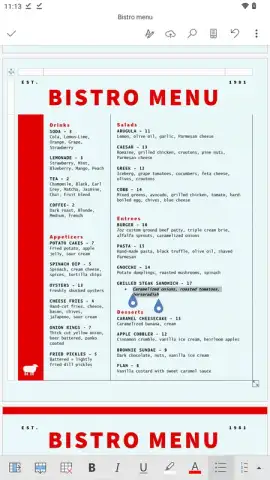
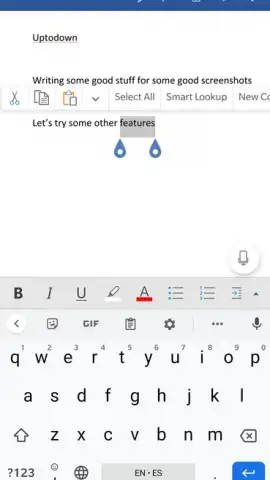
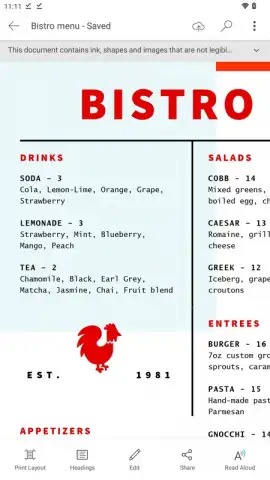
The transition from desktop to mobile productivity often feels like a compromise, sacrificing power for portability. Microsoft Word for Android challenges that notion directly. This official mobile processor isn't a stripped-down viewer; it’s a robust, adaptive tool that brings the core DNA of the desktop experience to your smartphone or tablet screen. The application intelligently scales its interface, offering a choice between a streamlined, touch-optimized layout for quick edits and a full-page view that precisely mirrors final document formatting, ensuring what you create on the go is exactly what prints or presents.
Core Functionality and Precision Tools
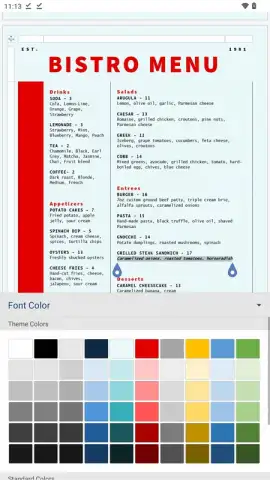
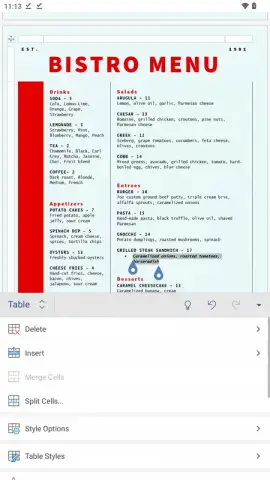
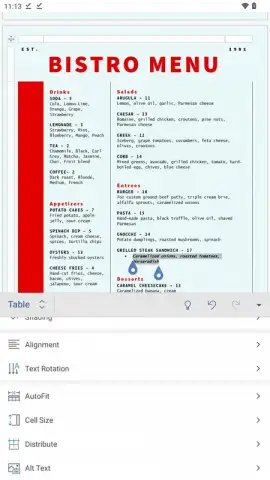
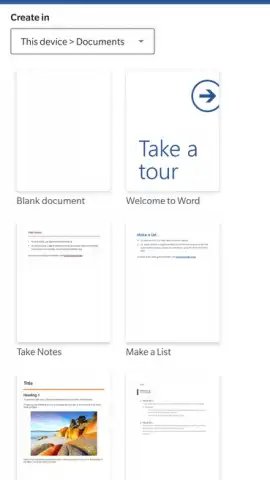
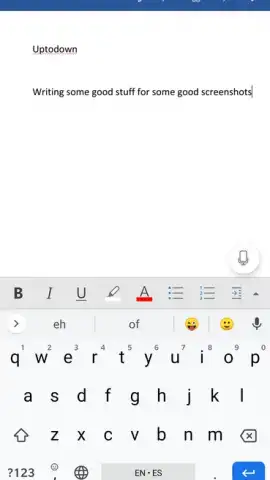
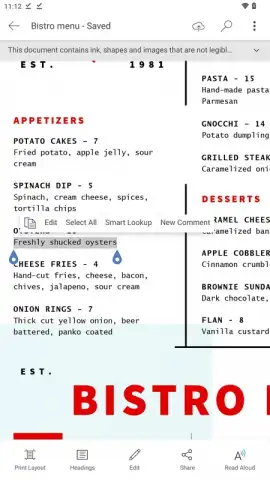
Document creation and editing form the foundation of the app. You can initiate projects from a blank slate, utilize a comprehensive gallery of professional templates for resumes, reports, and letters, or open and modify existing files. Text formatting controls are extensive, allowing granular adjustments to font type, size, weight, color, paragraph alignment, and line spacing. The editor supports complex document structures through customizable headings and styles. Beyond text, you can insert and format tables, embed high-resolution images and shapes, and add hyperlinks, constructing polished documents directly from your device.
Seamless Integration and Collaborative Workflow
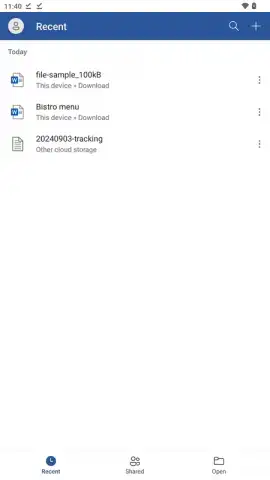
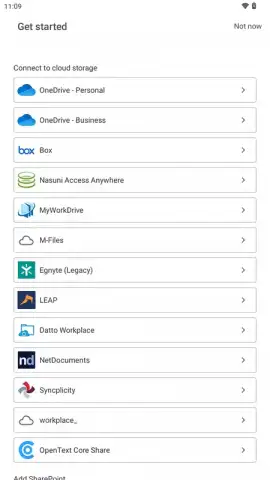
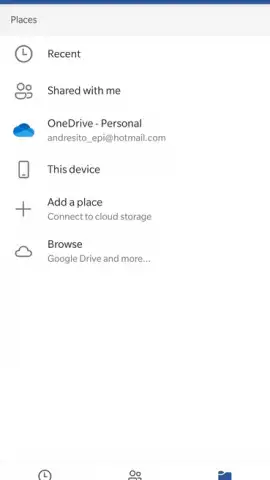
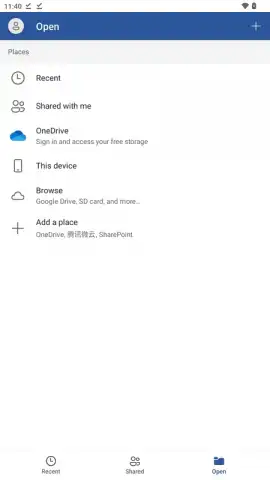
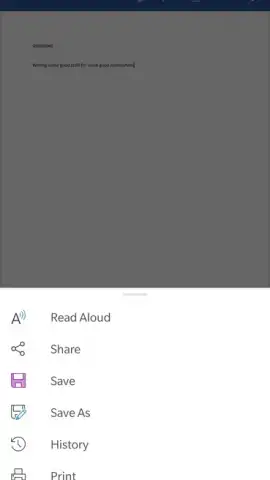
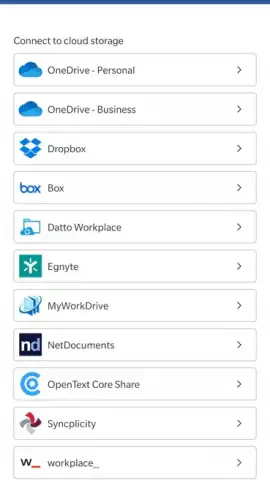
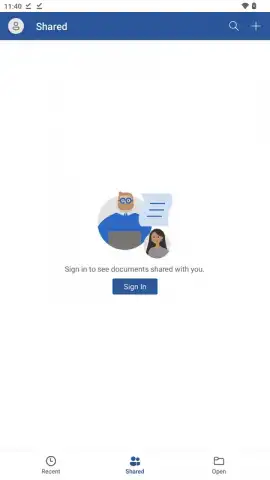
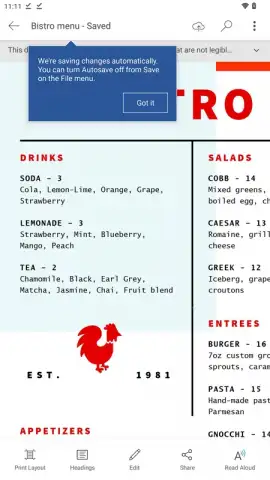
The application’s power is magnified by its deep integration with Microsoft’s cloud ecosystem, primarily OneDrive. This enables automatic, real-time saving, ensuring the latest version of your document is accessible from any device, anywhere. This cloud backbone also facilitates sophisticated real-time collaboration. You can share documents with others, granting them view or edit permissions, allowing multiple contributors to work on the same file simultaneously with changes reflected instantly for all parties, streamlining group projects and remote teamwork. A Microsoft account is recommended to fully unlock this seamless sync and share capability.
Advanced Features and Broad Compatibility
Microsoft Word for Android includes a sophisticated proofing engine that performs continuous grammar and spelling checks. Errors are typically flagged in real-time with visual cues: red underlines for potential spelling issues and blue for grammatical or clarity suggestions, providing an intelligent layer of editorial oversight. Regarding file support, the app maintains wide compatibility. While direct editing is reserved for the modern .docx format, the reader mode supports opening and viewing .doc, .docm, .odt, .pdf, .rtf, and .txt files. For editing, the app can convert these supported formats into an editable .docx file.
- Adaptive Mobile Editing: Choose between a focused, touch-friendly mobile view or a full-page layout that shows exact document formatting for precision work.
- Real-Time Cloud Sync & Collaboration: Integrated with OneDrive for automatic saving and enabling multiple users to co-edit documents simultaneously from different locations.
- Intelligent Proofing Tools: Advanced spelling and grammar checker provides real-time error detection with color-coded underlines to improve writing clarity and accuracy.
Master your documents anywhere without compromise. Download the Microsoft Word mobile app now and transform your Android device into a powerful document workstation.
Internet required. IAP available.
 GooglePlay


