

Mixed Chinese Keyboard Plus
Mixed Chinese Keyboard Plus screenshots (7)
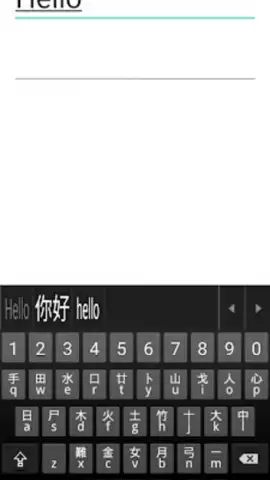
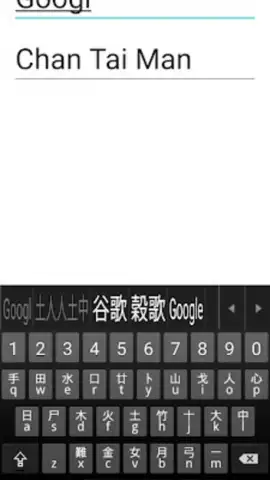
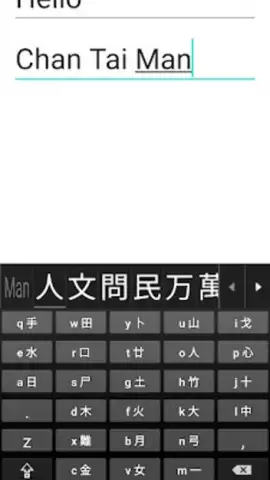
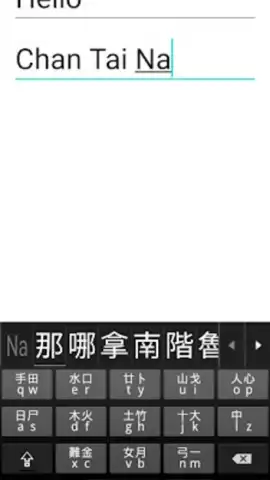
Description Mixed Chinese Keyboard Plus
A Keyboard That Understands Your Multilingual Reality
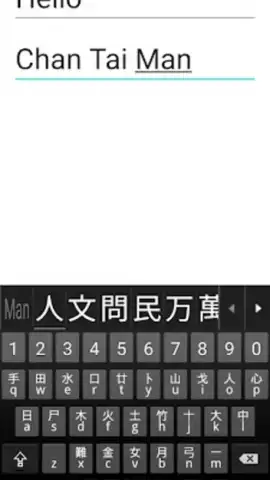
Typing seamlessly across Chinese and English within a single message or document has long been a frustrating, disjointed experience, forcing constant switching and breaking creative flow. Mixed Chinese Keyboard Plus directly addresses this core inefficiency by integrating both languages into a single, intelligent input surface. It eliminates the cognitive load of toggling between disparate keyboards, allowing for fluid, natural expression that matches the hybrid way many people communicate today. This isn't merely an input tool; it's a productivity enhancer designed for bilingual thinkers, students, professionals, and anyone who operates in a cross-cultural digital space.
Engineered for Hybrid Language Fluency
The application functions as a fully-featured system keyboard replacement with a specialized engine for mixed-input scenarios. Its primary mechanic is predictive text and autocorrection that operates bilingually, understanding context to suggest the appropriate Chinese characters or English words mid-sentence. You can begin typing a word in Pinyin and seamlessly continue with English letters without triggering a mode switch. The keyboard layout is thoughtfully designed, offering quick-access keys for common punctuation and formatting, alongside a dedicated key for instantly swapping between simplified and traditional Chinese character sets. For advanced users, it supports customizable gesture controls for actions like cursor navigation and text selection, turning simple taps into powerful editing commands.
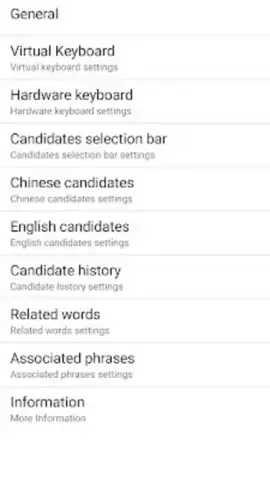
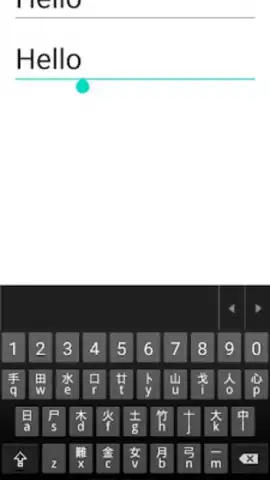
The user experience prioritizes clarity and responsiveness. The interface adopts a clean, minimalist aesthetic with customizable theme options, ensuring the keys remain legible and the layout uncluttered during fast typing sessions. Performance is tuned for low latency, recognizing that even a minor lag can disrupt the rhythm of thought. A significant advantage is its deep integration with system-wide features, working reliably across all applications—from messaging and email clients to note-taking apps and social media platforms. It learns from your personal vocabulary and usage patterns over time, making its predictions increasingly accurate and personalized.
Key Advantages
- Intelligent bilingual prediction engine
- No-toggle mixed Chinese/English input
- Customizable themes and gesture controls
- Low-latency, system-wide performance
Stop compromising your typing speed and expressive clarity. Download Mixed Chinese Keyboard Plus now and experience the definitive solution for modern, multilingual communication. Install it immediately and transform your device into a tool that truly understands how you think and write.
Internet required. IAP available.


