

Zoom for Intune
Zoom for Intune screenshots (5)

Description Zoom for Intune
Secure Enterprise Collaboration, Redefined
Navigate the modern workplace with confidence using Zoom for Intune, the definitive solution for secure and managed video communications. This app delivers the familiar, high-quality Zoom meeting experience, now seamlessly integrated with Microsoft Intune for unparalleled mobile device and application security. It’s built for professionals who require effortless collaboration without compromising on corporate data protection policies.
Engineered for Managed Enterprise Environments
Zoom for Intune transforms your mobile device into a secure corporate collaboration hub. It provides the full suite of Zoom's communication tools—from HD video meetings and screen sharing to team chat—within a container managed by your IT department. This ensures business data remains separate and secure, enabling you to join meetings, collaborate on projects, and communicate with colleagues using a single, policy-compliant application. The integration allows for streamlined access, secure authentication, and simplified management under your organization's existing Intune framework.
Core Features & Technical Advantages
Experience the robust functionality designed for professional use.
- Join or host HD video meetings directly from your managed mobile device with one-tap simplicity.
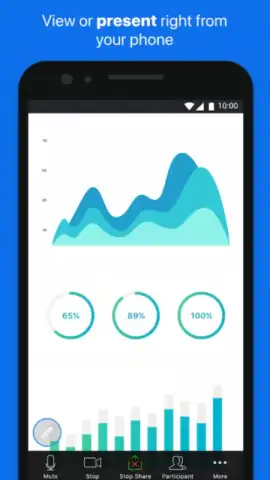
- Share your screen seamlessly to present documents, slides, and applications in real-time.
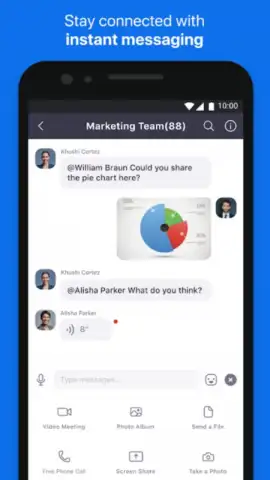
- Access secure team chat channels for continuous, policy-controlled communication with colleagues.
- Participate with interactive tools including virtual raising hands, reactions, and in-meeting chat.
- Benefit from Intune app protection policies that safeguard corporate data within the application container.
We suggest trying Zoom for Intune to experience secure, high-fidelity collaboration that aligns perfectly with your organization's mobility and security standards. Download the app now to connect with your team confidently, from anywhere.
Internet required. IAP available.
 GooglePlay


