

Moon+ Reader
Moon+ Reader screenshots (5)

Description Moon+ Reader
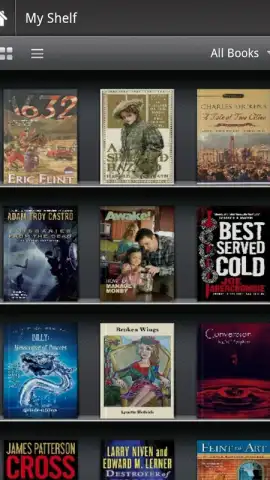
Ever feel like your digital library is scattered across different formats, trapped in files your current app just can't open? What if you could carry one powerful, universal book reader that opens everything, instantly transforming your Android device into a true pocket library?
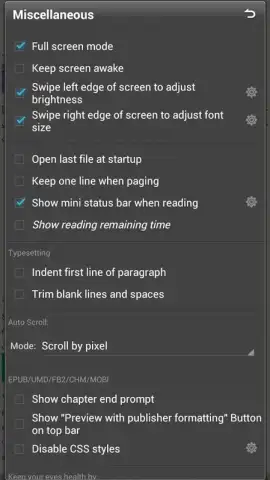
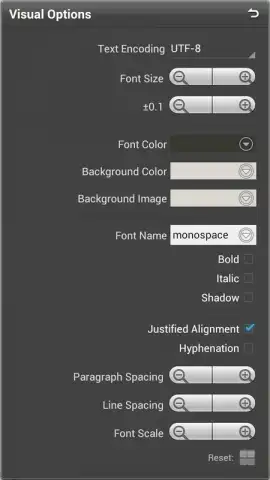
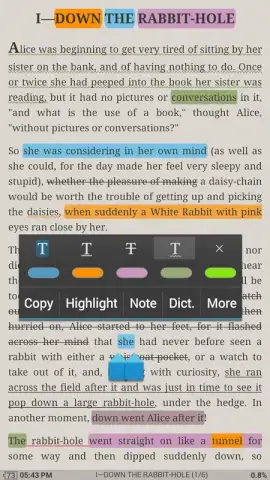
Moon+ Reader is that solution. This application serves as a comprehensive ebook reader designed to handle the vast majority of digital book formats you already own or download. You encounter a seamless, full-screen reading environment from the moment you open a book. A simple tap anywhere on the screen reveals a discreet, intuitive dropdown menu, placing every tool and option you need within immediate reach without cluttering your view. The core experience is built around deep, granular customization, allowing you to tailor more than twenty different visual and operational parameters to match your exact reading preferences. This goes far beyond simple font changes; you adjust margins, line spacing, background colors, and brightness profiles with just a couple of gestures, creating a perfectly personalized reading session every time. The app operates with a clear focus on your content, free from disruptive advertisements by default, ensuring your immersion in the story is never broken. It performs exceptionally well on devices with larger screens, such as tablets, where the expansive display truly brings your book collection to life, but remains perfectly optimized for any Android phone, making it a versatile companion for all readers.
- Universal Format Support: Open EPUB, MOBI, FB2, TXT, CBR, CBZ, and more, including archived files.
- Gesture-Based Customization: Change fonts, sizes, and themes instantly with intuitive swipe and tap gestures.
- Deep Reading Configuration: Fine-tune over 20 settings for margins, spacing, and visual comfort.
Download Moon+ Reader now and unlock exclusive, ad-free access to your entire digital library today—this optimized version offers superior performance for the first wave of new users.
Heads up: you'll need wifi for downloading new books or accessing OPDS catalogs. Some advanced visual themes and cloud sync features are part of the premium upgrade.
 GooglePlay


