

More Shortcuts
More Shortcuts screenshots (7)
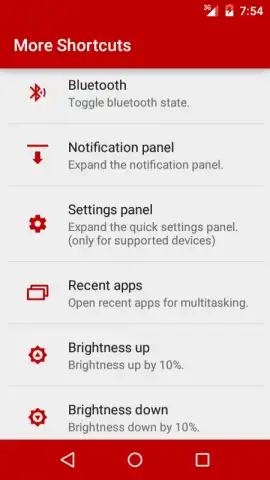
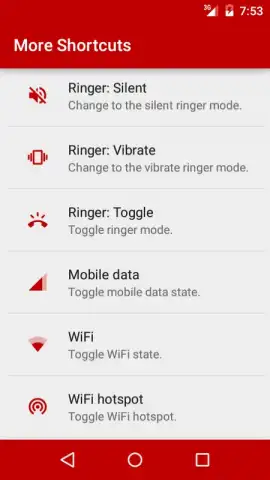
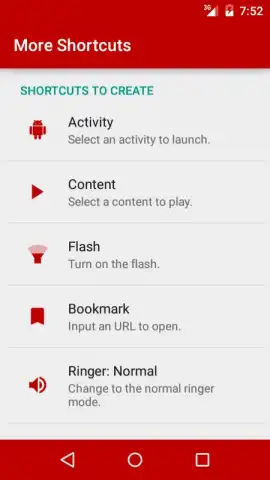
Description More Shortcuts
Tired of endless scrolling and complicated menus just to control your smart home?
Imagine managing every connected device in your living space with a single, intuitive tap. More Shortcuts transforms your Android device into a universal remote for your modern home, eliminating the clutter of multiple apps and putting instant control of your environment right on your home screen. Stop navigating through layers of settings and start living in a home that responds to your touch.
Centralized Command for a Smarter Home
More Shortcuts is a powerful automation hub designed to streamline your daily routines. The app allows you to create custom widgets and quick-access tiles that execute complex sequences of actions across various smart home platforms and device manufacturers. Whether you're adjusting lighting, setting the perfect room temperature, or starting your morning coffee ritual, it consolidates control into one seamless interface. The core functionality revolves around building personalized shortcuts that can integrate with IFTTT, Google Assistant routines, and direct device APIs, giving you granular control without needing to be a programming expert.
Engineered for Efficiency and Reliability
This tool is built with a focus on performance and user-centric design. It operates with minimal battery drain and launches actions near-instantly, ensuring your commands are executed without frustrating lag. The interface is clean and highly customizable, allowing you to organize shortcuts by room, function, or frequency of use. Its robust compatibility works with a vast array of smart plugs, bulbs, thermostats, and security cameras, making it a future-proof addition to any evolving smart home ecosystem.
- Create Custom Home Screen Widgets for one-tap control of lights, climate, and appliances.
- Build Multi-Step Routines that trigger several actions across different brands simultaneously.
- Integrate with Major Platforms like Philips Hue, TP-Link Kasa, Google Home, and Samsung SmartThings.
- Design Visually Distinct Shortcut Icons with custom labels for effortless at-a-glance recognition.
- Schedule Automated Actions to run at specific times or based on sunrise/sunset events.
You might enjoy the newfound simplicity and power of managing your connected home from a single, reliable dashboard. Consider downloading More Shortcuts to cut through the complexity and build a living space that truly works for you.
Download More Shortcuts now and experience centralized smart home control.
Disclaimer: This application requires an internet connection for full functionality with cloud-based devices. Some advanced features or integrations may involve in-app purchases. The app may collect usage data to improve performance and requires permissions to interact with other applications and system settings. Use of this app with smart home devices is subject to their respective terms and age restrictions.


