
MP3 Converter
MP3 Converter screenshots (6)
Description MP3 Converter
Struggling with Incompatible Audio Files?
Converting audio files for playback on various devices or editing in different software often requires a dedicated, reliable tool. The MP3 Converter app provides a streamlined solution for transforming audio formats directly on your Android device, eliminating the need for complex desktop software or online services with questionable privacy policies. It addresses the common frustration of having a music collection or audio recordings locked in formats that your player, car stereo, or smart speaker cannot recognize.
Core Conversion Functionality and Features
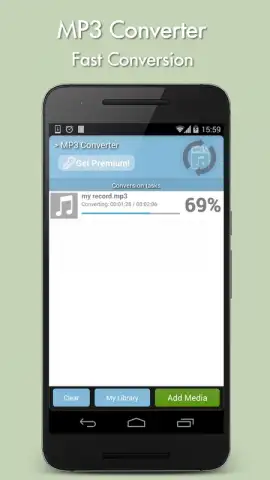
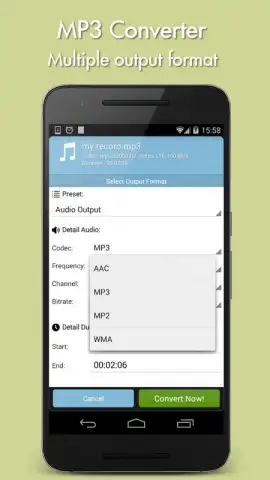
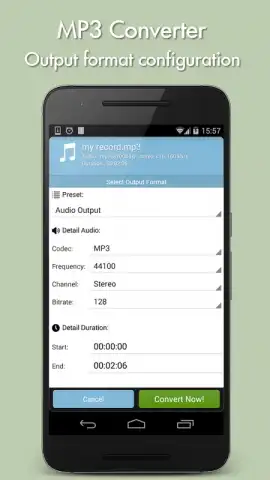
This application functions as a self-contained audio processing tool. The primary mechanic involves selecting an audio file from your device's storage and choosing a target output format. The app supports a range of common audio codecs, including MP3, AAC, WAV, and FLAC, allowing for both compression for space savings and preservation of high-quality lossless audio. The conversion process is handled locally on the device, which means your files are not uploaded to external servers, providing a layer of privacy and allowing for offline use once the app is installed. Users can adjust parameters such as bitrate and sample rate for the output file, offering control over the final file size and audio fidelity to suit specific needs, from creating small ringtones to archiving high-quality recordings.
Operational Advantages and User Experience
The interface is designed for straightforward navigation, presenting a clear file browser and a simple selection process for conversion settings. Performance is focused on efficient processing, leveraging the device's hardware to complete conversions without unnecessary delays. The app operates as a utility, prioritizing function over decorative visuals, with a layout that emphasizes quick access to core tasks. Its utility is in removing format barriers, enabling users to prepare audio for universal playback, editing suites, or project submissions without compatibility issues.
- Multi-Format Support: Convert between popular audio formats like MP3, AAC, WAV, FLAC, and M4A.
- Local Device Processing: All conversion happens on your phone for enhanced privacy and offline capability.
- Customizable Audio Quality: Precisely control output bitrate, sample rate, and channel settings.
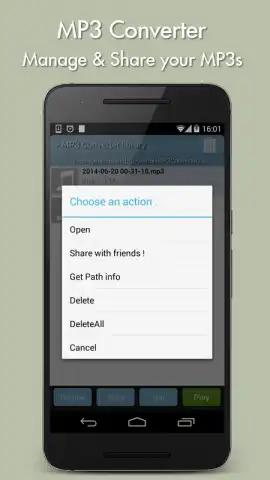
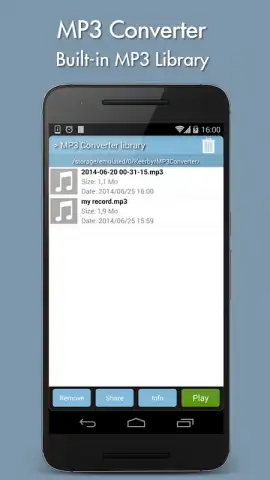
- Integrated File Browser: Easily locate and manage audio files stored on your device or SD card.
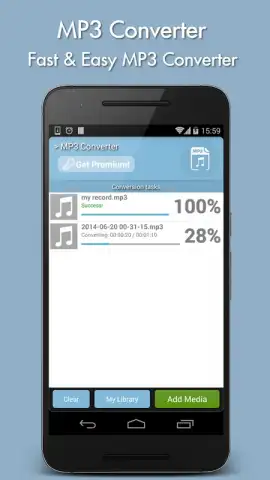
- Batch Conversion Mode: Process multiple audio files simultaneously to save time and effort.
Download the MP3 Converter app now to unlock universal audio compatibility. This is an exclusive tool for users who demand direct control over their media files—install today and convert your first file in under a minute.
The application requires an internet connection for initial download and may contain optional in-app purchases. It requires Android 8.0 or higher. File conversion speed may vary based on device hardware and original file size.


