

MT Manager
MT Manager screenshots (8)
Description MT Manager
A Tool for the Advanced Android User
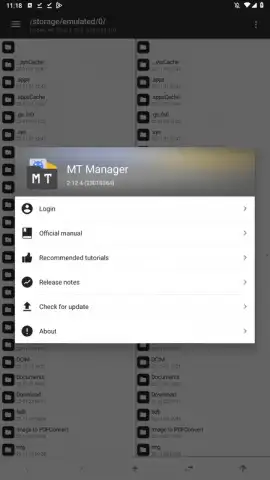
For those who venture beyond the standard interface of their Android device, the need for a comprehensive tool that combines deep system access with precise editing capabilities is paramount. MT Manager, developed by Lin Jin Bin, serves this specific niche. It operates primarily as an advanced APK and file management utility, whose full potential is unlocked on a rooted Android device. This review examines its core mechanics and functionalities from a technical standpoint.
Core Functionality and Feature Analysis
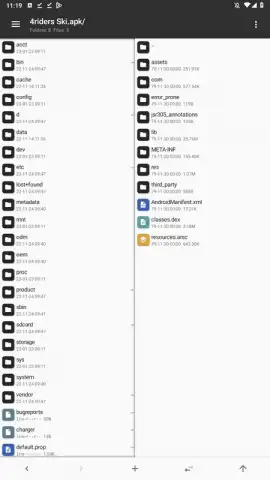
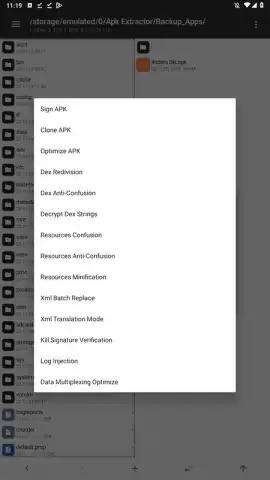
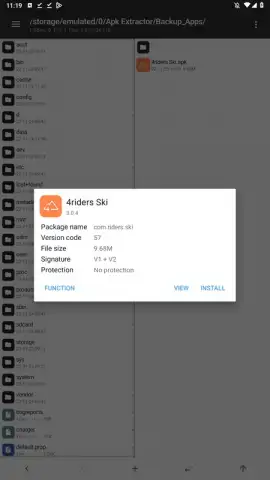
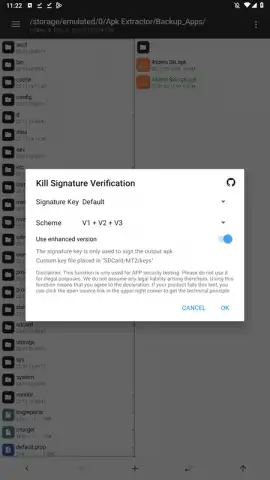
The application's primary function is as a dedicated APK editor. With root access, it allows for direct modification of both user-installed and system applications. This is facilitated through editors for Dex, ARSC, and XML code, enabling changes to an app's logic, resources, and structure. Beyond editing, the suite includes tools for optimizing APK size, cloning applications, and re-signing packages, which includes the ability to bypass signature verification checks. A notable feature for developers and modders is the capacity to integrate translation files directly into an application's package.
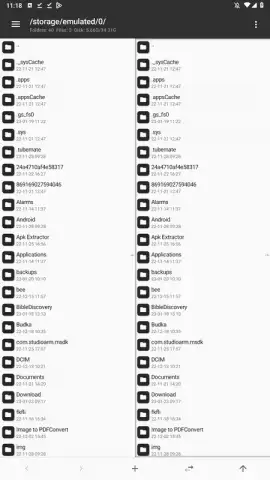
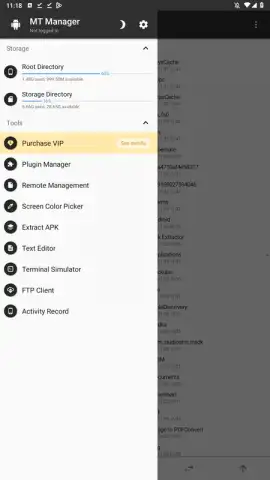
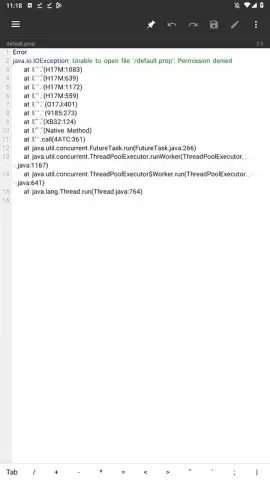
Concurrently, MT Manager functions as a powerful file system manager. Root privileges grant it read and write access to protected system directories typically restricted on non-rooted devices. This allows users to mount system folders for inspection and modify file permissions and ownership directly. The manager supports a wide range of ancillary operations, including the creation and extraction of ZIP archives with the added convenience of browsing archive contents without full extraction. It also incorporates basic utilities for viewing images, playing audio files, editing text documents, executing scripts, and establishing FTP connections from the device itself.
It is critical to note that this toolset is designed for experienced users. Modifying application code or system files carries inherent risk, including application instability, boot loops, or security vulnerabilities. The software provides powerful capabilities but assumes the user possesses the technical knowledge to use them responsibly.
Key Technical Capabilities
- Edit APK Dex, ARSC, and XML code structures for application modification.
- Optimize, clone, and re-sign APK files, removing signature checks.
- Manage and modify files within protected Android system directories.
- Handle ZIP archives, including browsing contents without extraction.
- Utilize additional tools for text, scripts, FTP, and media viewing.
The full feature set is extensive and demands exploration. Do not wait to equip your device with this level of control.
Download mobile app now!
A functional internet connection may be required for certain features. The app may contain in-app purchases.


