

My Device Pro
My Device Pro screenshots (5)
Description My Device Pro
Your Phone, Fully Decoded
Most users interact with their Android device on a surface level, unaware of the intricate hardware and software data flowing beneath. My Device Pro acts as a comprehensive diagnostic and information suite, transforming your smartphone from a simple tool into a fully transparent system you can understand and monitor. It provides the detailed insights typically reserved for developers, delivering clarity and control over your device's performance, health, and capabilities.
Core Functionality & System Analysis
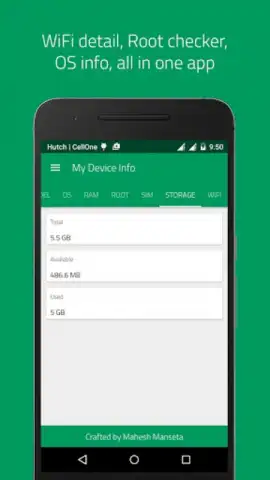
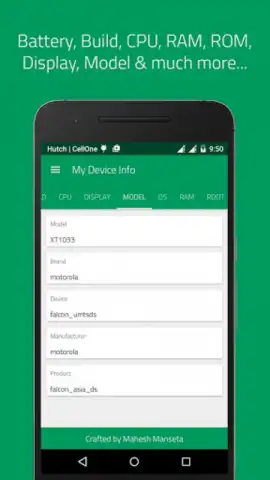
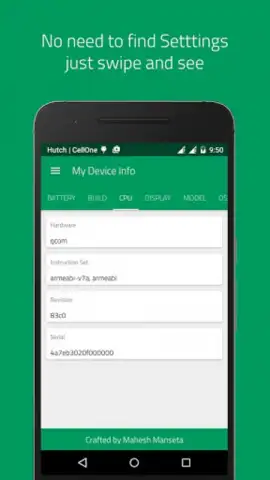
This application functions as an all-in-one system profiler and real-time monitor. Upon launch, it performs an immediate, in-depth scan of your device's core components. The interface is logically segmented into dedicated sections for the CPU, GPU, memory (RAM), storage, battery, network, and sensors. Each section provides not just basic specifications, but live usage graphs, temperature readings, clock speeds, and detailed model information. For instance, the CPU tab breaks down architecture, core count, current load per core, and supported instruction sets, while the sensor tab lists every sensor (accelerometer, gyroscope, magnetometer, etc.) and provides raw, real-time data streams.
Key Advantages and User Experience
The primary strength of My Device Pro lies in its presentation of complex technical data in an accessible, ad-free environment. The design prioritizes readability, with clear typography, intuitive icons, and color-coded graphs that make monitoring system vitals at a glance straightforward. It offers genuine utility for troubleshooting performance issues, verifying hardware authenticity before a purchase, or simply satisfying technical curiosity. The tool provides a level of detail that goes far beyond standard settings menus, including advanced metrics like battery health estimation, current Wi-Fi channel information, and precise display specifications like pixel density and refresh rate.
- Complete Hardware Dashboard: View real-time stats for CPU, GPU, RAM, battery temperature, and network speeds in one unified interface.
- In-Depth Sensor Diagnostics: Access and test every sensor in your device with live data feeds and calibration tools.
- System Information Repository: Discover detailed specs for your SoC, camera modules, storage type, Android version, and build number.
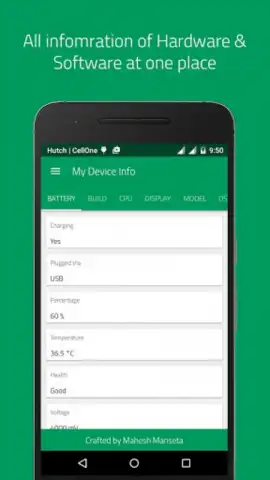
- Battery Health & Performance Monitor: Track charging cycles, voltage, temperature, and estimate overall battery capacity and condition.
- Network & Connectivity Analyzer: Get detailed info on your Wi-Fi signal strength, IP address, MAC address, and mobile network cell data.
Download My Device Pro now and gain exclusive, immediate access to the definitive toolkit for mastering your Android device. This level of system transparency is typically unavailable to standard users—claim your insight today.
Internet required. IAP available.


