

My Photo Keyboard
My Photo Keyboard screenshots (7)
Description My Photo Keyboard
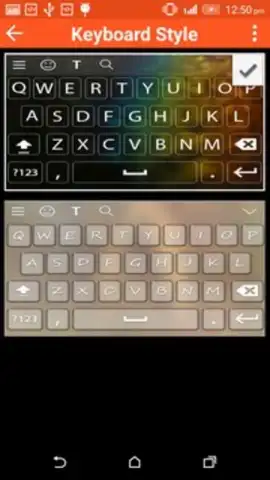
Imagine typing a message and having your keyboard transform into a personal gallery of your favorite memories. My Photo Keyboard replaces standard keys with your own photos, turning every text, search, and note into a uniquely personalized experience.
Core Functionality & Customization Tools
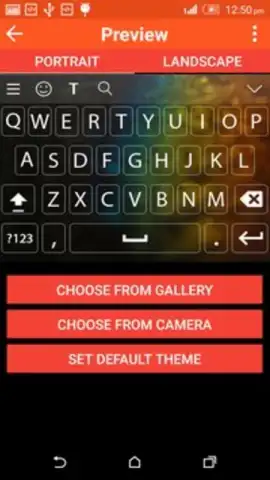
This application integrates directly with your device's input system, allowing you to design a fully custom keyboard background. You can select individual photos from your gallery or social media accounts to set as the backdrop for your keys. The app provides precise cropping and scaling tools to ensure your chosen images align perfectly with the keyboard layout, preventing important parts of the photo from being obscured by letters or symbols. Advanced settings let you adjust key transparency and font colors to maintain optimal readability over any image, from bright landscapes to dark portraits.
Key Advantages & User Experience
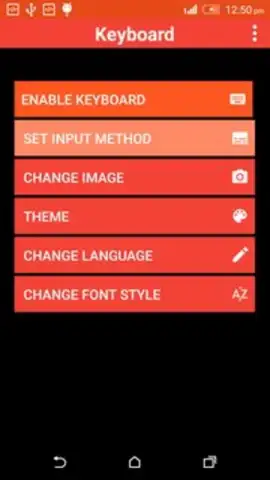
The primary strength of My Photo Keyboard is its seamless system integration and lightweight performance. It operates without slowing down other applications or causing significant battery drain. The setup process is streamlined, guiding users through the necessary system permissions to enable the custom keyboard in just a few steps. Visually, it offers a direct upgrade from factory defaults, providing a constant, refreshing visual cue that makes routine typing more engaging. The interface for managing themes—creating, editing, and switching between different photo keyboards—is designed for instant accessibility and intuitive control.
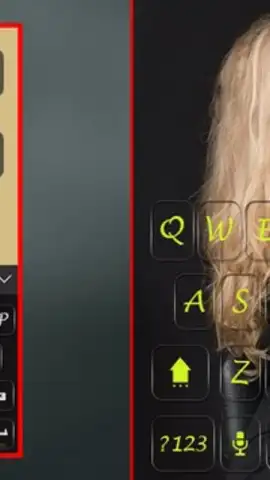
- Personalized Photo Backgrounds: Set any image as your keyboard's backdrop for a truly unique typing interface.
- Precision Editing Tools: Crop, zoom, and align your photos with dedicated controls to fit the keyboard layout perfectly.
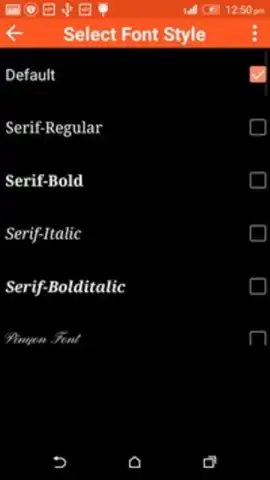
- Readability Optimization: Independently adjust key transparency and choose from multiple font colors for clear text over any image.
Don't use a generic keyboard for another day. Get exclusive, early access to a completely personalized typing experience. Download My Photo Keyboard now and transform your device today.
Requires an internet connection for initial setup and access to certain cloud-based photo sources. The app may contain offers for in-app purchases.


