

New Launcher
New Launcher screenshots (8)
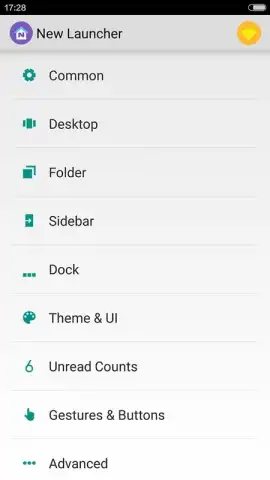
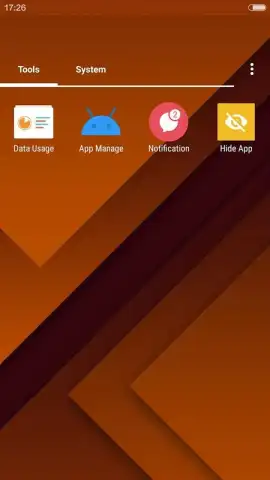
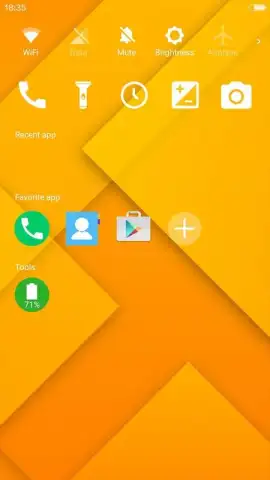
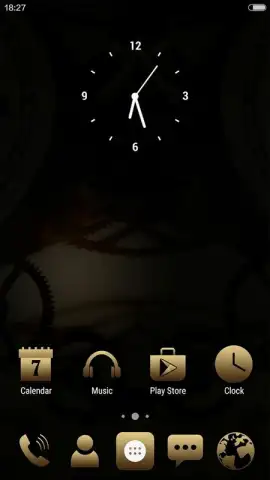
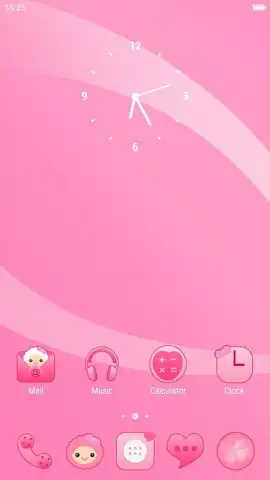
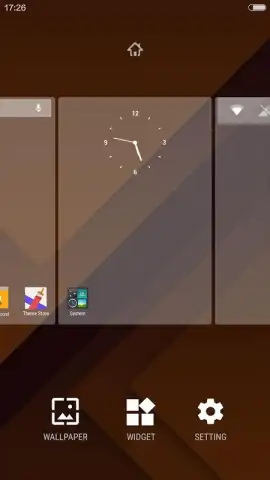
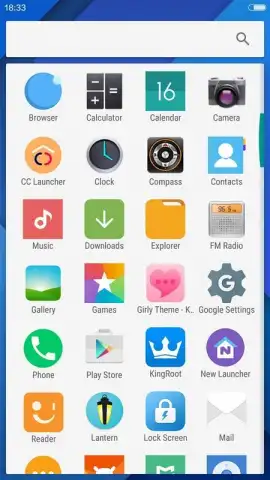
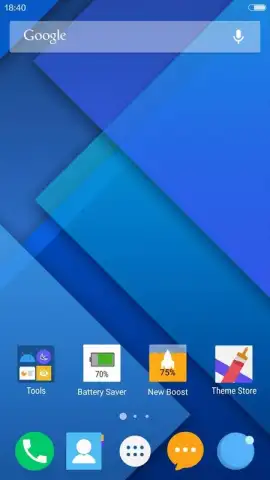
Description New Launcher
Is your phone's interface feeling cluttered, slow, and utterly generic?
The default launcher that comes with your Android device often prioritizes manufacturer branding over personal expression and efficiency. New Launcher by iTop Mobile addresses this directly, offering a comprehensive retooling of your home screen experience. It functions as a complete visual and functional overlay, replacing your stock interface with one focused on customization, organization, and smoother performance. This isn't just about applying a new wallpaper; it's about fundamentally reshaping how you interact with your device on a daily basis, turning it from a utility into a personalized command center that reflects your style and workflow.
A Deep Dive into Customization and Control
The core mechanic of New Launcher is its layered approach to personalization. It provides granular control over every visual element, from icon packs and adaptive folder designs to the physics of scrolling and animation curves. Beyond aesthetics, it introduces logical tools for managing app sprawl, such as smart categorization and gesture-based navigation that can replace the standard dock. The launcher operates by intercepting your home screen inputs, rendering its own interface, and managing app drawers and widgets, all while aiming for a lighter resource footprint than many stock systems. The experience is built around the principle of giving you back the time lost to navigating a disorganized layout, replacing it with intuitive access and a visually cohesive environment.
Key Advantages of the New Launcher System
The primary strengths of this launcher lie in its balance of depth and usability. It offers extensive customization without typically requiring root access, making advanced theming accessible to a broader user base. Performance optimization is a clear focus, with features aimed at reducing RAM usage and improving app launch speeds. The interface supports a high degree of personal expression while maintaining a logical structure that enhances daily productivity rather than hindering it.
- Fully Customizable Grid & Layouts: Precisely control icon size, folder transparency, and the number of rows/columns on your home and app drawer screens.
- Extensive Icon Support & Theming: Apply third-party icon packs globally, customize individual app icons, and utilize adaptive icons for a uniform look.
- Smart App Drawer & Categorization: Automatically or manually sort applications into categorized tabs for instant access, hiding infrequently used apps.
- Gesture Navigation & Shortcuts: Launch apps or actions with double-taps, swipes, and pinches on the home screen, reducing reliance on the dock.
- Performance-Focused & Lightweight: Engineered to minimize battery drain and memory usage, often resulting in a snappier overall device feel.
We suggest trying New Launcher if you're seeking to reclaim control over your device's interface and optimize your daily interaction flow. Consider downloading it to experience a more efficient and personally tailored Android environment.
Disclaimer: This application requires an internet connection for initial setup and to access online theme stores. It may contain optional in-app purchases for premium themes or advanced features. Use of certain personalization features may be subject to your device's permissions and Android version compatibility. Data usage depends on the themes and resources downloaded.


