
Office Viewer
Office Viewer screenshots (4)
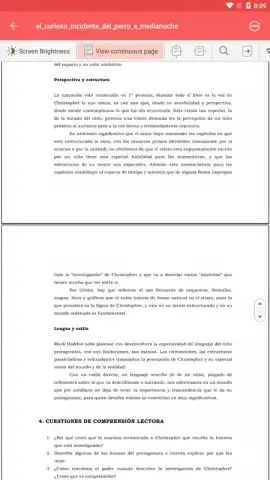
Description Office Viewer
Need a powerful document viewer that handles every file type without hassle? Office Viewer is a comprehensive mobile solution designed to open, organize, and examine all your office documents and archives directly on your device. It eliminates format compatibility worries, providing a streamlined hub for your personal and professional files.
Core Functionality and Features
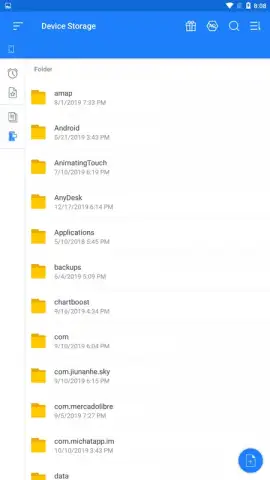
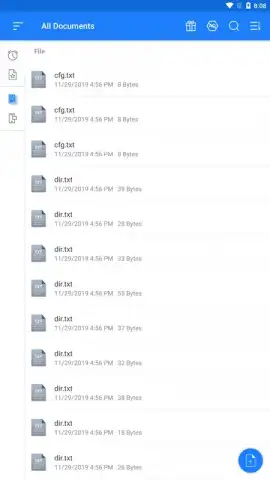
Office Viewer operates as a centralized document manager with advanced filtering and viewing controls. The application performs a full scan of your device's storage to index and display all supported file formats in a single, clean interface. You can then filter this master list to show only specific document types—such as spreadsheets or presentations—for targeted access. The built-in file viewer includes pinch-to-zoom functionality for detailed inspection, a text selection and copy tool for extracting information, and a toggle for a dark theme to reduce eye strain. For long-term organization, it offers a bookmarking system to tag important documents for instant retrieval later.
Detailed Capabilities List
- Universal Format Support: Opens DOC, DOCX, XLS, XLSX, PPT, PPTX, PDF, TXT, ODT, and compressed ZIP archives, ensuring no file is left unreadable.
- Smart Document Filtering: Instantly scans and displays files by chosen category (e.g., only slideshows or text documents) from the main library view.
- Enhanced Reading Tools: Adjust viewing modes, zoom into specific areas, copy text snippets, and bookmark pages for efficient document management.
The app is engineered for speed, opening complex invoices, academic projects, or formal reports in seconds. Its multi-language interface and ad-free experience, enhanced by Turbo performance modes, make it a practical tool for daily use. You can seamlessly navigate from a broad view of all files to working intensely with a single document's details.
We suggest trying Office Viewer to consolidate all your document viewing tasks into one efficient, capable application. Download this mobile app now to handle any file your work or studies require.
Internet required. IAP available.


