

OpenBoard
OpenBoard screenshots (9)

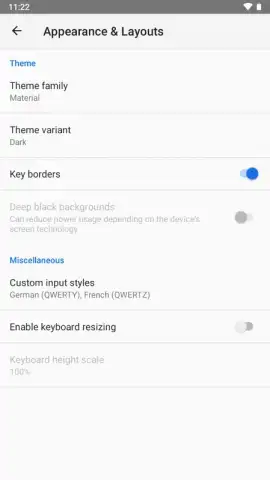
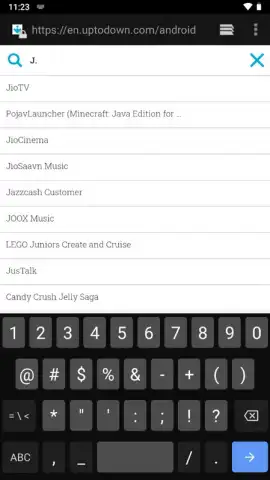
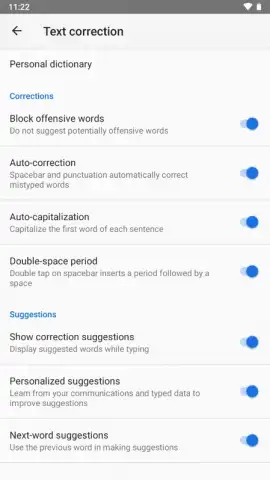
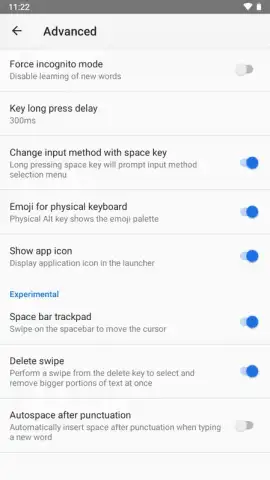
Description OpenBoard
Tired of Limited, Clunky Keyboard Apps?
OpenBoard delivers a clean, open-source keyboard experience focused on privacy and efficiency. It strips away the bloat and tracking found in mainstream alternatives, giving you a responsive tool that simply lets you type. If you value performance and data security without sacrificing core functionality, this is your solution.
Core Functionality and Tools
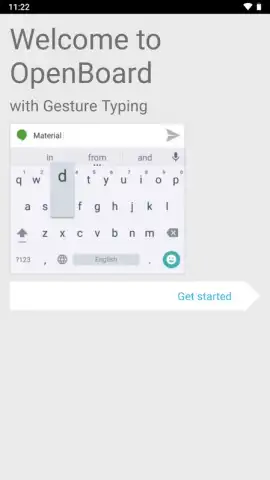
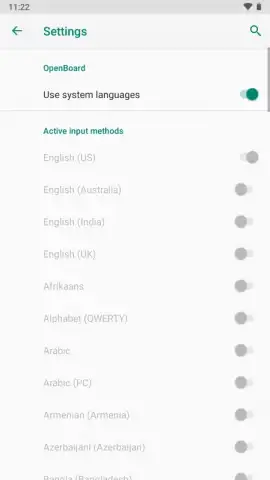
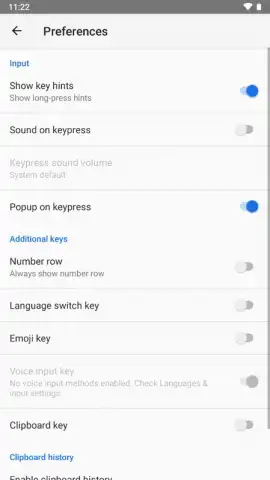
Built from the ground up for Android, OpenBoard provides a fully-featured typing interface with essential personalization. It supports multiple languages and layouts out of the box, including QWERTY, AZERTY, and QWERTZ. The app features gesture typing, a dedicated number row, and extensive theme customization, allowing you to adjust key shapes, colors, and backgrounds. All processing happens locally on your device; no keystrokes are sent to external servers for analysis or advertising.
Key Advantages and User Experience
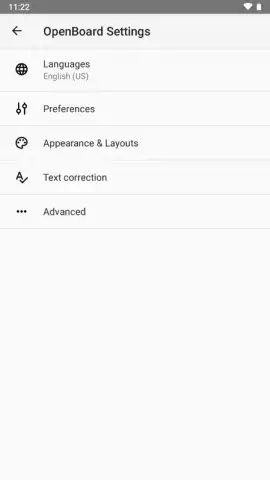
The primary advantage is its lightweight and transparent nature. The interface is fast and responsive, even on older devices, with no unnecessary animations or lag. You gain precise control over permissions, with the option to disable internet access for the keyboard entirely. The design is intuitive, putting settings like dictionary management, autocorrect strength, and vibration feedback within easy reach. It’s a tool designed to be reliable and unseen, working seamlessly across all your apps.
- No Tracking or Cloud Analysis
- Lightweight and Fast Performance
- Customizable Themes and Layouts
- Open-Source and Transparent Development
Download OpenBoard now and experience a keyboard that respects your privacy and gets the job done!
This application requires an internet connection for initial language package downloads and functions as a system input method. It may contain optional settings or features.


