
OS 26 Launcher, iLauncher Pro
OS 26 Launcher, iLauncher Pro screenshots (7)

Description OS 26 Launcher, iLauncher Pro
Your Phone, Reimagined: A Story of Total Control
You pick up your phone dozens, maybe hundreds of times a day. It’s your portal to the world, yet the interface can feel generic, cluttered, or just not yours. What if every swipe and tap felt perfectly aligned with how you think and work? That’s the experience waiting for you with OS 26 Launcher, iLauncher Pro. This isn’t just another theme; it’s a complete overhaul of your Android’s core interface, built from the ground up for deep personalization and buttery-smooth efficiency. You stop adapting to your device and start commanding it, transforming a standard screen into a dynamic command center that reflects your unique style, whether you crave minimalist elegance or an information-rich dashboard.
Crafting an Experience That Feels Uniquely Yours
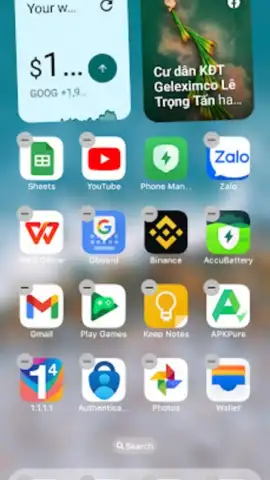
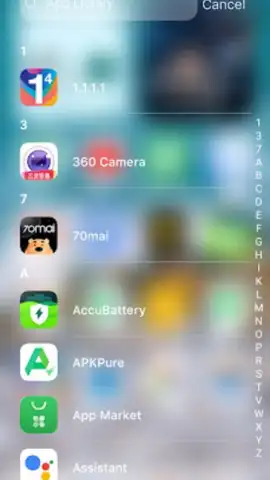
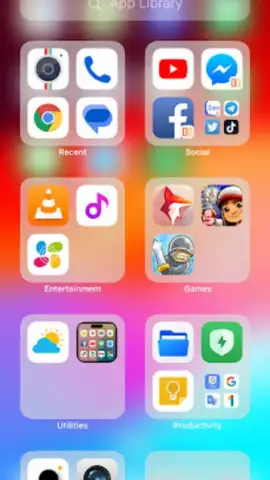
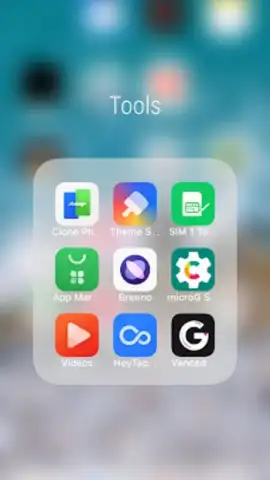
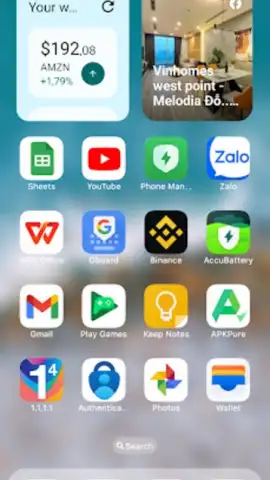
The power of this launcher lies in its profound depth of customization. You begin by organizing your entire app library into logical categories and folders, ensuring any tool or game is never more than a tap or two away. This foundational order then becomes your canvas. You can replace standard app icons with custom packs, rename applications for clarity, and position interactive widgets for weather, calendar events, and system controls exactly where your thumb naturally falls. The "Today View" acts as your personal briefing panel, consolidating quick tools, favorite contacts, and upcoming reminders into a single, glanceable space, putting essential information ahead of everything else.
Engineered for Speed and Smart Privacy
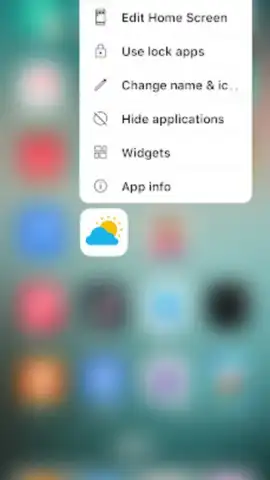
Beyond aesthetics, this launcher is engineered for performance. You will notice the difference in fluidity, with optimizations designed to eliminate stutter and lag during navigation, making every interaction feel instantaneous and responsive. Advanced features give you unprecedented control over your privacy and space. You can lock sensitive apps behind a password or PIN, adding a vital layer of security. For a truly clean home screen, the hide apps function allows you to conceal less-used applications without uninstalling them, reducing visual clutter and focusing only on what you need daily.
- Fully Customizable App Library & Folders: Organize every application into categorized folders for instant, logical access and a decluttered visual experience.
- Custom Icons, Names & Interactive Widgets: Personalize app icons and labels, and place live weather, calendar, and control widgets directly on your home screens.
- Today View & Quick Tools Panel: Access a consolidated dashboard with favorite contacts, event reminders, and system tools for maximum daily efficiency.
A Refined Interface Awaits Your Command
Setting up OS 26 Launcher, iLauncher Pro is a surprisingly intuitive process. You are guided through the initial setup, allowing you to import your layout or start fresh with a clean slate. The development is active, with regular updates introducing new features and refinements based on real user feedback, ensuring your experience continues to evolve and improve. You take full command of your device’s interface, tailoring every aspect to fit your workflow and aesthetic preference without compromise.
Download OS 26 Launcher, iLauncher Pro now and claim the home screen you've always wanted.
Heads up: you'll need wifi for the initial download and for accessing some online theme elements. Some advanced icon packs and premium themes are extra.
 GooglePlay


