

OTT Navigator
OTT Navigator screenshots (12)



Description OTT Navigator
A Streamer's Dilemma: Managing Fragmented IPTV Services
The modern media landscape is fragmented across numerous IPTV providers and playlist sources, creating a common frustration: the need to juggle multiple apps, each with its own clunky interface and limitations. This forces users into a compromise between content choice and a cohesive viewing experience. OTT Navigator IPTV Player addresses this core problem directly. It functions not as a content provider, but as a sophisticated, unified command center for your existing subscriptions and playlists. By aggregating streams from any supported source into a single, highly customizable environment, it eliminates app fatigue and provides a consistent, premium playback interface regardless of where your content originates. The application’s neutrality is its greatest strength, placing complete control over the viewing ecosystem back into the user’s hands.
Technical Architecture and Feature Implementation
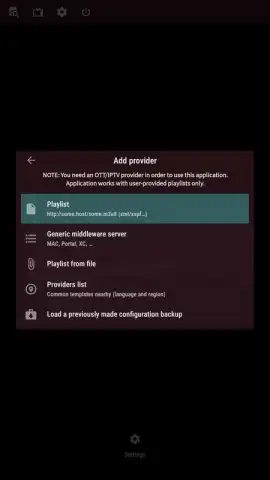
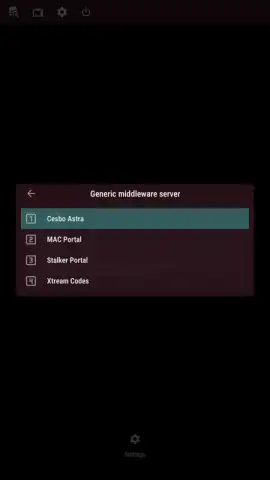
Upon initial setup, OTT Navigator reveals its primary function as a content aggregator. It accepts input through several standardized methods: direct upload of M3U or M3U8 playlist files, manual entry of a streaming server URL, or authentication via username and password for provider portals. The application then parses this data, meticulously cataloging available channels and organizing them by source, genre, or custom user-defined categories. The library management system is robust, supporting simultaneous connections to multiple content providers, allowing for seamless integration of various subscriptions into one master guide.
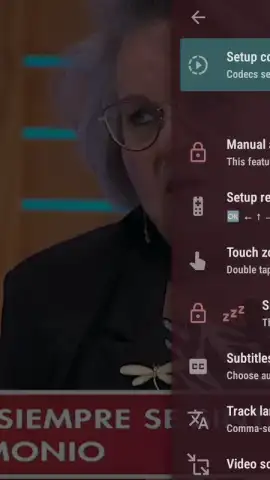
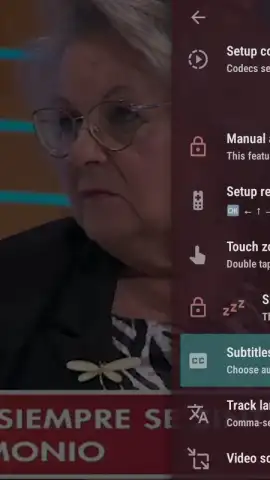
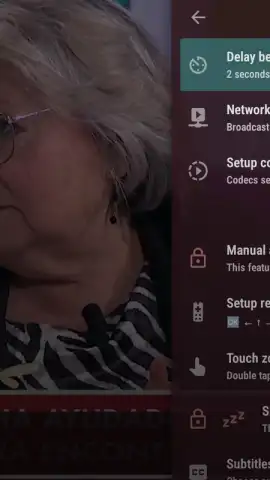
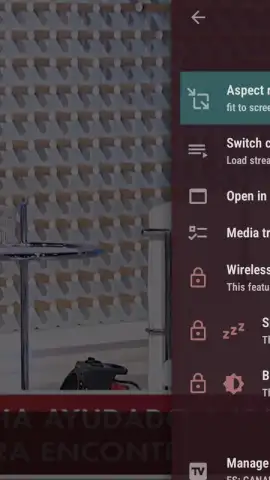
Playback is handled with a focus on granular control. Selecting a channel initiates the stream, but the user is presented with a comprehensive set of real-time adjustments. This includes modifying the video aspect ratio to fit any screen, switching between available audio tracks and subtitle streams, and adjusting synchronization. A significant technical feature is the ability to delegate playback to any third-party video player installed on the device, such as VLC or MX Player, leveraging their specific codec support and hardware acceleration. Beyond core playback, the system incorporates utility features like a parental control lock, a recording scheduler for time-shifted viewing, and an advanced electronic program guide (EPG) parser for detailed show information.
- Universal Playlist Integration: Supports direct addition of content via M3U/M3U8 files, server URLs, or provider login credentials for centralized access.
- Multi-Provider Library Management: Organize and browse channels from several different IPTV services simultaneously within a single, unified interface.
- Advanced Playback Customization: Fine-tune every stream with adjustable aspect ratios, audio track selection, subtitle controls, and external player support.
- Extended Utility Suite: Features include configurable parental controls, a built-in recording scheduler, and detailed EPG data integration for program planning.
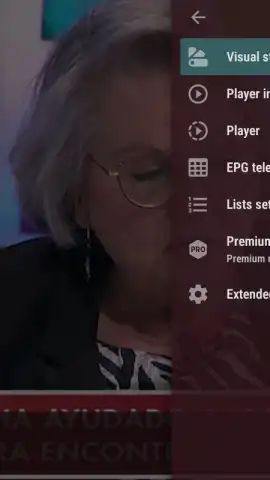
- Turbo-Enhanced Experience: An optional upgrade removes all advertising and unlocks premium interface themes and advanced organizational tools for power users.
Take command of your dispersed media subscriptions and transform your Android device into a professional-grade entertainment hub. Download OTT Navigator IPTV Player now to consolidate your streams and unlock a superior, ad-free viewing experience.
Internet connection required for streaming. In-app purchases available.


