

Password Safe
Password Safe screenshots (10)

Description Password Safe
Ever feel that familiar pang of anxiety when a website asks for a password you created years ago? You know it’s written down somewhere, but where? Scattered notes, old emails, or that one document you hope no one ever finds. What if you could replace that chaos with a single, impenetrable vault that lives right in your pocket?
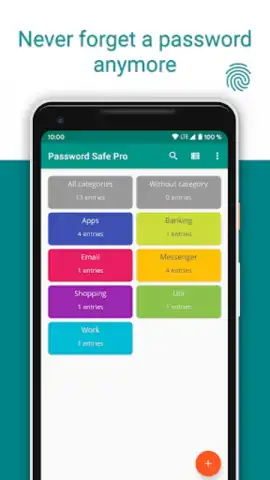
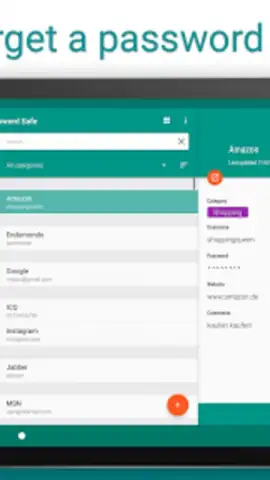
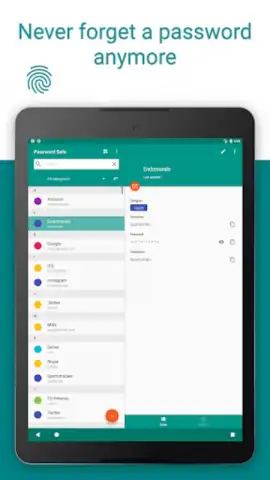
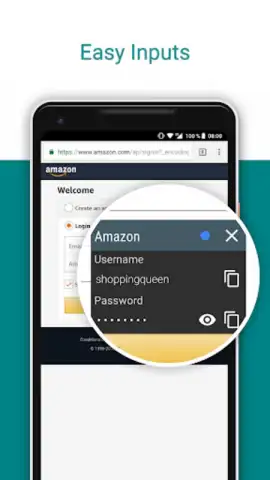
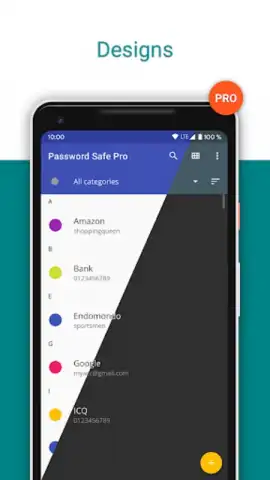
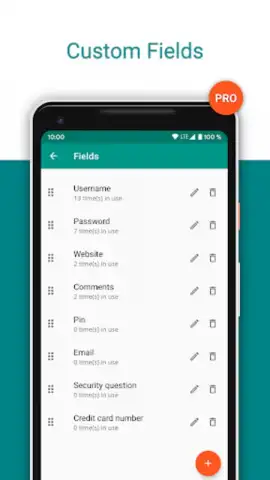
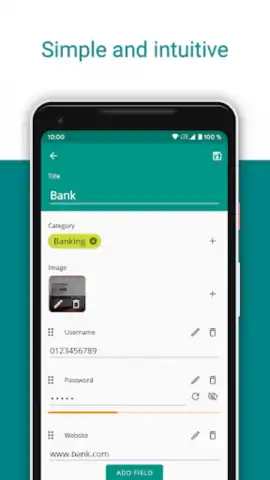
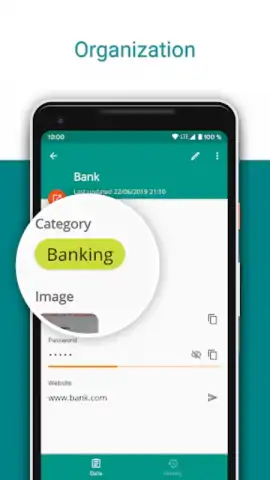
Password Safe transforms your Android device into that personal digital fortress. Imagine a secure vault installed directly on your smartphone or tablet, designed to hold every login, PIN, and access code you’ll ever need. Your first act upon opening the app is to set a single, powerful master password—this becomes the only key you need to remember, locking all your other secrets safely away. Inside, you don’t just dump passwords into a list. You take full control by organizing everything into custom categories, whether for work, social media, banking, or subscriptions. For each entry, you can record not just the password, but usernames, website URLs, security questions, and any other crucial note.
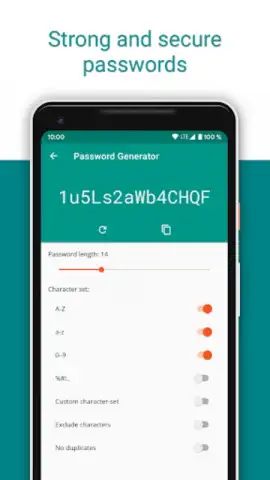
The security measures here are built on a foundation of absolute privacy. The application operates entirely offline; it does not connect to the internet at any time, ensuring your sensitive data never travels across the web or sits on a remote server. It even employs local device protections, preventing other apps or functions from taking screenshots while Password Safe is active on your screen. When you need a new key, the built-in generator creates strong, random passwords for you, eliminating the temptation to reuse weak phrases. For ultimate convenience, you can place a password generator widget directly on your home screen for instant access.
Upgrading to the PRO version unlocks a suite of powerful tools that elevate your security management. This isn't just about removing ads; it's about gaining advanced capabilities that make protecting your digital life effortless and more robust.
Core Features & Benefits
- Local, Offline Vault: All data is stored exclusively on your device with no internet connectivity required, providing a critical air-gap from online threats.
- Master Password Protection: A single, user-defined password secures the entire vault, centralizing your security.
- Advanced Organizational Tools: Create and manage custom categories and store extensive details for every login, from notes to security questions.
- Secure Password Generator: Instantly create strong, randomized passwords for any new account directly within the app.
- Home Screen Widget: Generate new passwords instantly from a dedicated widget without even opening the main app.
- Enhanced PRO Features: The PRO version includes advanced security add-ons and management tools for maximum protection and convenience.
- Anti-Screenshot Protection: The app actively blocks the device's screenshot function while it is open, guarding against visual eavesdropping.
Stop risking your digital identity with forgotten passwords and insecure notes. For a limited time, new users can explore the enhanced security of the PRO version with exclusive early access. This is your moment to finally lock down your online life.
Download Password Safe now and claim your exclusive access to advanced security features today!
Disclaimer: This is a local management tool requiring an Android device. An internet connection is not required for core functionality but may be needed for app updates. The PRO version is a paid upgrade (in-app purchase). The developer, Robert Ehrhardt, confirms the app does not connect to the internet. Use of this tool does not guarantee absolute security; users are advised to maintain strong, unique master passwords. Data usage is confined to the local device. Please check current version details (v9.2.1) and age-appropriate ratings on the official Google Play Store listing before installation.
 GooglePlay


