
PDF Reader Pro
PDF Reader Pro screenshots (10)
Description PDF Reader Pro
Ever found yourself scrambling to sign a contract on your phone, only to be stuck with a clunky PDF viewer that can't even draw a straight line? Or maybe you've needed to merge a dozen scanned pages into a single document while on the go, and the process felt like a technical puzzle. That daily friction with digital documents ends here. PDF Reader Pro isn't just another viewer; it's a complete mobile document workstation engineered to handle the real-world chaos of your files, transforming your smartphone into a powerful tool for creation, editing, and organization.
A Comprehensive Toolkit for Document Mastery
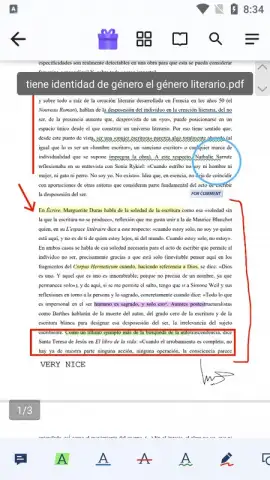
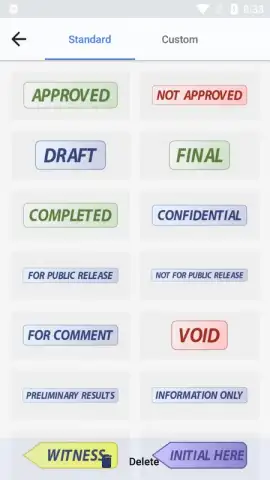
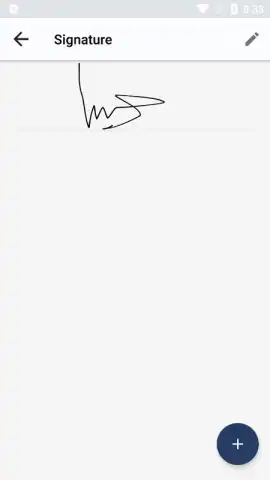
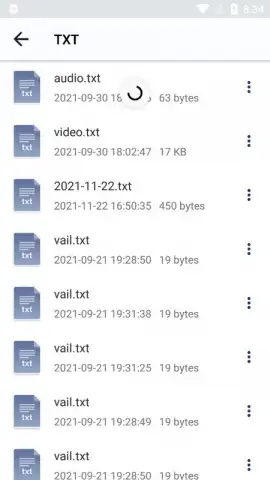
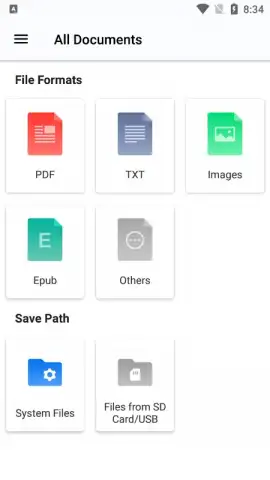
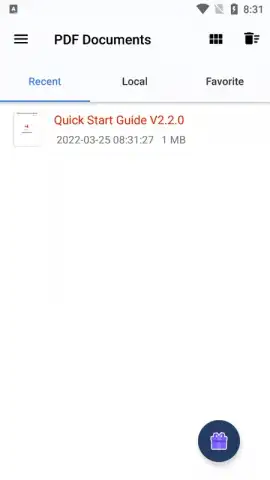
PDF Reader Pro establishes itself as a fundamental utility by providing deep, granular control over PDFs and a wide array of other file types. The application begins with a robust file manager that indexes every document on your device, allowing for instant search and retrieval. You can then organize these files into custom, thematic folders—think separating work contracts, university lecture notes, and personal receipts—creating a streamlined library for rapid access. The core functionality, however, lies in its sophisticated editing suite. This goes far beyond simple viewing. You can directly edit text within PDFs, insert handwritten signatures or drawings freeform with your finger or a stylus, and apply a suite of annotation tools including multi-color highlights, underlines, strikethroughs, and sticky notes. For richer context, you can embed hyperlinks, insert images from your gallery, and even attach voice memos as audible notes to specific sections of a document.
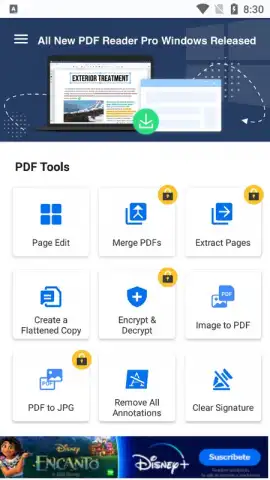
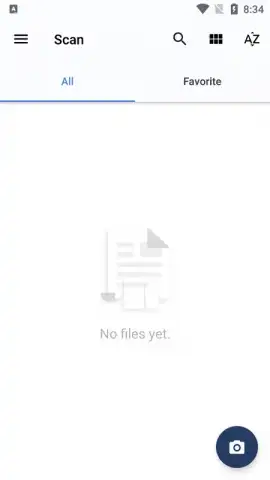
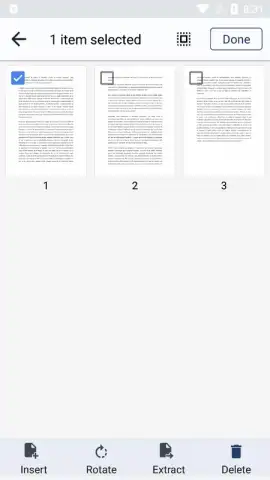
The utility expands further with powerful conversion and creation tools. With a single tap, you can convert files from various formats into a PDF, or transform a PDF into a series of high-quality image files. A standout feature is the built-in intelligent scanner. Using your device's camera, you can capture physical documents, whiteboards, or book pages. The app then processes these images, automatically enhancing clarity and perspective, and outputs them as searchable PDF documents or plain text files, which is invaluable for digitizing archives or capturing meeting notes. For document assembly, PDF Reader Pro provides complete control over page management, enabling you to reorder, delete, or merge pages from multiple PDFs to create custom, professional-looking documents directly from your mobile device.
Core Feature Highlights
- Edit text and annotate freely
- Convert files and scan documents
- Organize with a powerful file manager
Stop wrestling with inflexible document apps. Take full command of your PDFs and transform how you work with files on mobile. Download PDF Reader Pro now and turn your smartphone into your most productive tool today!
Heads up: you'll need wifi for initial app download and for cloud sync features. Some advanced tools and removal of watermarks are part of the optional Pro subscription.
 GooglePlay


