

Perch
Perch screenshots (6)
Description Perch
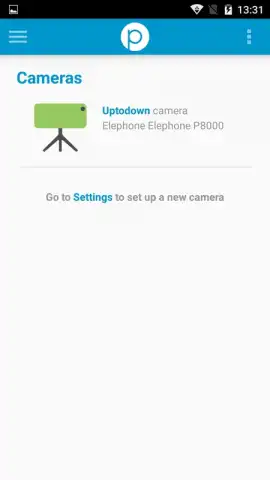
Imagine an old Android phone, forgotten in a drawer, suddenly becoming the vigilant eye that watches over your home. Perch – Simple Home Monitoring makes this possible, transforming any compatible Android device into a fully functional, cloud-connected surveillance camera. This application provides a streamlined setup process, requiring only a logged-in account and a strategic placement of the device to establish a new layer of security.
Core Functionality and Remote Access
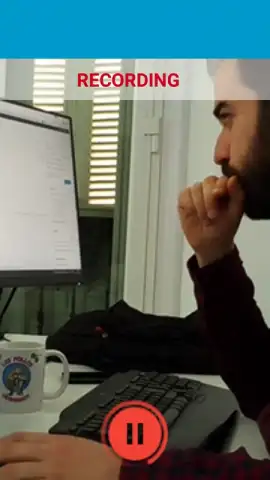
The primary operational mode of Perch involves using an Android device as a motion-aware video capture unit. Once configured, the system begins monitoring the designated area. A central dashboard within the application provides management tools for notification parameters. Users can configure alerts to be sent via email based on specific triggers, including motion detection within the camera’s field of view or a loss of signal from the monitoring device. The platform also supports scheduled recording, allowing users to program automatic video capture during predefined time intervals for targeted surveillance.
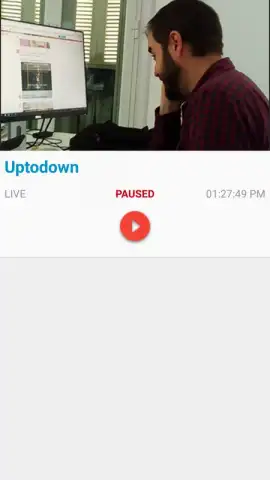
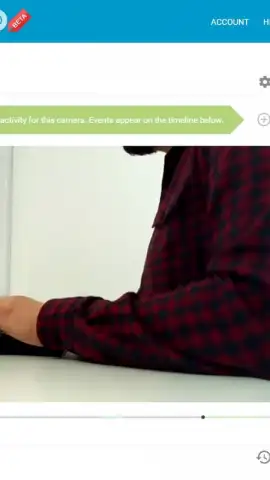
A key technical feature is browser-based remote viewing. Live video streams from the Android camera are accessible in real-time through any standard web browser. By navigating to the Perch website and logging into the same account, users can view the live feed within seconds, enabling check-ins from any location with an internet connection. All recorded video content is encoded and stored securely in cloud storage, with the application maintaining a consistent level of image quality for both live viewing and playback of archived footage.
System Configuration and Operational Advantages
The application operates without displaying advertising content. Performance and feature access are enhanced for users who activate the optional Turbo service tier, which provides expanded functionality. The setup procedure is designed for minimal technical overhead: install the application on the Android device, complete the account authentication process, and position the device’s camera toward the area requiring observation. The system then handles video capture, motion analysis, and cloud storage management autonomously.
- Transform old Android devices into security cameras
- View live streams from any web browser
- Configure email alerts for motion or downtime
- Schedule recordings for specific time windows
- Cloud storage for all captured video footage
- No advertising within the application interface
This tool is engineered for practical home monitoring, converting retired hardware into a dedicated security asset. Its value is derived from the specific capabilities of remote access, configurable alerts, and automated cloud recording.
Download the Perch – Simple Home Monitoring app today and activate your exclusive first-user access. This limited setup offer provides immediate deployment of your new home monitoring system.
This application requires a persistent internet connection for full functionality, including live streaming, cloud storage, and notifications. Certain advanced features and storage options may require a separate in-app purchase or subscription.


